3 Combine WHG-1000 to the Network
3.1 Network Requirement
In the general network environment, the main role of WHG-1000 is a gateway that manages all the
network access from internal network to Internet. Thus, the first step is to prepare an Internet
connection from your ISP (Internet Service Provider) and connect it to the WAN port of WHG-1000.
3.2 Configure WAN Port
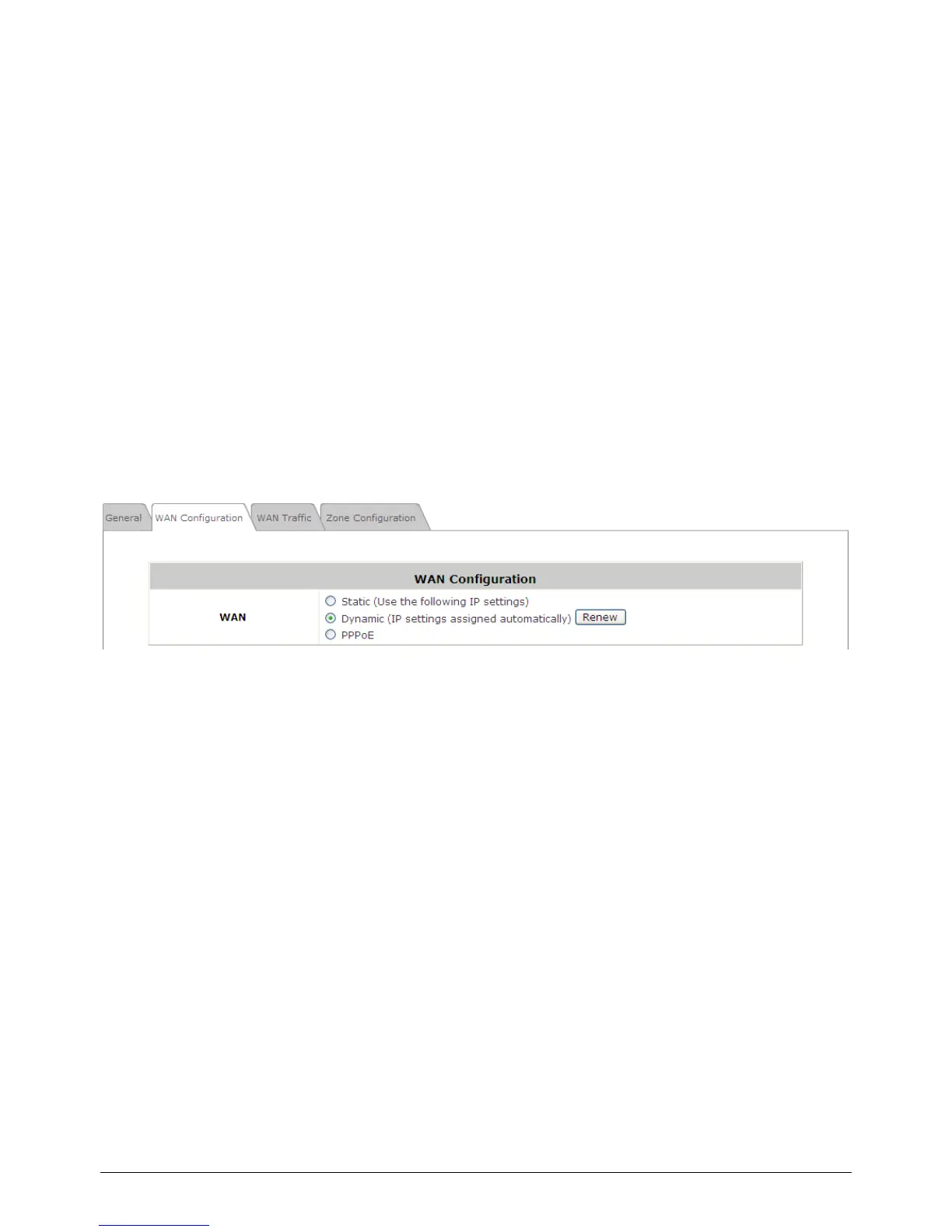
There are 3 connection types for the WAN Port: Static, Dynamic and PPPoE. These connection types
are enough to support most ISP.
Now, let us discuss how to configure WAN port. Go to: System >> WAN Configuration.
The parameters related to each connection method are described in the following page.



 To Next Page