3.2.1 Static IP
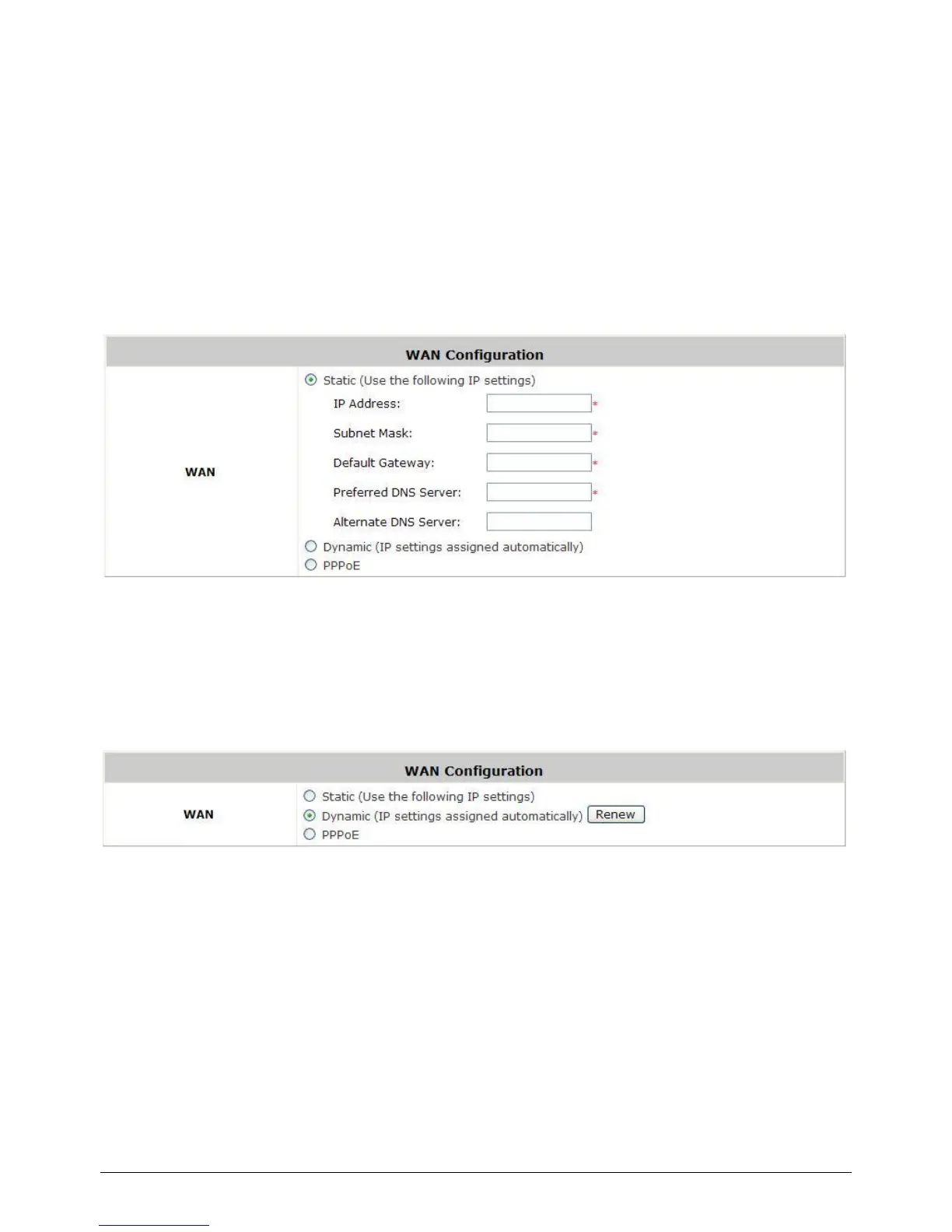
Static: Manually specifying the IP address of the WAN Port. The fields with red asterisks are
mandatory.
IP Address: The IP address of the WAN port.
Subnet Mask: The subnet mask of the WAN port.
Default Gateway: The gateway of the WAN port.
Preferred DNS Server: The primary DNS Server of the system.
Alternate DNS Server: The substitute DNS Server of the system. This is an optional field.
3.2.2 Dynamic
Dynamic: It is only applicable for the network environment where the DHCP server is available
upstream of the system. Click the Renew button to get an IP address automatically.
3.2.3 PPPoE
PPPoE: When selecting PPPoE to connect to the network, please set the “User Name”, “Password”,
“MTU” and “Clamp MSS”. There is a Dial on demand function under PPPoE. If this function is
enabled, a Maximum Idle Time will be available for input a value. When the idle time is reached, the
system will automatically disconnect itself.



 To Next Page