9 Networking Features of a Gateway
9.1 IP Plug and Play
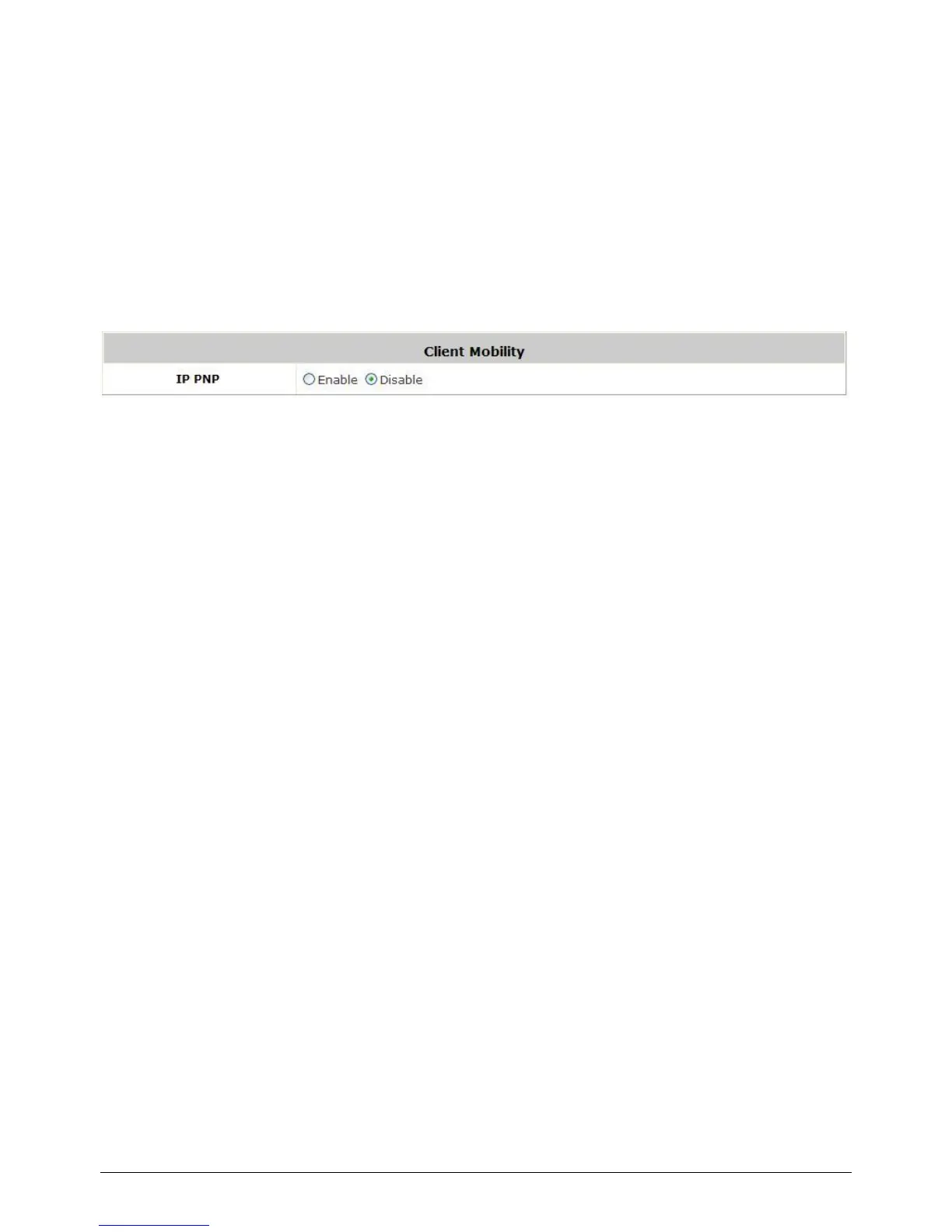
Configure IP Plug and Play, go to: Network >> Client Mobility.
WHG-1000 supports IP PNP function. User can login and access network with any IP address setting.
This function is disabled in default settings.
When IP PNP is enabled, at the user end, a static IP address can be used to connect to the system.
Regardless of what the IP address at the user end is using, authentication can still be performed
through WHG-1000.



 To Next Page