7.2 Virtual Server
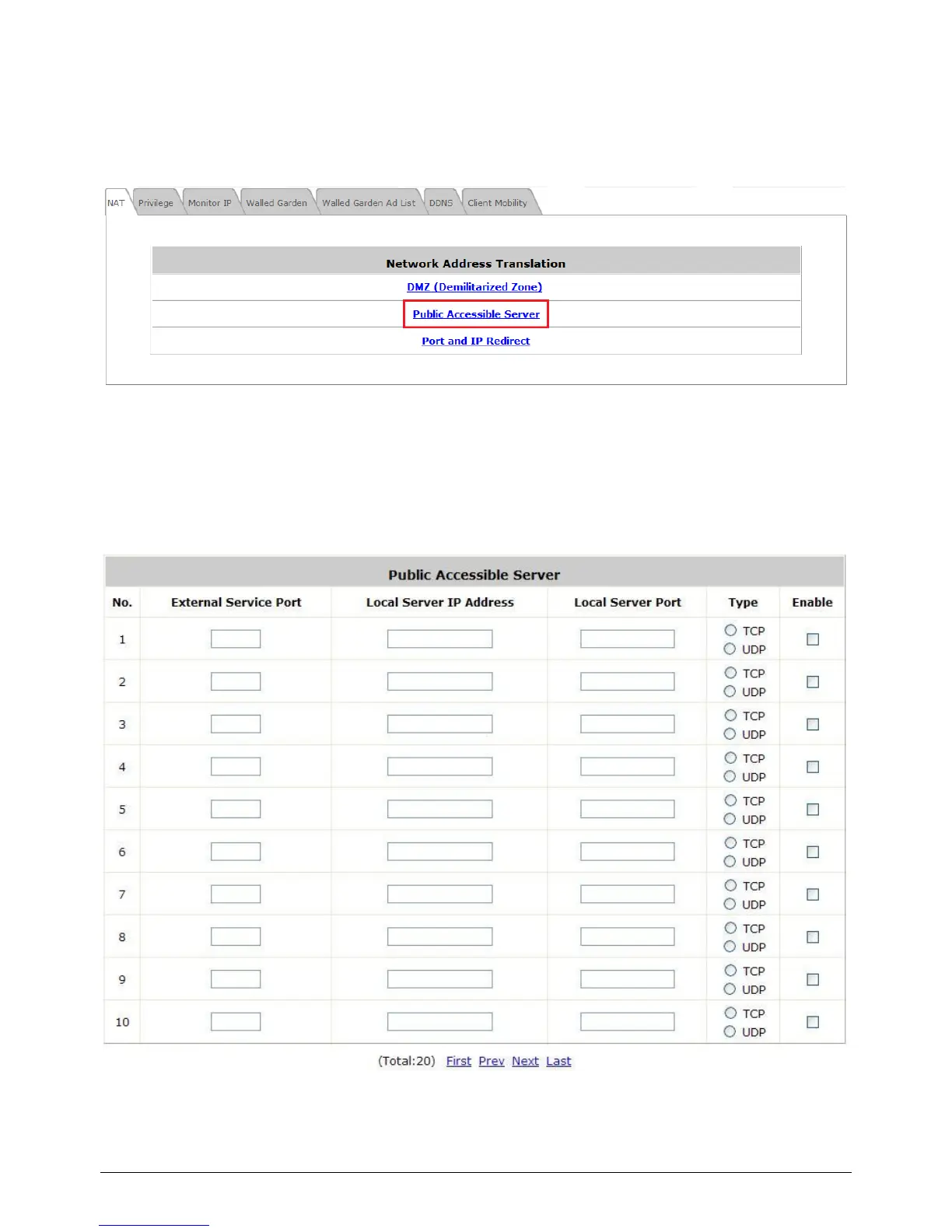
Configure Virtual Server, go to: Network >> Network Address Translation >> Public
Accessible Server.
This function allows the administrator to set 20 virtual servers at most, so that client devices outside
the managed network can access these servers within the managed network. Different virtual servers
can be configured for different sets of physical services, such as TCP and UDP services in general.
Enter the “External Service Port”, “Local Server IP Address” and “Local Server Port”. Select
“TCP” or “UDP” for the service‟s type. In the Enable column, check the desired server to enable.
These settings will become effective immediately after clicking the Apply button.



 To Next Page