6.3.2 Routing
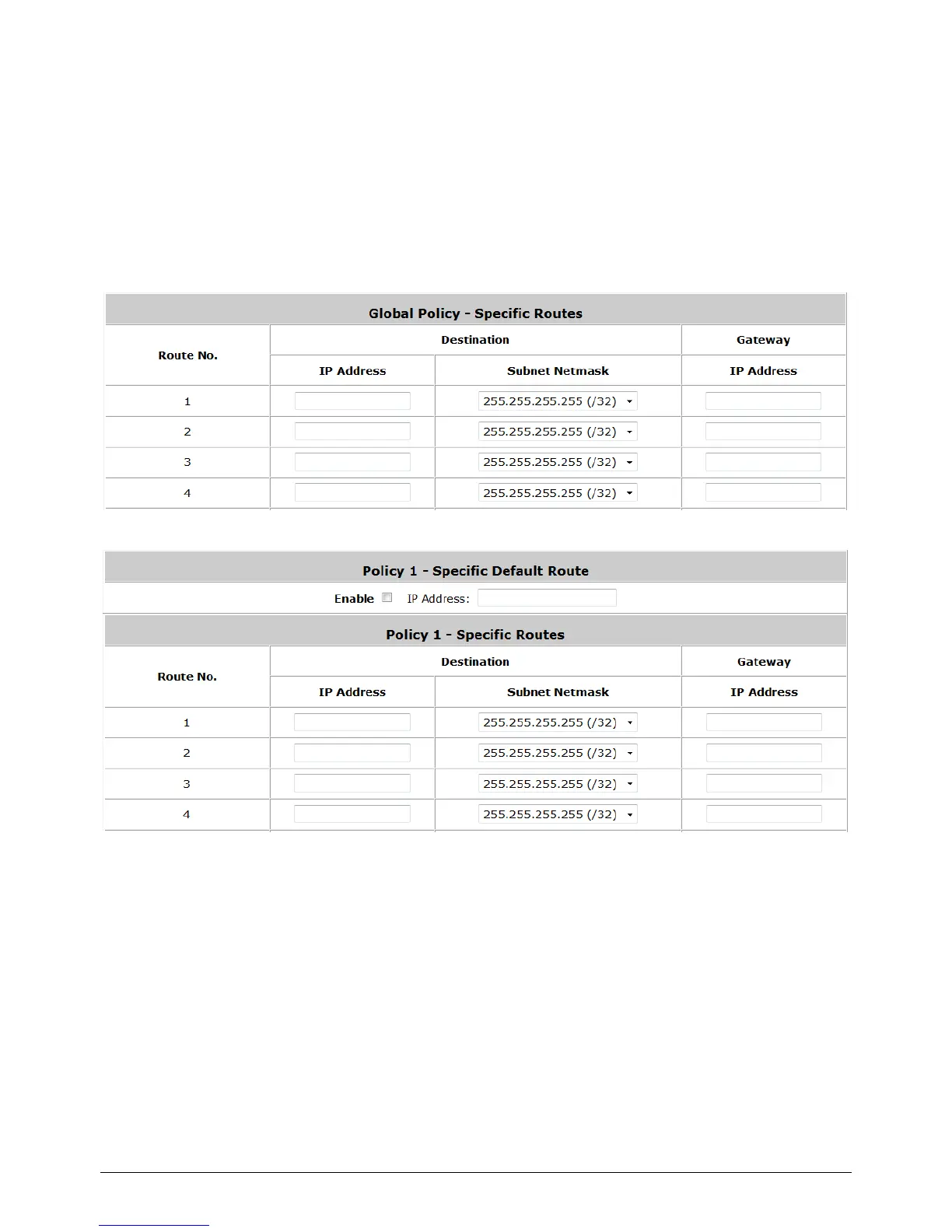
Specific Route Profile: Click the button of Setting for Specific Route Profile, the Specific
Route Profile list will appear.
1) Specific Route
Specific Route Profile: The Specific Default Route is use to control clients to access some
specific IP segment by the specified gateway.
o Destination / IP Address: The destination network address or IP address of the
destination host. Please note that, if applicable, the system will calculate and display the
appropriate value based on the combination of Network/IP Address and Subnet Mask that
have just been entered and applied.
o Destination / Subnet Netmask: The subnet mask of the destination network. Select
255.255.255.255(/32) if the destination is a single host.
o Gateway / IP Address: The IP address of the gateway or next router to the destination.



 To Next Page