7.3.1 Privilege IP
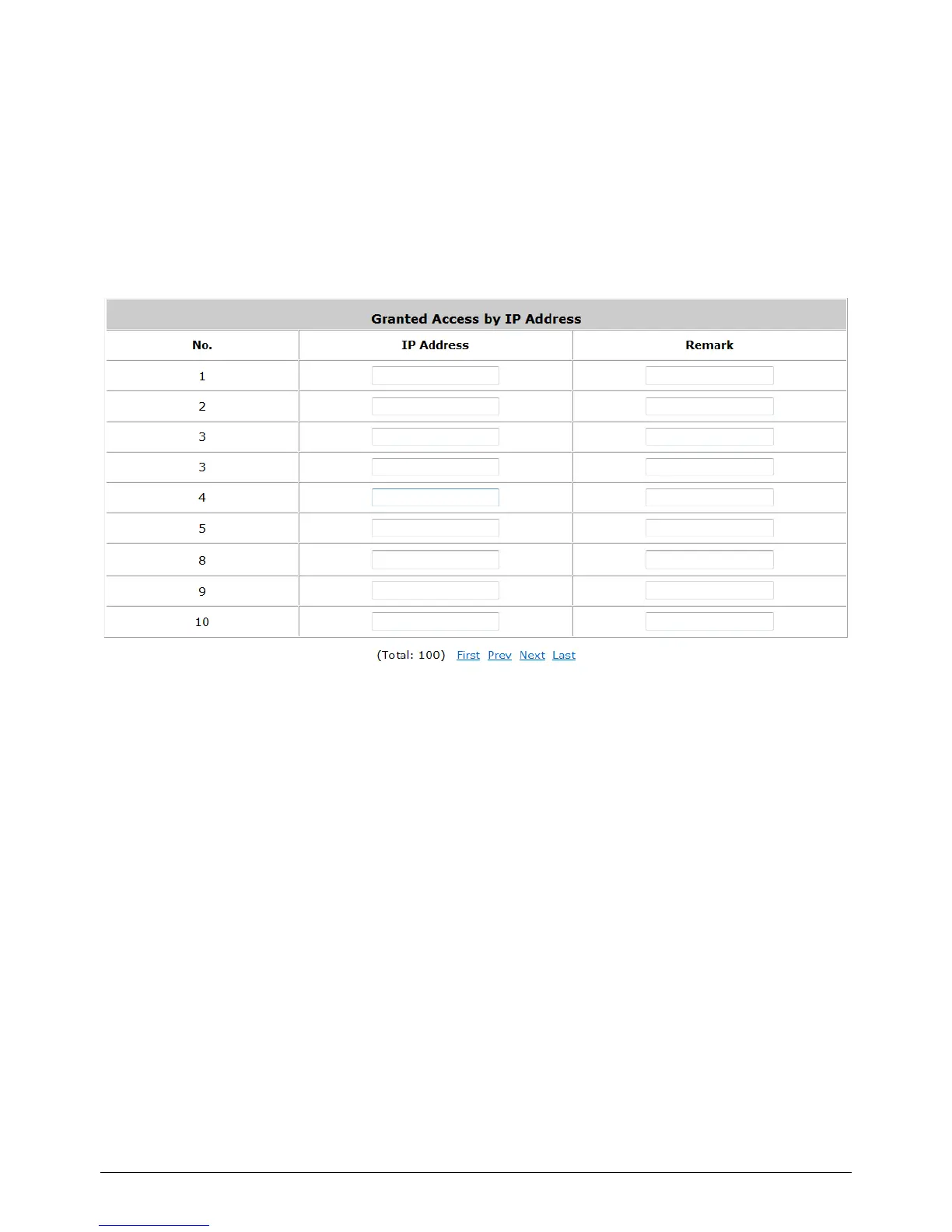
Privilege IP Address List
Configure Privilege IP Address List, go to: Network Configuration >> Privilege >> IP Address
List.
If there are workstations inside the managed network that need to access the network without
authentication, enter the IP addresses of these workstations in the “Granted Access by IP
Address”. The “Remark” field is not necessary but is useful to keep track. WHG-1000 allows 100
privilege IP addresses at most. These settings will become effective immediately after clicking Apply.
Caution:
Permitting specific IP addresses to have network access rights without going through standard
authentication process under Public zone may cause security problems.



 To Next Page