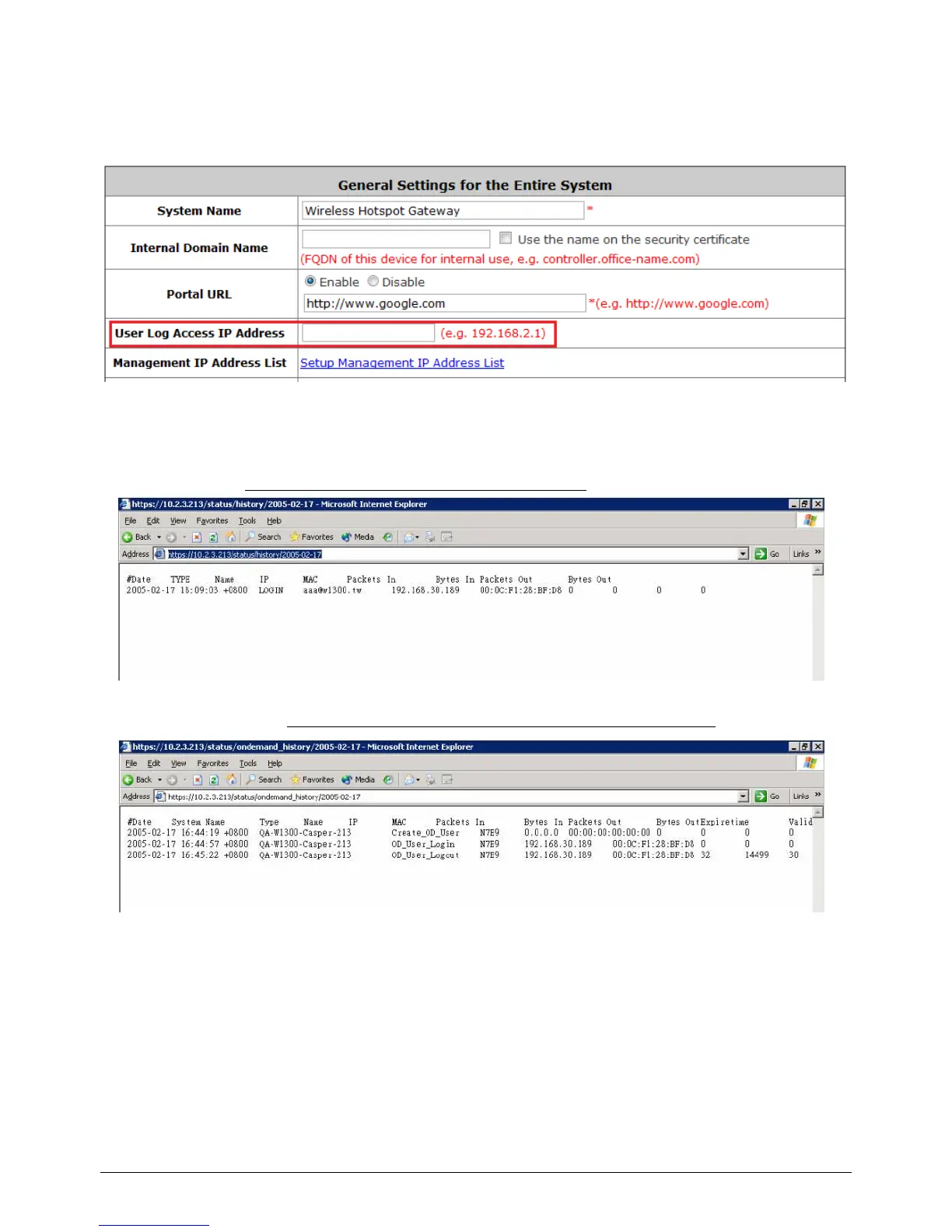
10.3 User Log Access IP Address
Configure User Log Access IP History, go to: System >> General.
Specify an IP address of the administrator‟s computer or a billing system to get billing history
information of WHG-1000 with the predefined URLs. The file name format is “yyyy-mm-dd”. An
example is provided as follows:
Traffic History:https://10.2.3.213/status/history/2005-02-17
On-demand History:https://10.2.3.213/status/ondemand_history/2005-02-17



 To Next Page