7 Access Network without Authentication
7.1 DMZ
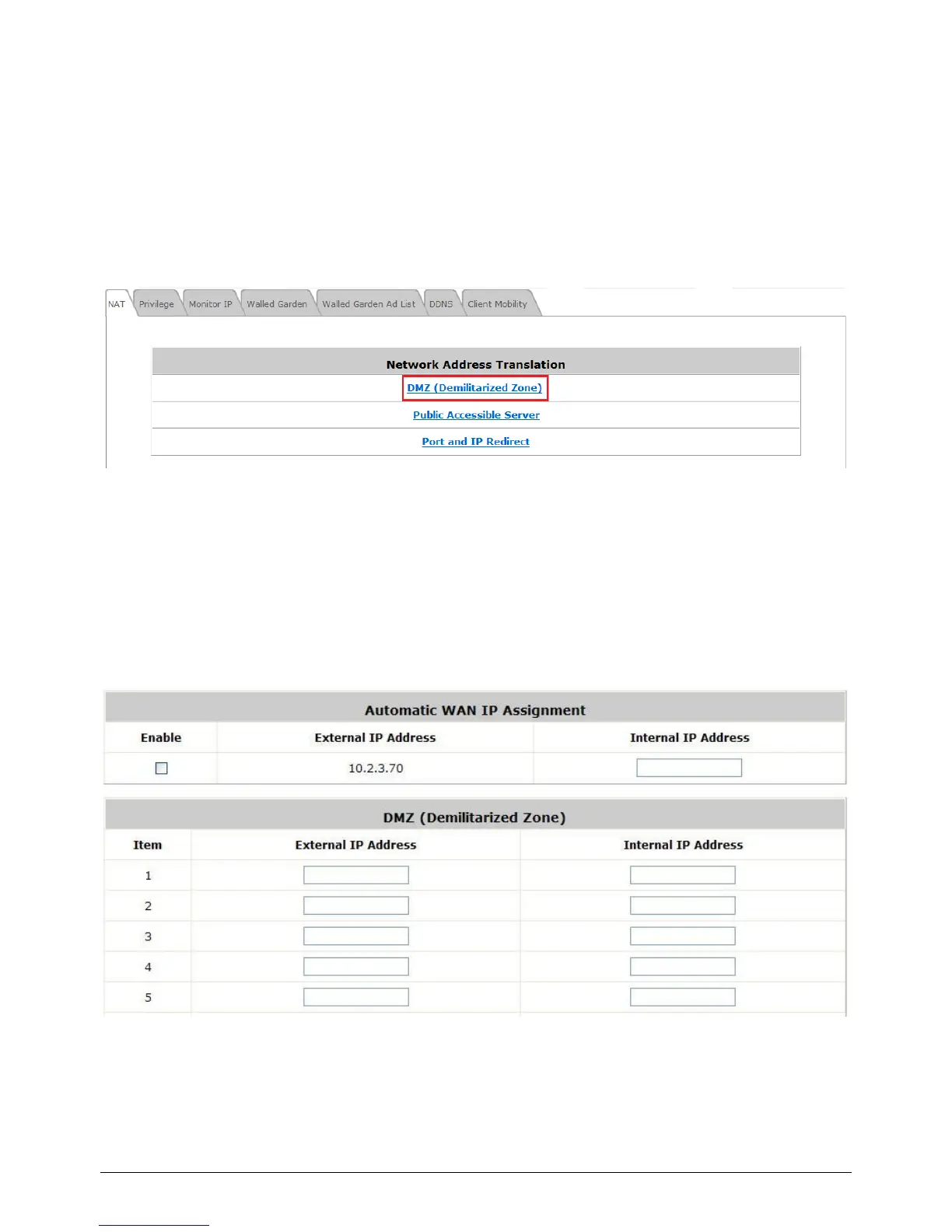
Configure DMZ, go to: Network >> Network Address Translation >> DMZ (Demilitarized
Zone).
There are 20 sets of static Internal IP Address and External IP Address available. Enter Internal and
External IP Address as a set. After the setup, accessing the External IP address listed in DMZ will be
mapped to accessing the corresponding Internal IP Address. These settings will become effective
immediately after clicking the Apply button. The External IP Address of the Automatic WAN IP
Assignment is the IP address of External Interface (WAN) that will change dynamically if WAN
Interface is Dynamic. When Automatic WAN IP Assignments is enabled, the entered Internal IP
Address of Automatic WAN IP Assignment will be bound with WAN interface.



 To Next Page