10.10 Network Utility
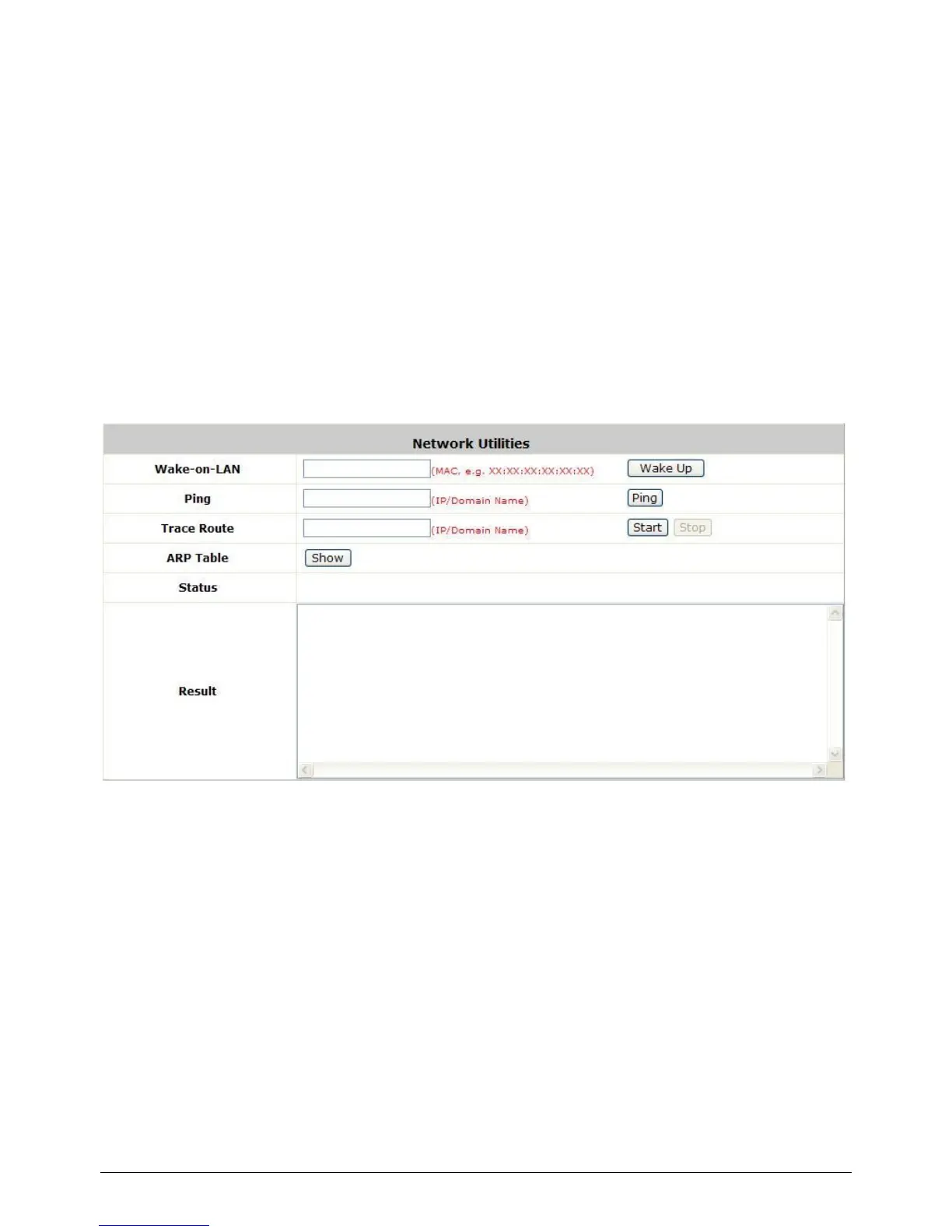
Configure Network Utility, go to: Utilities >> Network Utilities.
System provide some network utilities to allow administrators to use.
Wake-on-LAN is for waking up remote devices that supports Wake-on-LAN feature by entering the
MAC address of the target device and then press Wake Up button.
Ping is to see whether a destination host is reachable and alive by entering the destination host‟s
domain name or IP address and then press Ping button.
Trace Route display the actual route taken to reach the destination host by entering the destination
host‟s domain name or IP address and then press Start button.
ARP Table for displaying ARP information stored on the system.
10.10.1 Wake-on-LAN
It allows the system to remotely boot up a power-down computer with Wake-On-LAN feature enabled
in it‟s BIOS and it is connect to LAN port. Enter the MAC Address of the desired device and click Wake
Up button to execute this function.
10.10.2 Ping
It allows administrator to detect a device using IP address or Host domain name to see if it is alive or
not.



 To Next Page