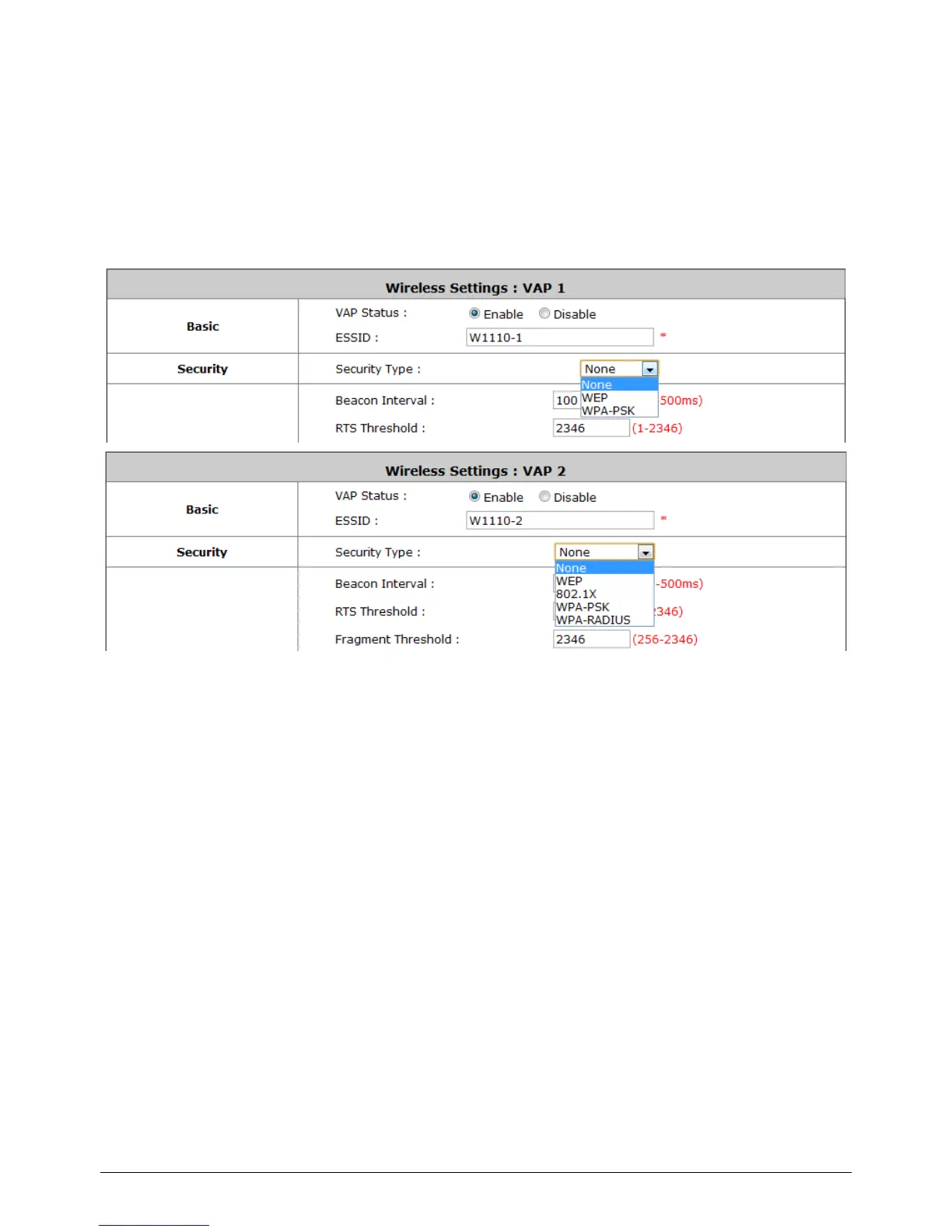
4.3 Zone Wireless Security
Configure Zone Wireless Security, go to: System >> Zone Configuration, click Configure of
Private zone or click Configure of Public zone.
After the above configurations are finish, setup the wireless security is very important to protect your
wireless network.
Security:
For each zones, administrators can set up the wireless security profile, it include WEP, 802.1x (for
Public Zone only), WPA-PSK or WPA-RADIUS (for Public Zone only).
WEP:
802.11 Authentication: Select from Open System or Shared Key.
WEP Key Length: Select from 64-bit, 128-bit, 152-bit key length.
WEP Key Format: Select from ASCII or Hex format for the WEP key.
WEP Key Index: Select a key index from 1~4. The WEP key index is a number that
specifies which WEP key will be used for the encryption of wireless frames during data
transmission.
WEP Keys: Provide the pre-defined WEP key value; the system supports up to 4 sets
of WEP keys.



 To Next Page