5.2.3 An Example of User Login
Normally, users will be authenticated before they get network access through WHG-1000. This section
presents the basic authentication flow for end users. Please make sure that the WHG-1000 is
configured properly and network related settings are done.
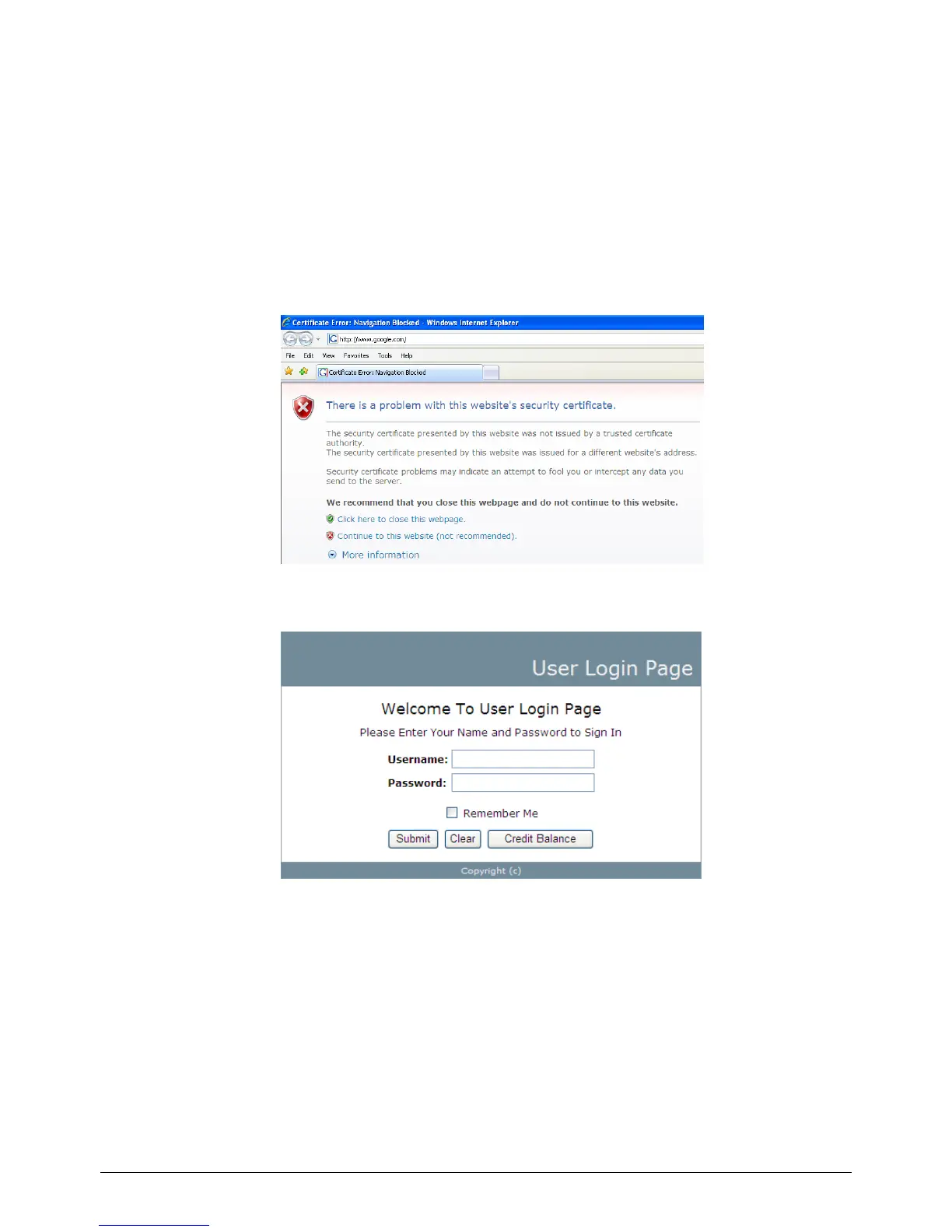
1. Open an Internet browser and try to connect to any website (in this example, we try to connect to
www.google.com).
a) For the first time, if the WHG-1000 is not using a trusted SSL certificate, there will be a
“Certificate Error”, because the browser treats WHG-1000 as an illegal website.
b) Please press “Continue to this website” to continue.
c) The default user login page will appear in the browser.
2. Enter the username and password (for example, we use a local user account: test@local here)
and then click Submit button. If the Remember Me check box is checked, the browser will store
the username and password on the current computer in order to automatically login to the system
at the next login. Then, click the Submit button.
The Credit Balance button on the User Login Page is for on-demand users only, where they can
check their Remaining quota.



 To Next Page