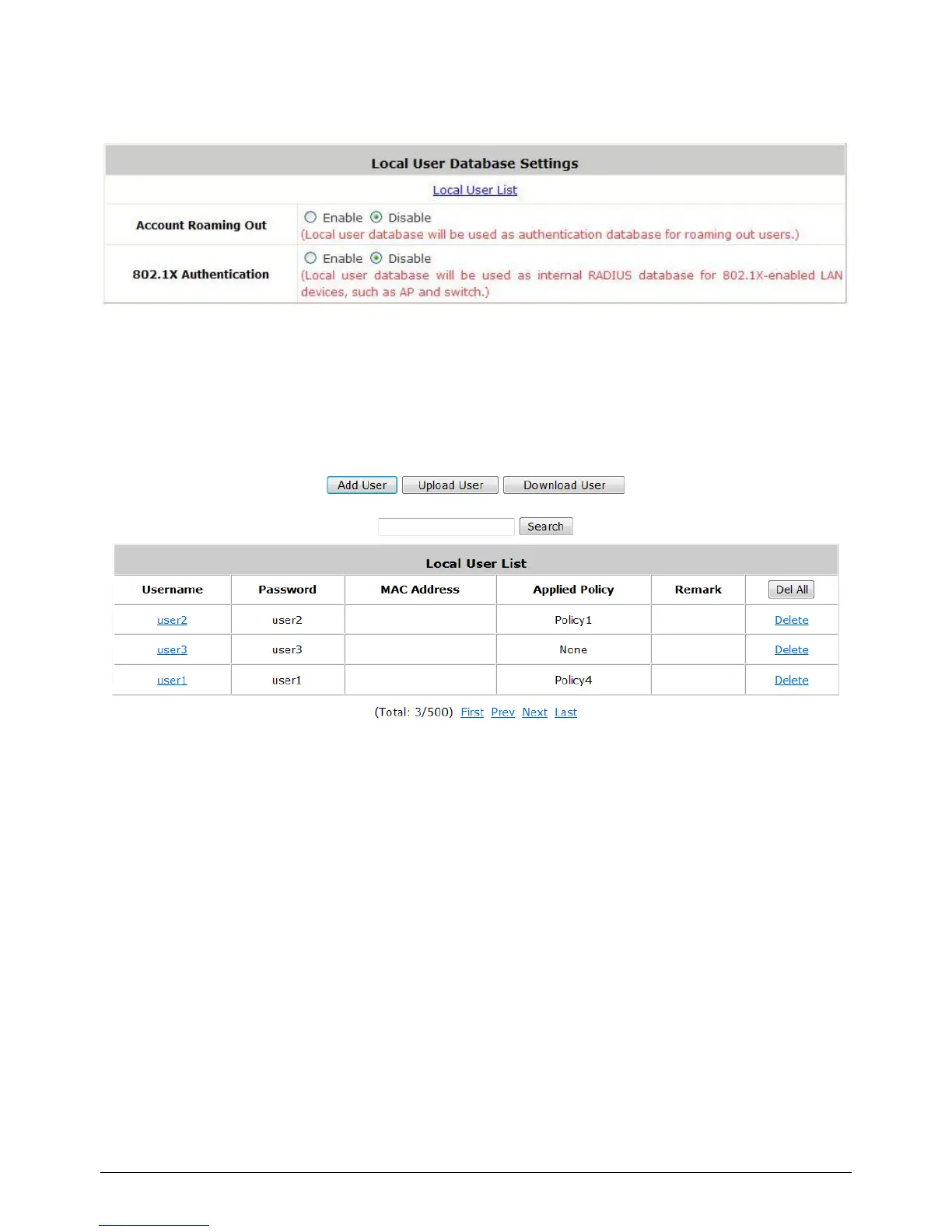
5.1.1 Local
Click the button Configure of Local for further configuration.
Local User List: It let the administrator to view, add or delete local user account. The Upload
User button is for importing a list of user account from a text file. The Download User button
is for exporting all local user accounts into a text file. Clicking on each user account leads to a
page for configuring the individual local account.
Add User: Click this button to enter into the Adding User(s) to the List interface. Fill in the
necessary information such as “Username”, “Password”, “MAC Address”, and “Remark”. Select
a desired Policy to classify local users. Click Apply to complete adding the user(s). MAC address of a
networking device can be bound with a local user as well. It means this user must login to system with
a networking device (PC) that has the corresponding MAC address, so this user can not login with
other networking devices.



 To Next Page