6.2 MAC Address Control
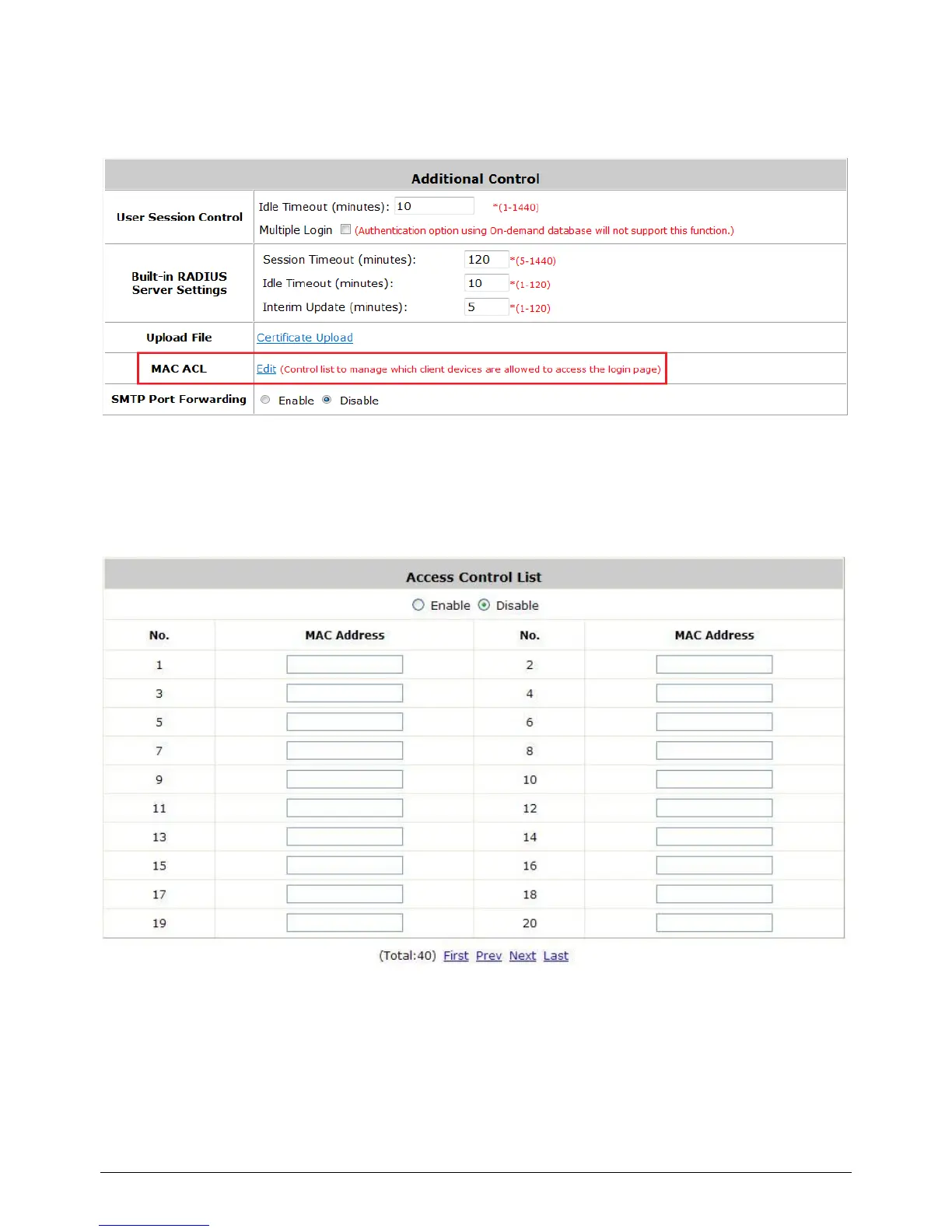
Configure MAC Address Control, go to: Users >> Additional Control.
MAC ACL: With this function, only the users with their MAC addresses in this list can login to
WHG-1000. There are 40 users maximum allowed in this MAC address list. User authentication is still
required for these users. Click Edit to enter the MAC Address Control list. Fill in these MAC
addresses, select Enable, and then click Apply.



 To Next Page