8.2 After User Login
8.2.1 Portal URL after successful login
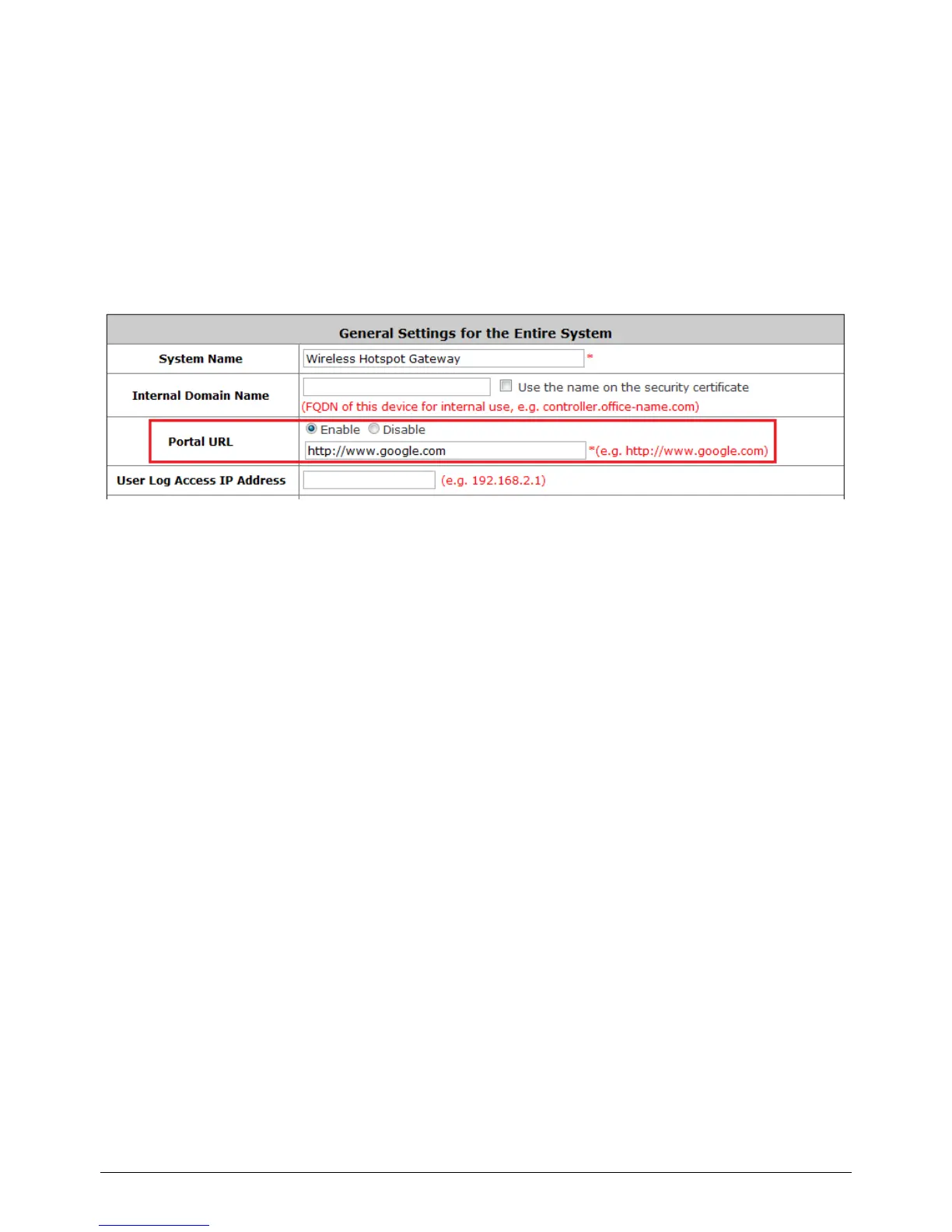
Configure Portal URL after a successful user login, go to: System >> General.
When this function is enabled, enter the URL of a Web server as the Portal page. Once logged in
successfully, users will be directed to this URL, such as http://www.google.com, regardless of the
original homepage set in their browsers.
When this function is disabled, after users logged in successfully, users will be directed to the original
homepage set in their browsers.



 To Next Page