9.2 Dynamic Domain Name Service (DDNS)
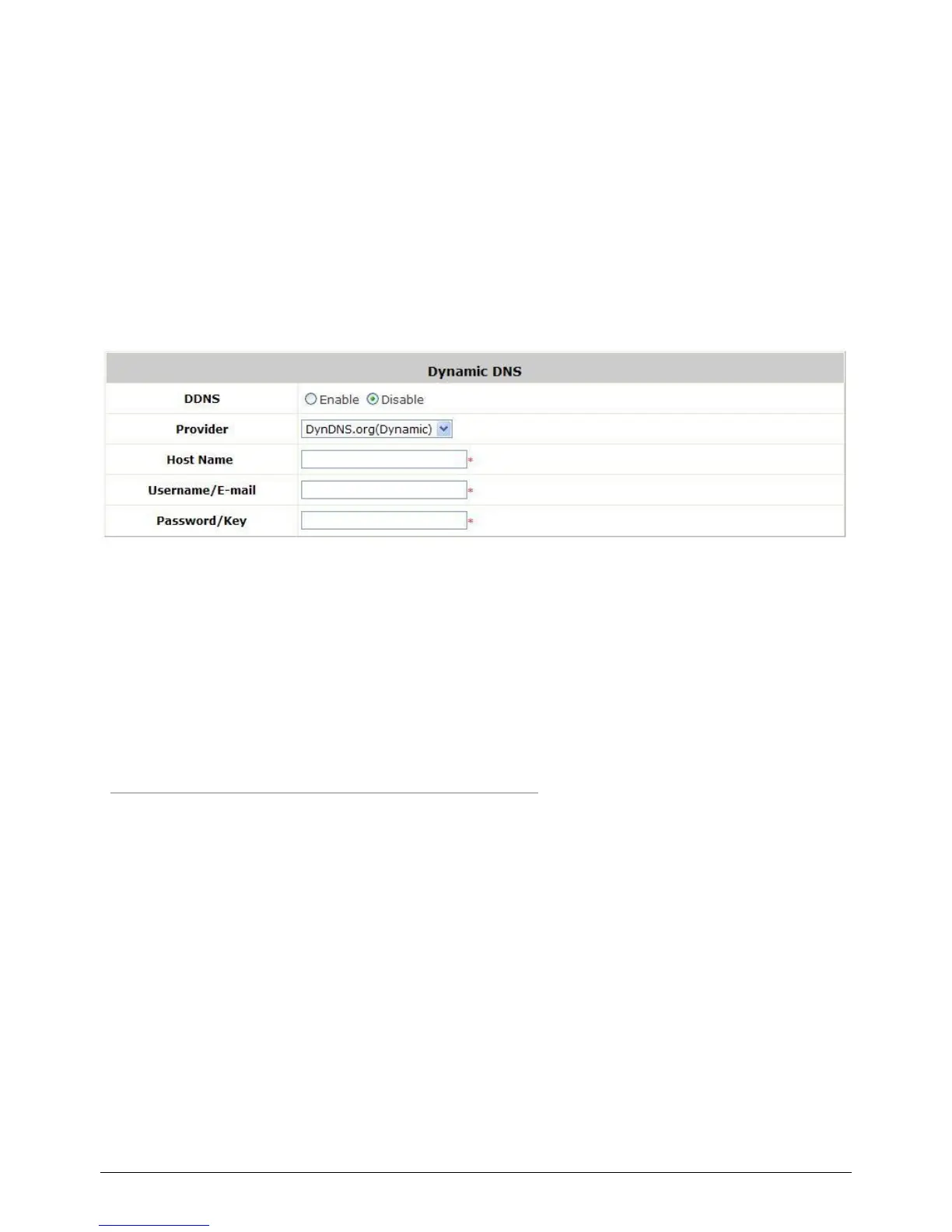
Configure Dynamic Domain Name Service, go to: Network >> DDNS.
Before activating this function, you must have your Dynamic DNS hostname registered with a
Dynamic DNS provider. WHG-1000 supports DNS function to alias the dynamic IP address for the WAN
port to a static domain name, allowing the administrator to easily access WHG-1000‟s WAN. If the
dynamic DHCP is activated at the WAN port, it will update the IP address of the DNS server periodically.
These settings will become effective immediately after clicking Apply.
DDNS: Enable or disable this function.
Provider: Select the DNS provider.
Host name: The IP address/domain name of the WAN port.
Username/E-mail: The register ID (username or e-mail) for the DNS provider.
Password/Key: The register password for the DNS provider.
Note:
To apply for free Dynamic DNS service, you may go to
http://www.dyndns.com/services/dns/dyndns/howto.html.



 To Next Page