10.8 Firmware Upgrade
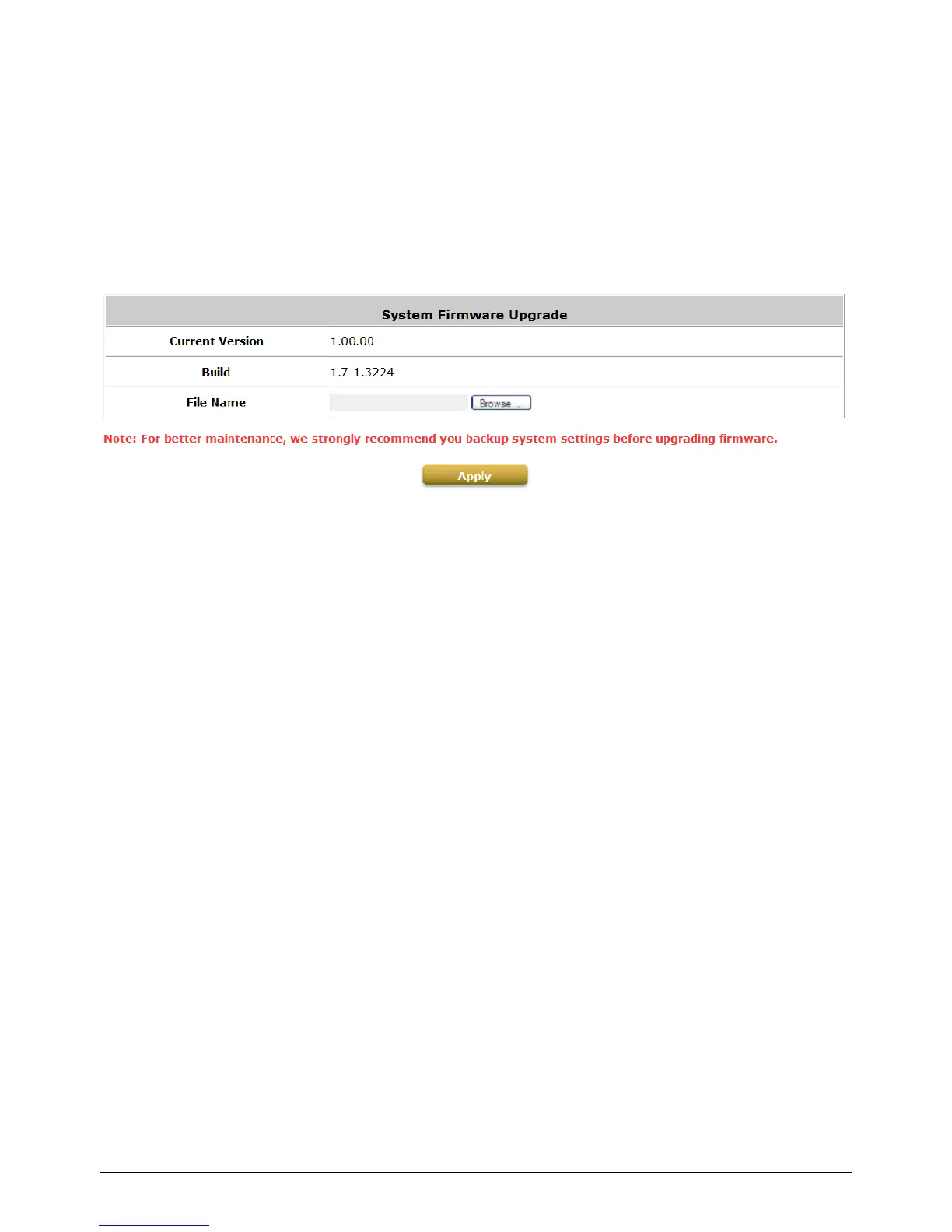
Configure Firmware Upgrade, go to: Utilities >> System Upgrade.
The administrator can download the latest firmware from website and upgrade the system here.
Select the latest firmware and Browse button, then click Apply, the system will upload the file and
restart to perform the upgrade process. It might take a few minutes before the upgrade process
completes and the new firmware‟s WMI interface appears.
Note:
After clicking Apply, the system will begin uploading the chosen firmware into the system. Once the
upload process is complete system will restart to activate the new firmware. The entire process may
take a few minutes until the new firmware WMI appears. When restart is complete, system will not
lease IP. So, please use static IP PC to upgrade system firmware.
Caution:
1. Firmware upgrade may cause the loss of some data. You may need to manually backup user
account information, please refer to the release notes for the limitation before upgrading.
2. Do not power on/off the system during the upgrade or restart process. It may damage the
system and cause malfunction.



 To Next Page