9.3 Port and IP Redirect
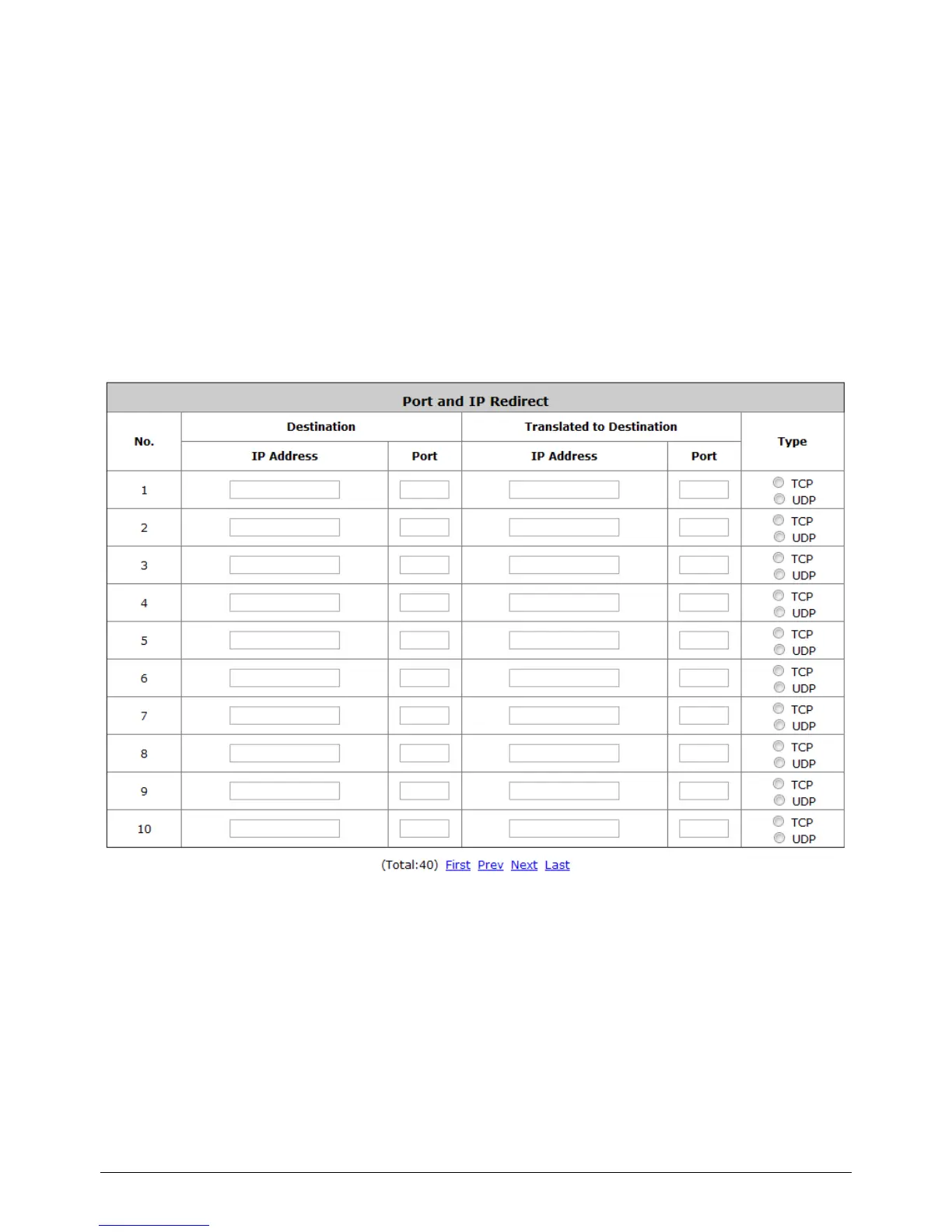
Configure Port and IP Redirect, go to: Network >> NAT >> Port and IP Redirect.
This function allows the administrator to set 40 sets of the IP addresses at most for redirection
purpose. When the user attempts to connect to a destination IP address listed here, the connection
packet will be converted and redirected to the corresponding destination. Please enter the “IP
Address” and “Port” of Destination, and the “IP Address” and “Port” of Translated to
Destination. Select “TCP” or “UDP” for the service‟s type. These settings will become effective
immediately after clicking Apply.



 To Next Page