10.7 Backup / Restore and Reset to Factory
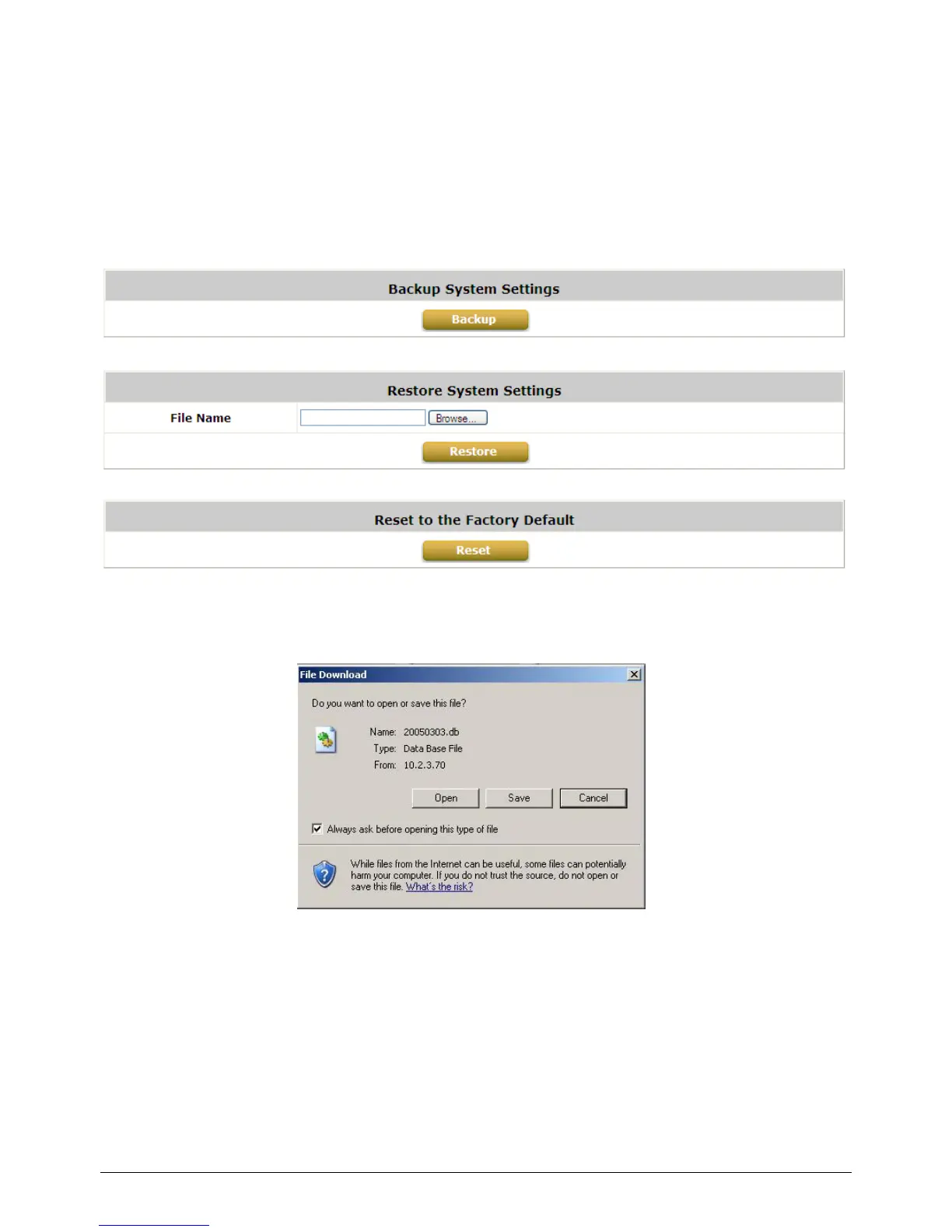
Configure Backup / Restore and Reset to Factory Default, go to: Utilities >> Backup & Restore.
This function is used to backup/restore the WHG-1000 settings. Also, WHG-1000 can be restored to
the factory default settings here.
Backup System Settings: Click Backup to create a .db database backup file and save it on disk.
Restore System Settings: Click Browse to search for a .db database backup file created by
WHG-1000 and click Restore to restore to the same settings at the time when the backup file was
saved.
Reset to Factory Default: Click Reset to load the factory default settings of WHG-1000.



 To Next Page