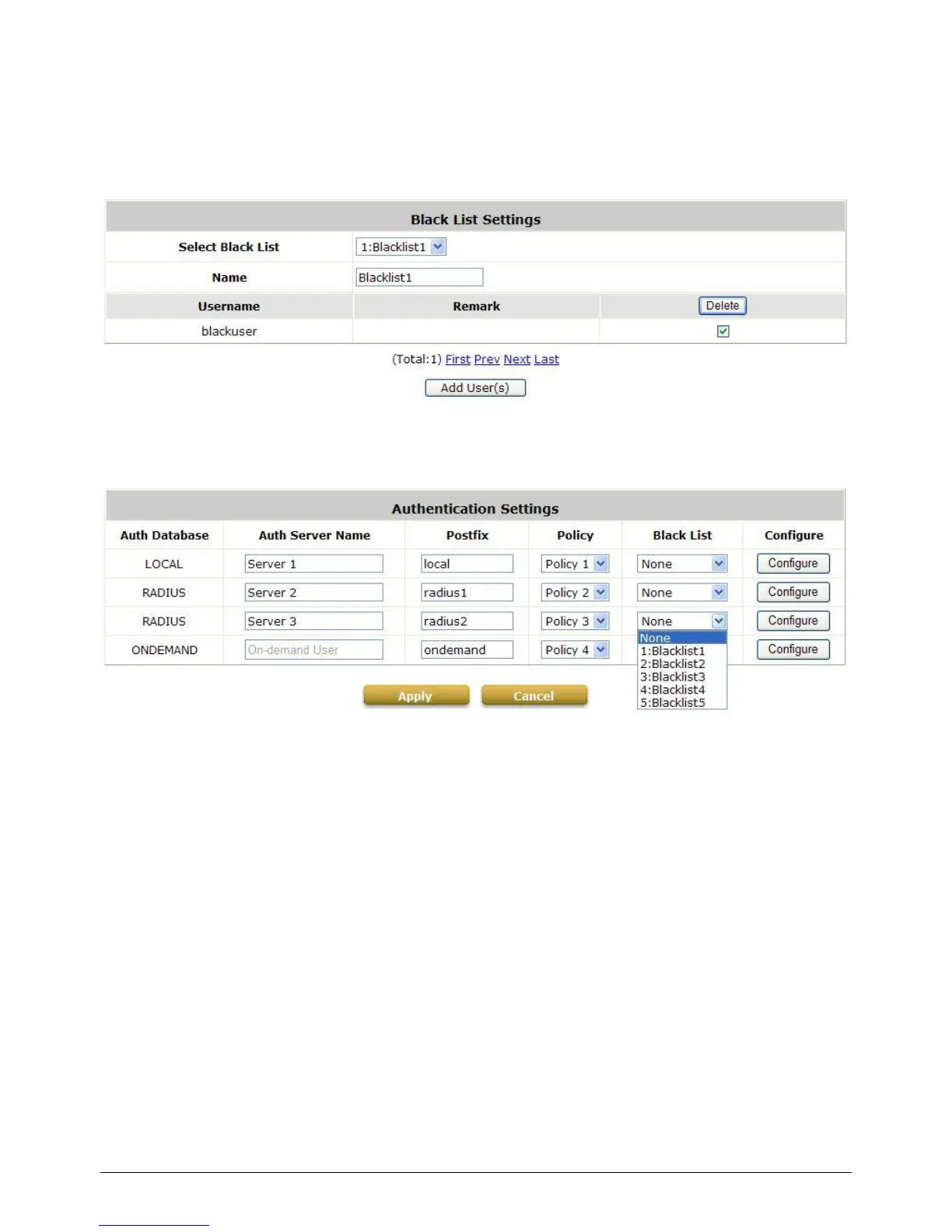
After entering the usernames in the “Username” field and the related information in the
“Remark” blank (not required), click Apply to add the users.
If removing a user from the black list is desired, select the user‟s “Delete” check box and then
click the Delete button to remove that user from the black list.
After the Black List editing is completed. You can select the Black List in each Authentication Server
to let it to become effective.



 To Next Page