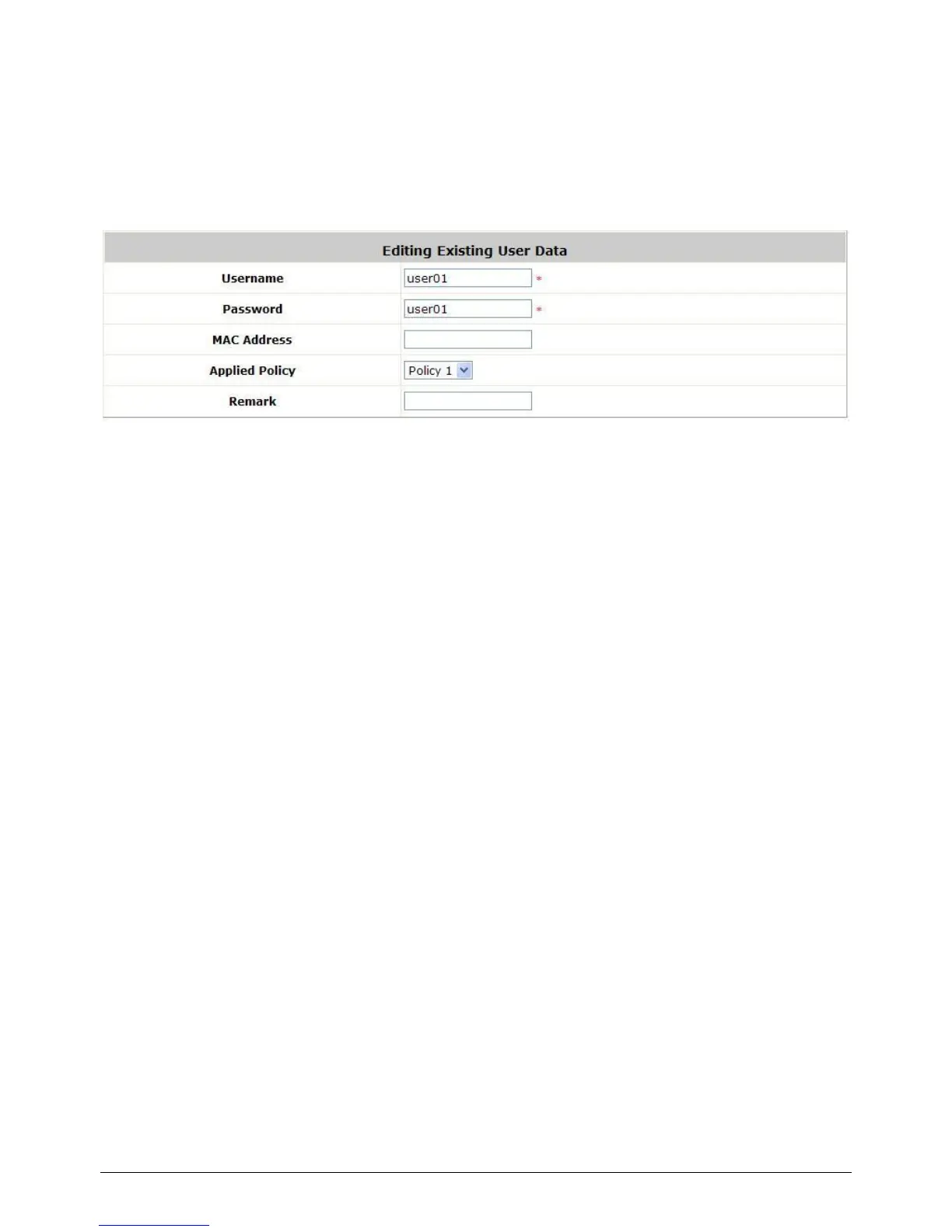
Edit User: If editing the content of individual user account is needed, click the username of the
desired user account in Local User List to enter the User Profile Interface for that particular
user, and then modify or add any desired information such as Username, Password, MAC
Address (optional), Applied Policy (optional) and Remark (optional). Click Apply to complete
the modification.



 To Next Page