Status: The status of the account.
o Normal: the account is not currently in use and has not exceed the quota limit.
o Online: the account is currently in use.
o Expired: the account is not valid any more, even if there is remaining quota left.
o Out of Quota: the account has exceeded the quota limit.
o Redeemed: the account has been applied for account renewal.
External ID: This is an additional information field for combined with a unique account only,
for example the customer‟s name or social security number etc.
Reference: Any other additional information, for example venue where the account is
generated etc.
Delete All: This will delete all the users at once.
Delete: This will delete the users individually.
9) Redeem On-demand Accounts
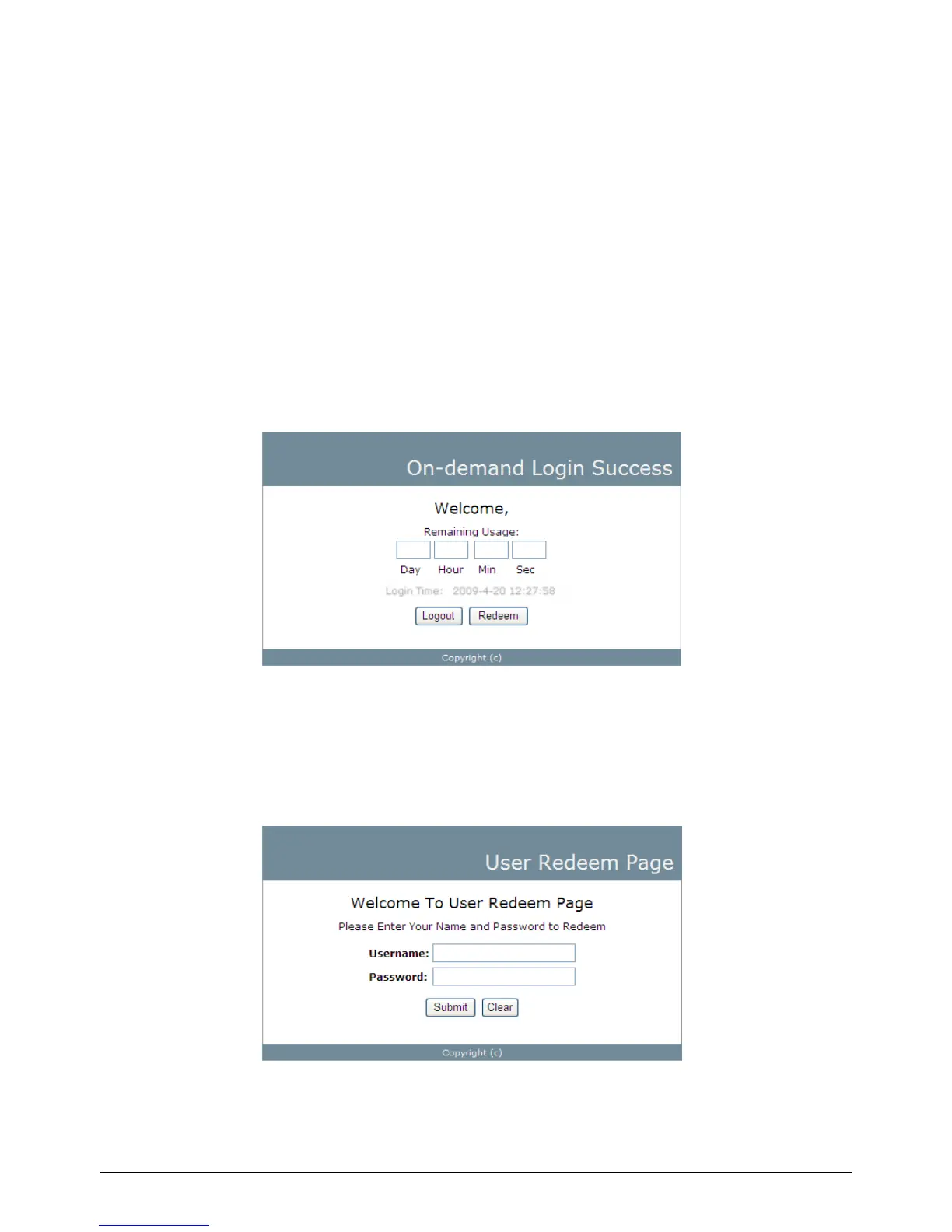
For Usage-time accounts, when the remaining quota is insufficient or if they are almost out of quota,
they can use redeem function to extend their quota. After the user has got, or bought a new account,
they just need to click the Redeem button in the login success page to enter Redeem Page, input the
new account Username and Password and then click Submit. This new account‟s quota will be
extended to the original account. However, Redeem function can only be used to with same billing type
accounts only, i.e. Volume accounts can only be redeemed with another Volume account and so on.



 To Next Page