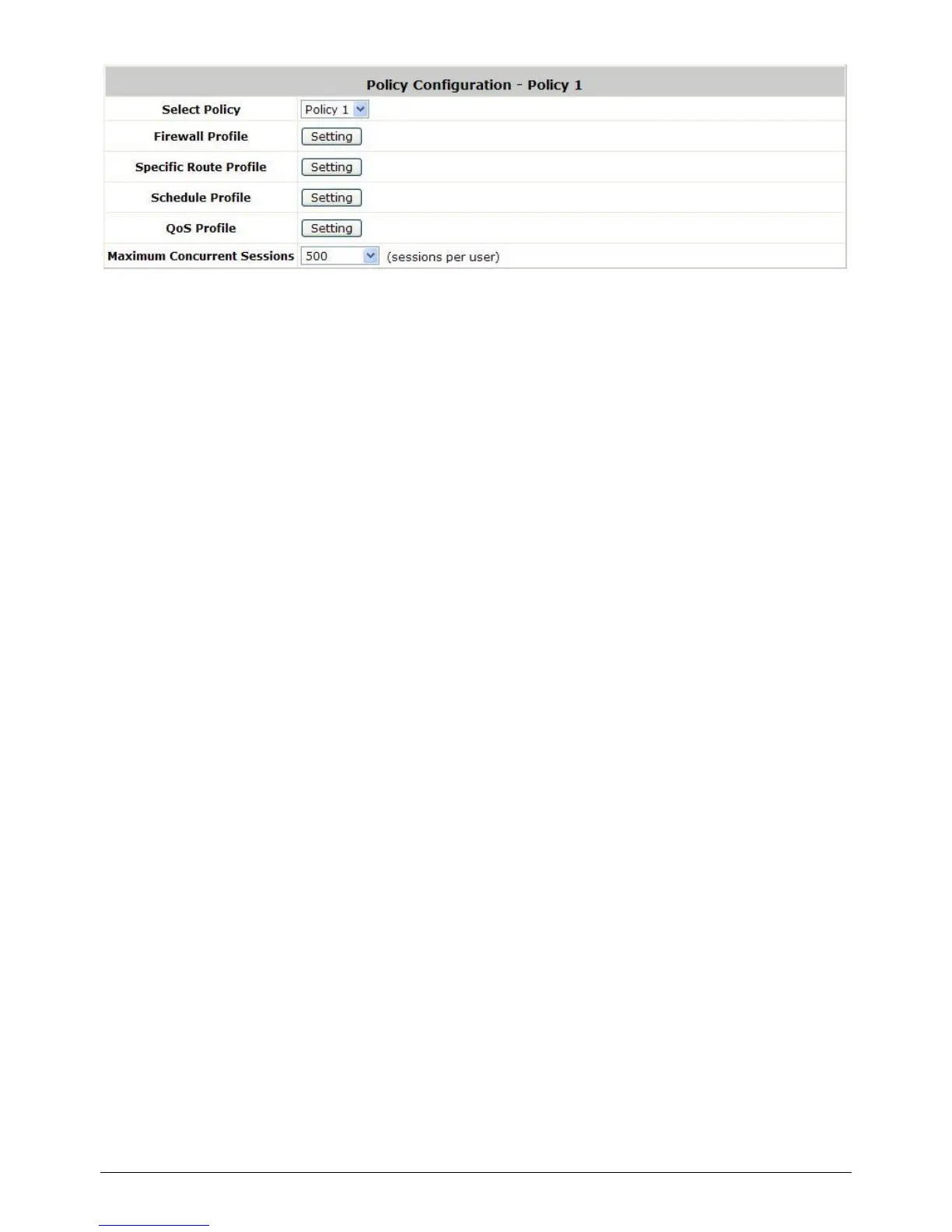
Select Policy: Select the desired policy profile to configure.
Firewall Profile: Each Policy has a firewall service list and a set of firewall profile consisting of
firewall rules.
Specific Route Profile: The default gateway of a desired IP address can be defined in a policy.
When Specific Routes are configured here, all clients applied with this policy will access the specific
destination through these gateway settings.
Schedule Profile: The Schedule table in a 7X24 format is used to control the clients‟ login time.
When Schedule is enabled, clients applied with this policy are only allowed to login the system at
the time which is checked in Schedule profile settings.
QoS Profile: QoS profile defines the traffic class for the users governed by this Policy.
Maximum Concurrent Sessions: Set the maximum concurrent sessions for each client
belonging to this group.



 To Next Page