13
OPERATION SETTING
ENGLISH
Cooling operation
- Set the desired temperature lower than the water temperature.
- water temperature is displayed on the default screen of the remote controller.
- If the setpoint is set higher than the water temperature, then the unit will remain in the cool
mode but will not begin to cool the water temperature exceeds the setpoint.
- If your unit is operating in cooling mode and you press the [On/Off] button the cooling operation
will shut off.
What is 3 minute delay function?
After the cooling stops, when the product is started right away, the reason that the cold
water does not come out is that it is the function to protect the compressor.
The compressor starts after 3 minutes and the cold water comes out.
12
OPERATION SETTING
Returning to the screen
In the main screen, after moving to the category by pressing [<, >(left/right)] button, if there is no
remote controller operation, after 10 seconds, it returns to the main screen basic position. (basic
position: indoor temperature display part)
In the screens except the main screen, if there is no remote controller operation for 1 minute, it
moves to the main screen.
OPERATION SETTING
On / Off
will be turned on or off.
Press the remote controller’s (On/Off) button.
- If the product is in operation, On/Off button will be illuminated.
If the product is in off, On/Off button backlight will be off.
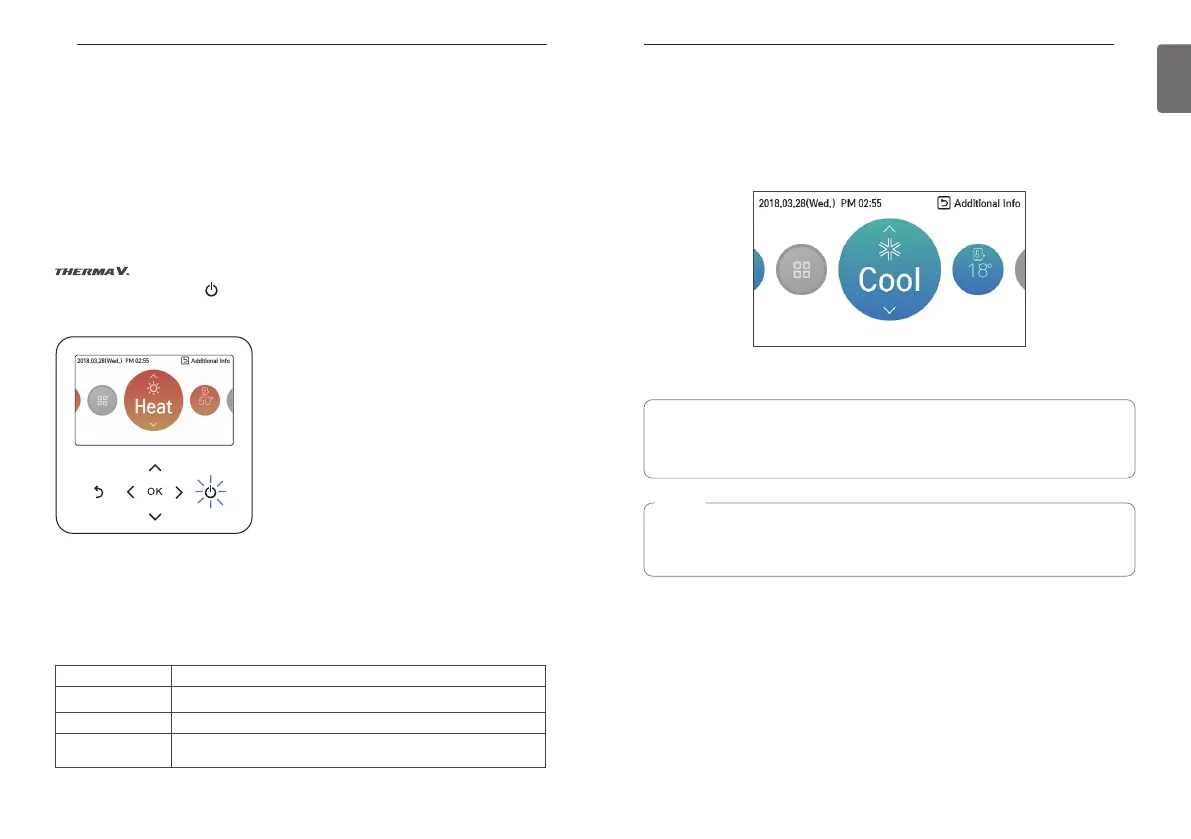
Operation mode
You can easily control the desired operation mode.
In the main screen, press [<,>(left/right)] button to select the operation mode or home leave or
hold category, and press [∧,∨(up/down)] button to set the operation mode.
※Some products may not support some operation modes.
Mode Description
Cool Cool the room to the desired temperature.
Heat Heats the room to the desired room temperature.
AI / Auto
The product automatically provides the appropriate fan speed based on
the temperature of the room.
NOTE
The compressor starts after 3 minutes and the cold water comes out.
The favorable temperature difference between the water inlet temperature and outlet
temperature is 5 °C.



 To Next Page