17
TEMPERATURE SETTING
ENGLISH
16
TEMPERATURE SETTING
TEMPERATURE SETTING
Controlling desired temperature
You can easily control to the desired temperature.
• In the main screen, press [<, > (left/right)] button to select the desired temperature category,
and press [∧,∨(up/down)] button to set the desired temperature.
- In the cooling, heating, and AI/auto mode, the desired temperature control is possible.
Mode Description
Room
temperature
Room temperature can be set by using remote sensor's internal temperature
sensor.
Room 1 &
Room 2
temperature
Temperature of Room 1 and Room 2 can be set respectively, when 2nd
circuit option is activated in installer mode.
Leaving water
temperature
If the desired temperature is lower than the water temperature, the heating
is not performed.
Set the desired temperature higher than the water temperature.
DHW tank
temperature
DHW tank temperature setting is available when DHW tank is installed.
Water inlet
temperature
This operation is changed to the temperature sensor only, the inlet
temperature sensor, and temperature control logic is the same as the leaving
water temperature operation.
Room
temperature +
Leaving water
temperature
Room temperature can be set by using remote sensor's internal temperature
sensor. If the desired temperature is lower than the water temperature, the
heating is not performed. Set the desired temperature higher than the water
temperature.
DHW heating operation
Funtion to set whether or not to use a installed DHW tank
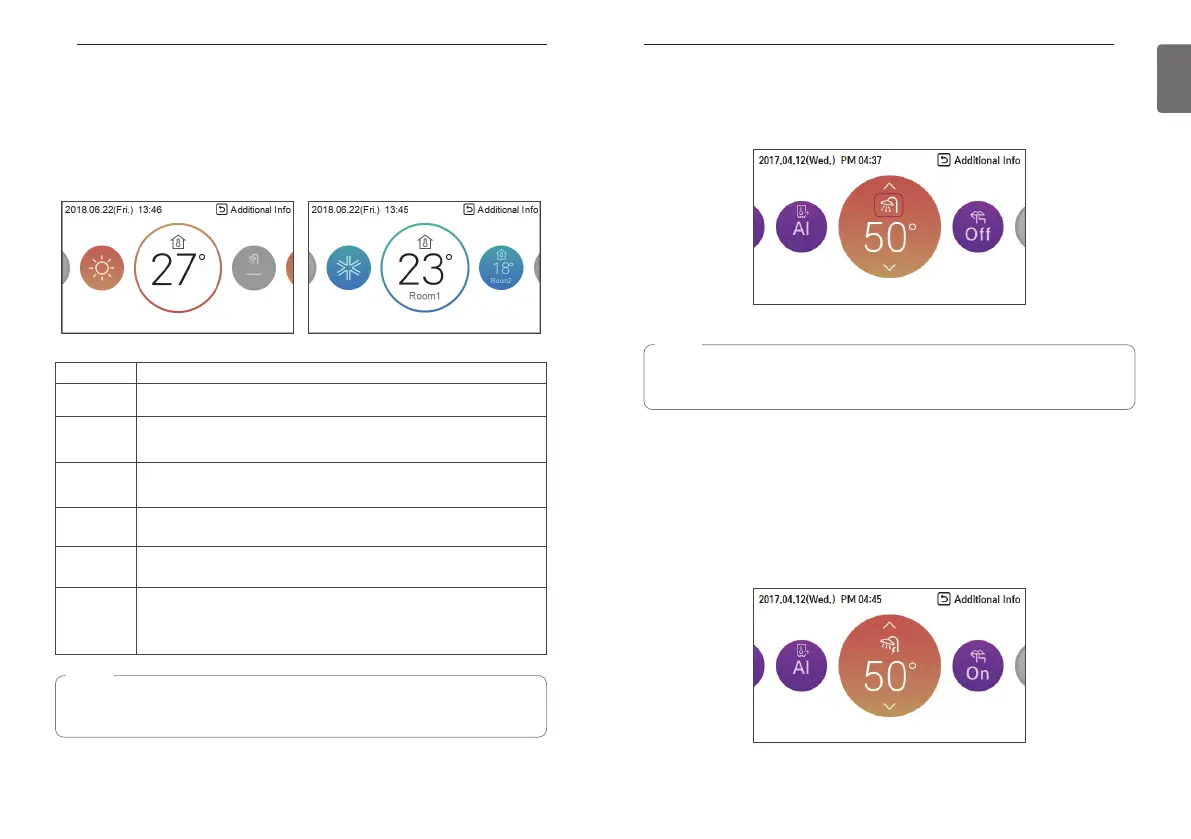
Press the [<] or [>] button to focus on the DHW icon, and press the ON / OFF button.
Quick DHW tank heating
If there is urgent DHW heating demand, Quick DHW Tank Heating mode can be used to reduce
the time to reach target DHW tank temperature by forcibly turning on DHW tank heater.
After reaching target DHW tank temperature or by user’s input to stop, Quick DHW Tank Heating
mode will be finished.
1. Press down [Back] button for a second focused on DHW Heating Operation.
NOTE
The function can be activated according to the installer setting.
Refer to the installer setting “Select temperature sensor”.
NOTE
• This function is not used when the DHW tank is not installed.
• If you want to know more information, refer function on installation information section.



 To Next Page