MMX6x2-HT
User’s Manual
Section 8. LW3 Programmers’ reference Page 77 / 119
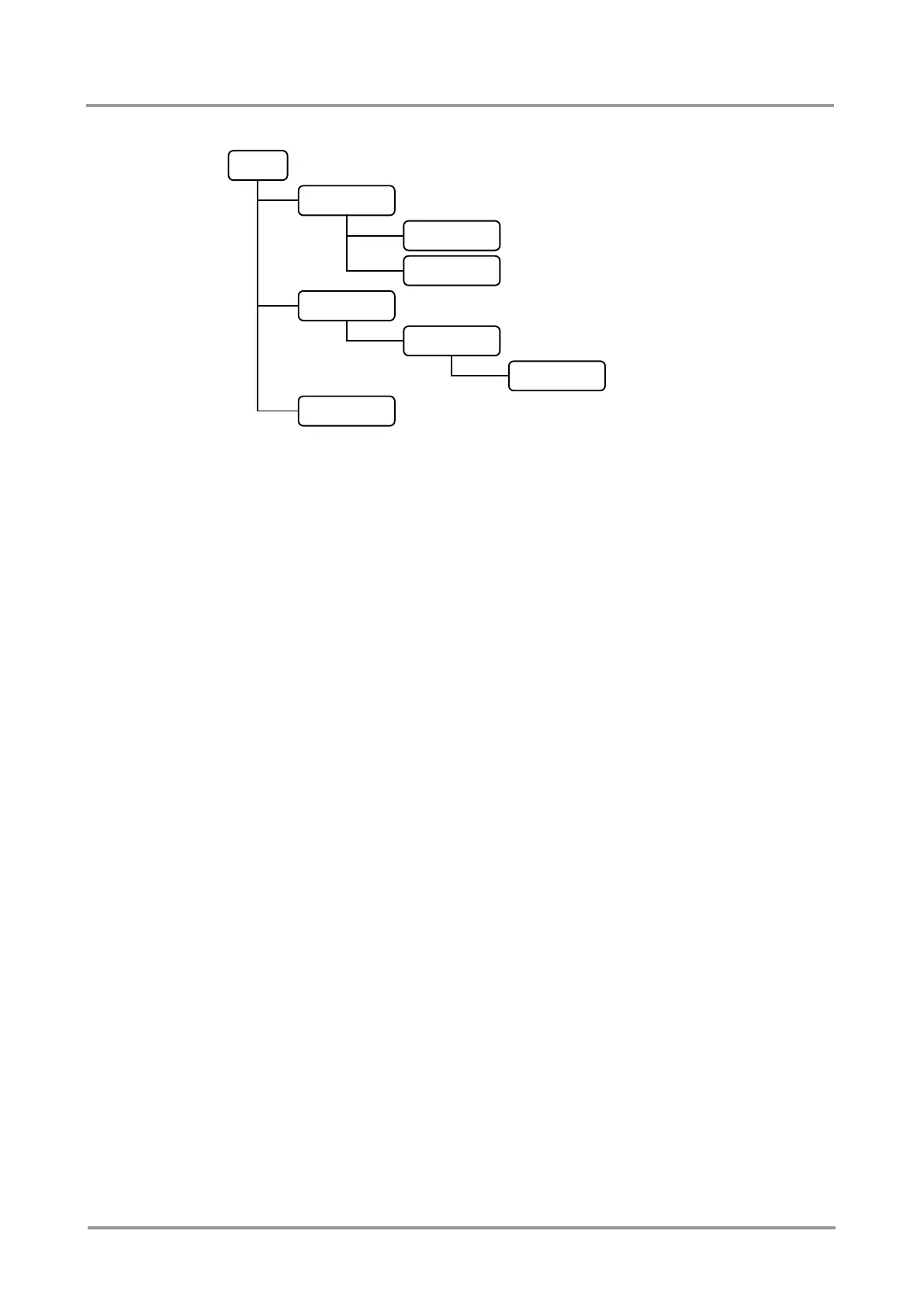
Following example presents the structure of the tree traversal:
Figure 8-1. Tree structure of the nodes
Property
The ‘property’ in the LW3 protocol is basically a leaf, which has a well-defined value.
A property has a value.
A property cannot have child nodes or child properties. It is always a leaf.
A node can have any number of properties (may not have any).
A property is referenced with a dot (‘.’) after the node name.
The properties’ name can contain the elements of the English alphabet, numbers
and underscore (‘_’) character.
By convention, properties are beginning with a capital letter, all other characters
are lowercase ones. In the case of compound words, all words are beginning with
a capital letter (CamelCase).
The value of the property can contain any readable ASCII character.
A property can be read-only or read/write.
Format: pX●/[nodeName].[propertyName]=[propertyValue]
Legend: p: property
X can be:
‘r’: if the property is read-only.
‘w’: if the property is readable, writable.
‘m’: the manual of the property.
‘E’: error message for the property.
'v': virtual node property: contains a node path to a node which will be
linked to the property's parent node.
Example:
The following two ones are read-only properties:
pr/node1/node12.ReadOnlyProperty=value1
pr/.DeviceName=25G Hybrid Device
The following two ones are read-write properties:
pw/node1/node12.ReadWriteProperty=value2
pw/.DeviceNickName=John
n-/node1
n-/node1/node11
n-/node1/node12
n-/node2
n-/node2/node21
n-/node2/node21/node211


 To Next Page
 Loading...