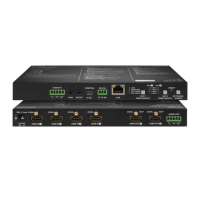
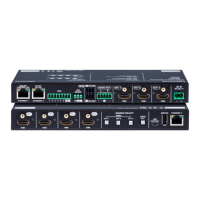
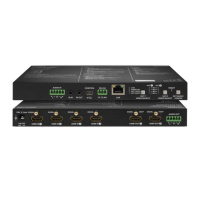
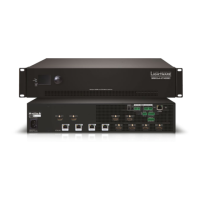
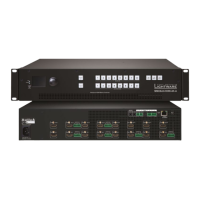
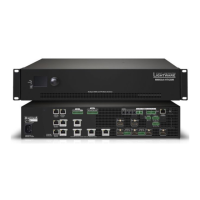
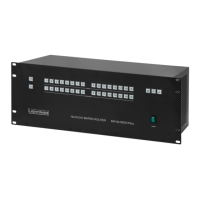
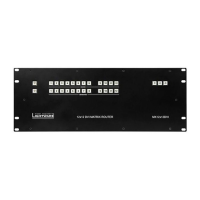
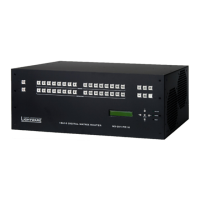
MMX6x2-HT
User’s Manual
Section 2. Controls and connections Page 13 / 119
2.3. Electrical connections
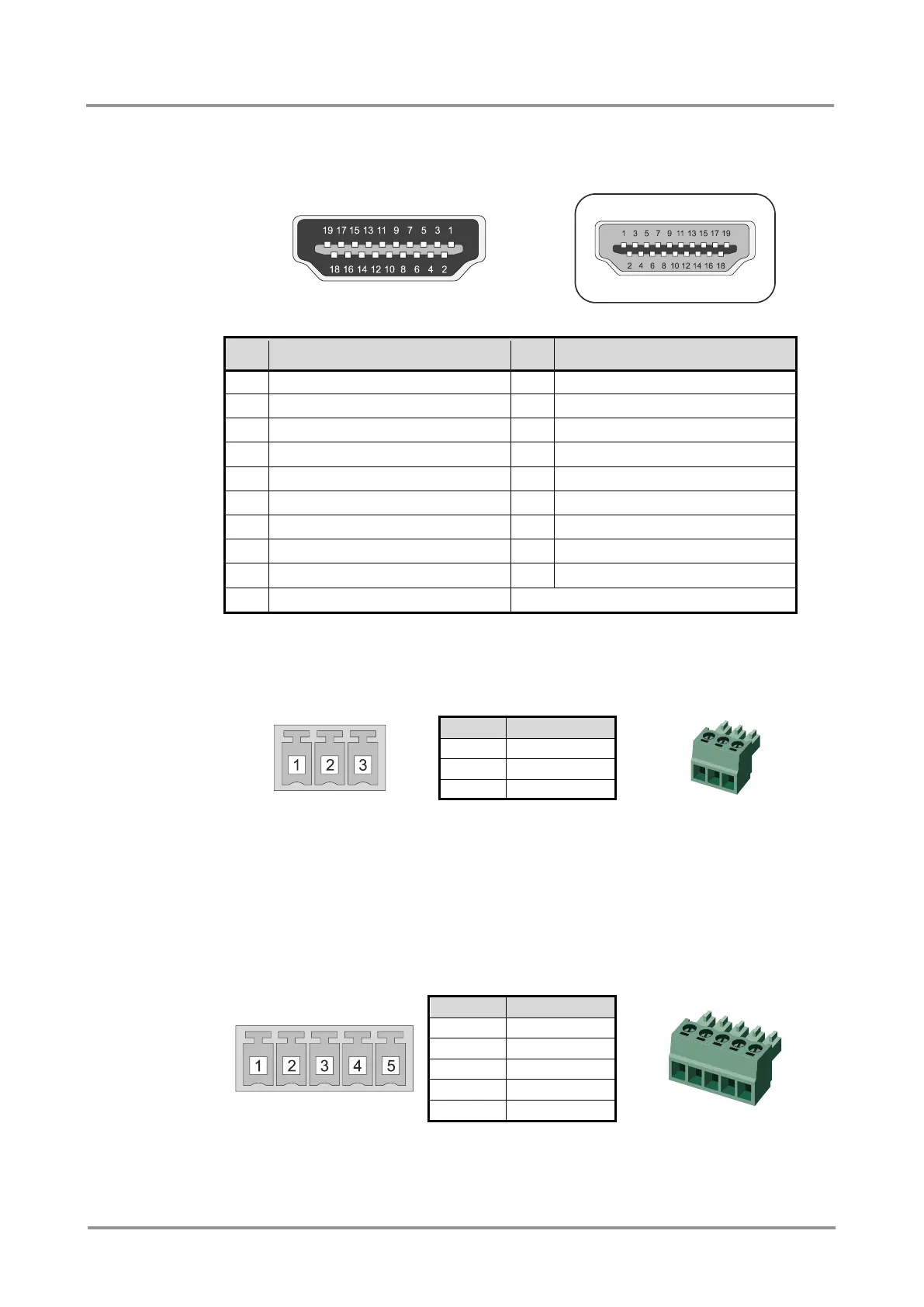
2.3.1. HDMI input and output ports
Table 2-1. HDMI connector pin assignments
2.3.2. RS-232 port
The matrix contains a 3-pole Phoenix connector for local RS-232 serial connection.
Figure 2-1. RS-232 connector pin assignments
Compatible plug type
Phoenix
®
Combicon series (3.5mm pitch, 3-pole), type: MC 1.5/3-ST-3.5.
2.3.3. Analog audio inputs and outputs
5-pole Phoenix connector is used for balanced analog audio input and output. Unbalanced
audio signals can be connected as well. For unbalanced input connect + and ground to the
source and connect – to the ground.
Figure 2-2. Analog audio input connector and plug pin assignments
Compatible plug type
Phoenix
®
Combicon series (3.5mm pitch, 5-pole), type: MC 1.5/5-ST-3.5.


 To Next Page
 Loading...