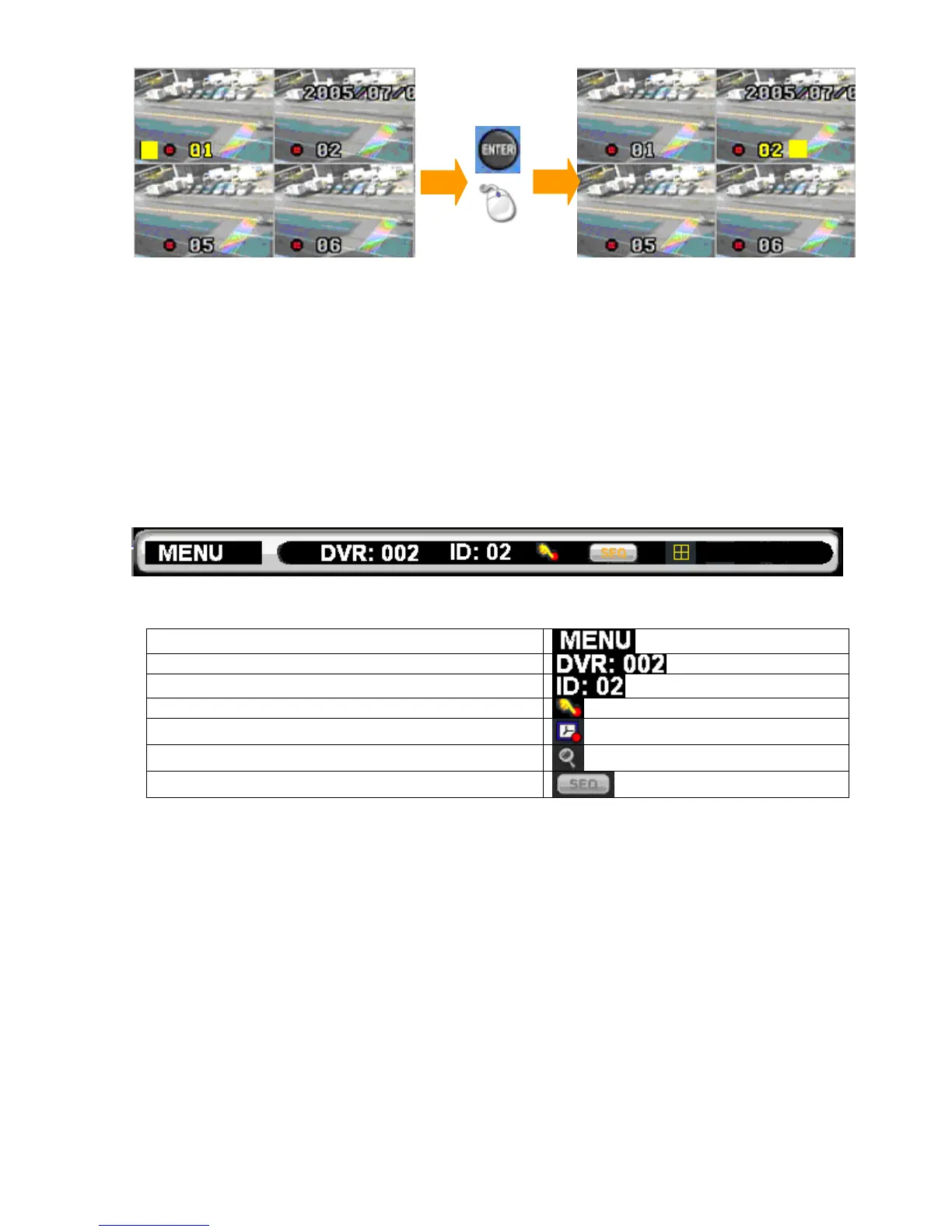
Chapter 1-7. Symbols & Icons
The DVR adopts symbols and icons for graphical user interface (GUI) design. These
symbols and icons contain useful information in operating the DVR. All the symbols and
icons are discussed in the rest of the chapter.
Task bar
The task bar shows up on bottom of the main monitor for indicating the operation status of
the DVR while operating the remote controller, the mouse, the keypad, or a keyboard.
The icons of the DVR are described in the follow table:
Mouse menu
Controlled DVR ID/RS-485 ID
The DVR’s ID/RS-485 ID address
Manual recording mode
Schedule recording mode
Zoom mode
Sequence mode



 To Next Page