CHAPTER 8. NETWORK
There are two ways to access the DVR via network--Internet browser (web interface) or
CMX application. All the features including live monitoring, menu setup, video playback, and
file backup can be done by using web interface.
Chapter 8-1-1. Configuration
Make sure that network IP address, subnet mask, and gateway of the DVR are setup
correctly. Always, consult your network administrator before installing DVR.
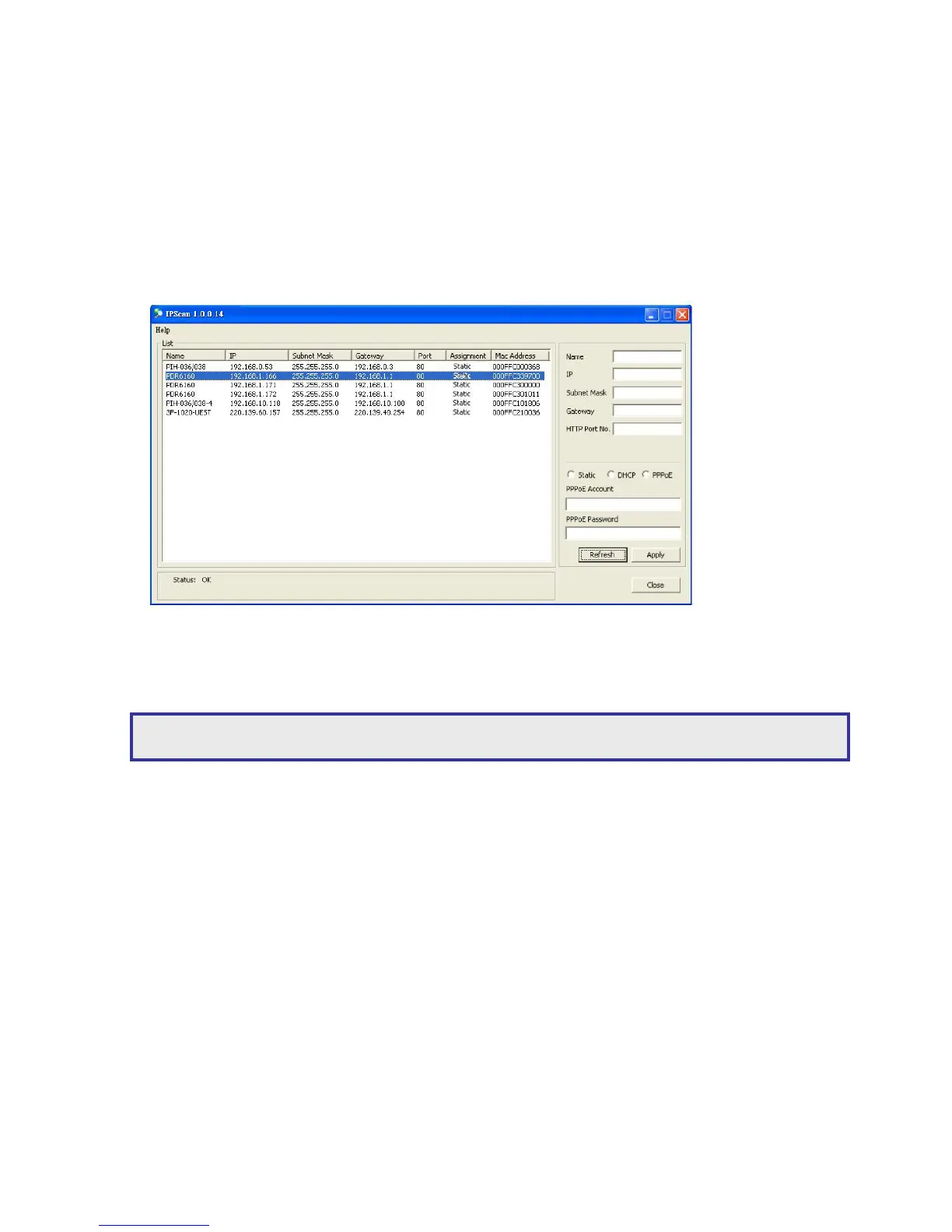
To setup IP address, a user can use IPScan utility to scan all the DVRs within a LAN. This
powerful tool can help the user to monitor, to find, and to set IP configuration for all Merit
LILIN’s IP-based products.
Chapter 8-1-2. Internet Ports
To access the DVR via Internet using a router, please make sure that IP Ports of the router
(IP sharing device) are set. The DVR uses the following IP Ports by default:
Port 80—HTML web pages
Port 3100—Command port
Note: The default IP address of the DVR is 192.168.0.111



 To Next Page