Chapter 8-2. Access the DVR via Internet Browser
To access the DVR, a user can use Internet browser to get live and stored video via Internet.
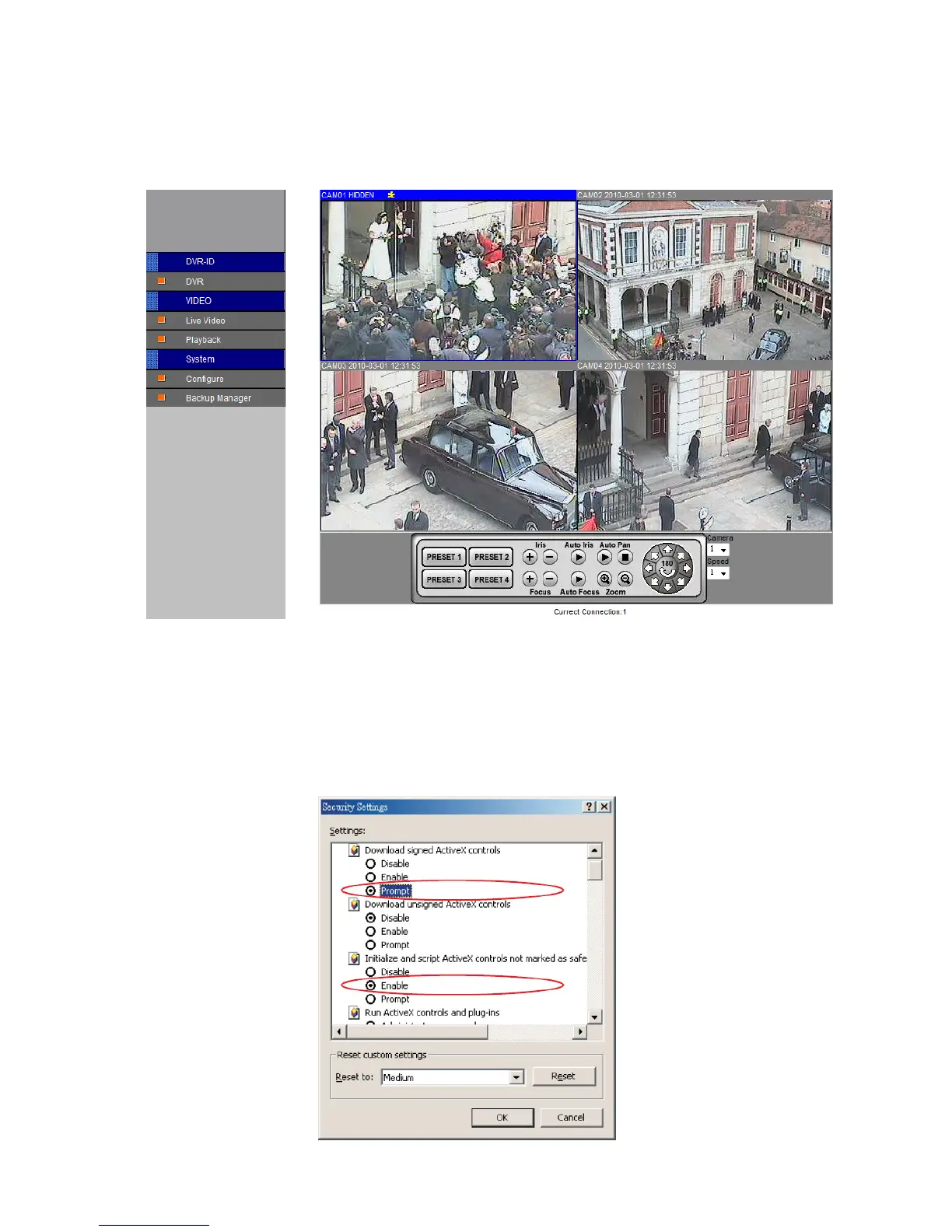
The DVR’s web interface also provides features of PTZ access, split window display, and
system configurations. General DVR web interface is described in the following figure:
Chapter 8-2-1. Before Using Internet
Make sure that your Internet Browser allows signed ActiveX plug-in running on your PC. Set
“Download Signed ActiveX plug-in controls” to “Prompt” and “Run ActiveX control and plug-
in” to “Enable” at Internet Explore->Tools->Options->Security Settings.



 To Next Page