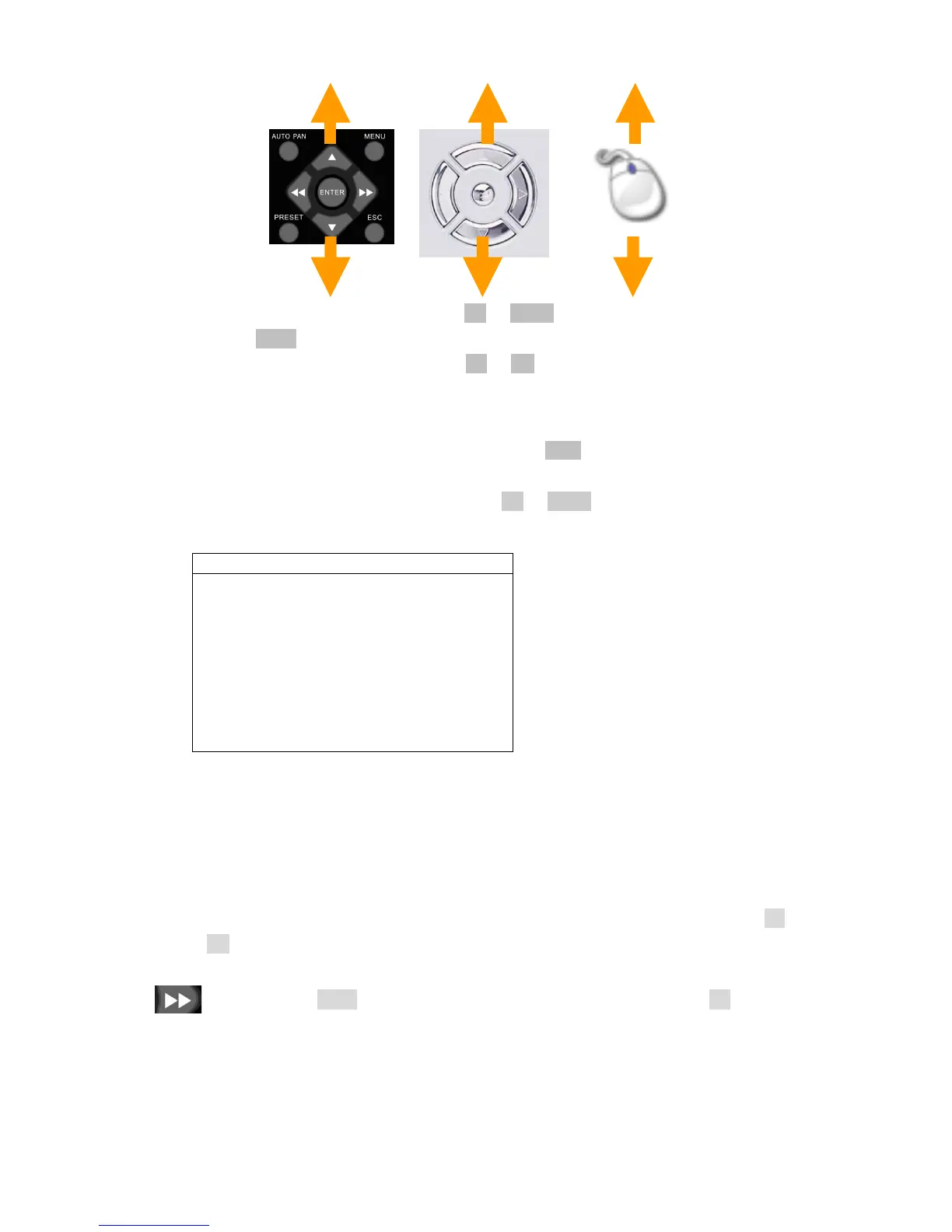
To select an event list item, press Up or Down button.
Press Enter button to play the video clips
To select next page, please press FF or FR button
Chapter 5-3. REC Search
REC SEARCH contains the list when a user presses REC button to activate manual
recording operation. To play the REC Search list, please select Record Search item. A list
of start recording shows up accordingly. Press Up or Down button to select list item for
playback.
Chapter 5-4. Time Search
User can also use calendar and time for performing video search feature.
Chapter 5-5. Other Playback Features
Once one of above playback features is performed, features such as fast forward (FF), fast
rewind (FR), pause, stop, step, and re-play can then be used.
FF: Press Right button, shuttle ring right on the front panel, or FF key on the
remote controller to fast forward the playing video. The speed of fast forwarding
is range from 2X ~ 6X of the original playback speed.
RECORD SEARCH
RECORD TIME
2007/07/04 13:39:47 MANUAL
2007/07/04 13:38:42 MANUAL



 To Next Page