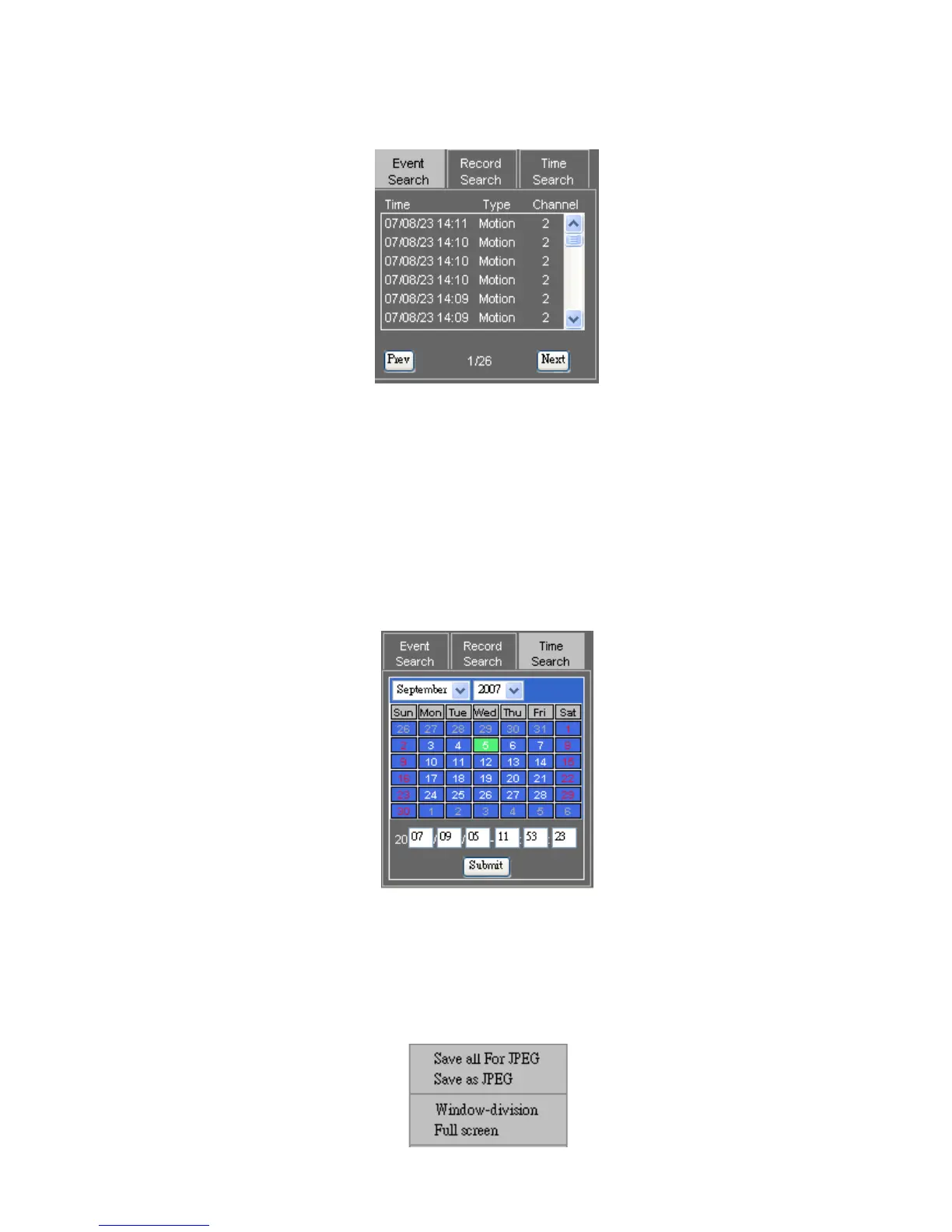
To perform playback operation, please click on Playback hyperlink. A playback dialog box
shows up. Event search list, record search list, and time search are all integrated in the
dialog box on the hyper link panel.
Normal Record and Event Lists
Double click on the record list item or event list item for playback. A user can also click on
Search button to retrieve the video.
Time Search
Time search feature allows a user to search both master and slave HDDs by date and time.
To perform time search function, please specify date and time information in date and time
edit boxes. Press Search button to finish this task.
Chapter 8-2-5. Save JPEG file
To save live or playback video to JPEG files, please perform right mouse click on Video
Display Control area. In system menu, select Save All as JPEG or Save JPEG for the live or
playback video.



 To Next Page