CHAPTER 6. MENU SYSTEM
Chapter 6-1. Setup Menu
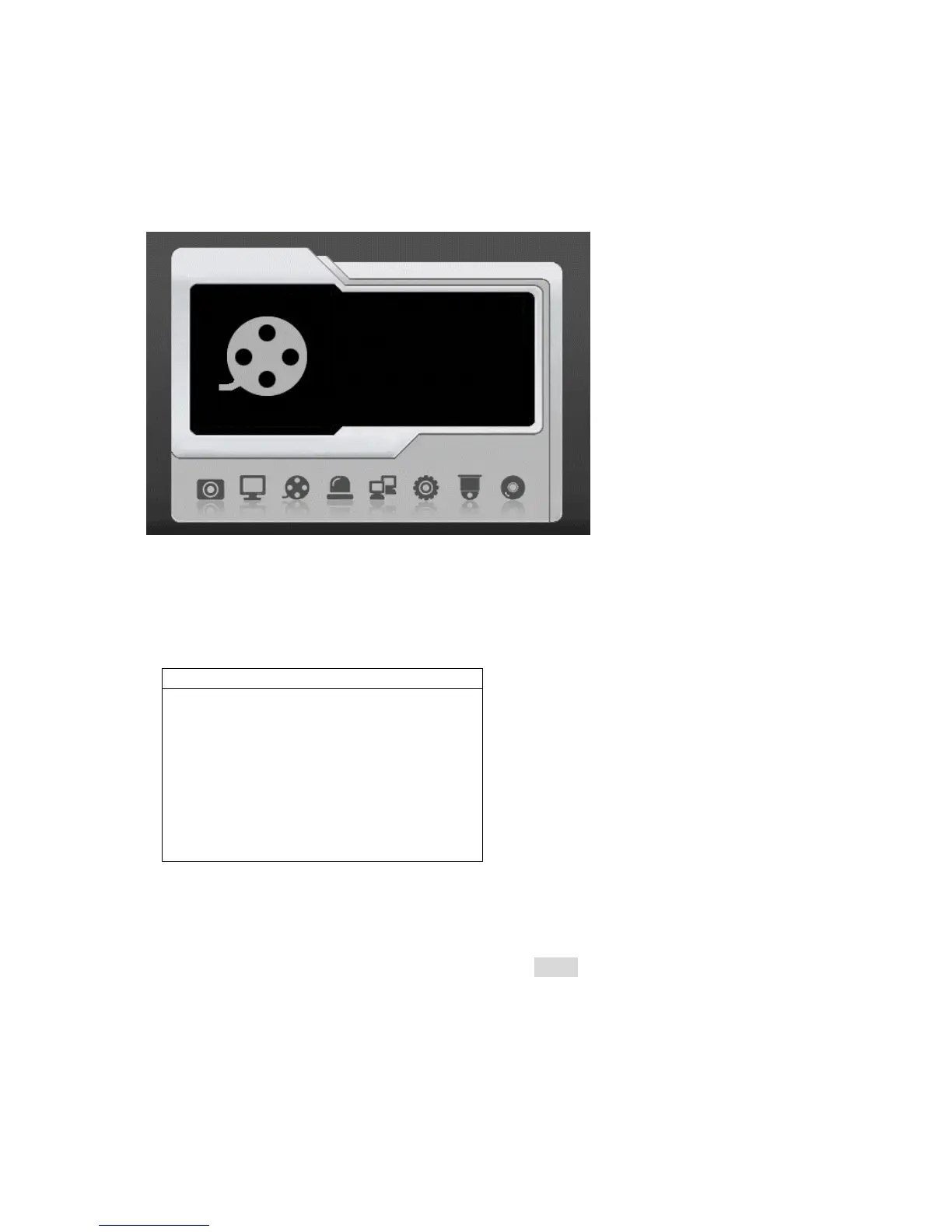
Setup menu contains menu settings for camera, monitor, record, alarm, system, network,
PTZ, and backup. The details of all the setup menu items are described in the rest of the
chapters.
Chapter 6-2. Camera Setup
A user can setup camera settings at camera setup option. Camera name, video setup, and
video loss detection can be found at this option.
Chapter 6-2-1. Camera Name
A user can edit up to 12 characters for a camera name. To setup the camera name, please
type the character using visual keyboard and press Enter button.
CAMERA
CAMERA SELECT 1
CAMERA NAME CAM01
CAMERA DISABLE OFF
VIDEO SETUP
V.LOSS DETECTION ON
Record



 To Next Page