Chapter 6-4-5. Post-alarm Recording
Post-alarm recording can record the video of a camera after a particular alarm/motion is
triggered. To enable post-alarm recording, please set the post-alarm recording seconds for
this option.
Chapter 6-4-6. Resolution
The DVR can provide full D1 or CIF recording solutions. The default setting is at full D1
recording. To change recording resolution, please press Left or Right button.
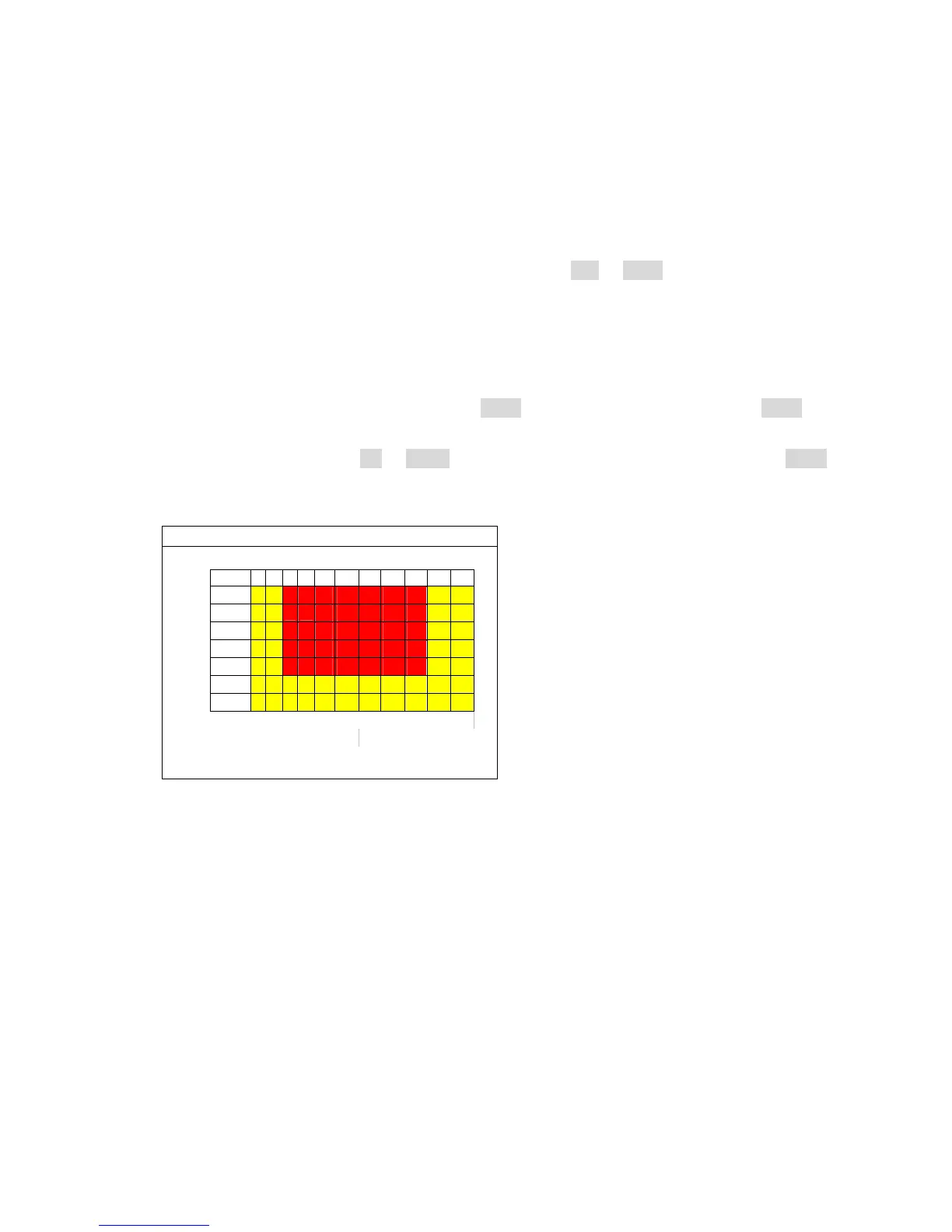
Chapter 6-4-7. Schedule
Once the schedule has been setup, the DVR can record camera video based on the
schedule table. The DVR’s timer detects every second to check if it should start to record.
To edit the schedule table, a user can press Enter button for editing mode. Press Enter
button that can change recording mode, always, sensor, motion, or no record. For the Apply
All setting, the user can use Up or Down button to select Apply All menu item. Press Enter
button on” Apply All” menu item that can setup a recording mode for a week.
Chapter 6-4-8. HDD Overwritten
The DVR can be setup for HDD circular recording. If the user does not want the HDD to be
overwritten, please turn the option to be off.
Chapter 6-4-9. Limited Recording
In many countries, the HDD recording may be limited and can be only accessed for a certain
period. Once the recorded data passes the period, the data can no longer be accessed.
Chapter 6-5. Alarm Setup
Alarm setup menu allows changing the settings of extern alarm switches, motion alarm,
buzzer, and alarm recording duration. To change these settings, please enter Alarm setup
menu and follow the instructions:
SCHEDULE
0



 To Next Page