Chapter 8-2-6. Network Audio
The DVR can provide network audio monitoring for both live and playback video. To activate
network audio, please open a camera’s video in full screen on Video Display Control. It can
deliver network audio to a PC for both live and playback video.
Chapter 8-3. Configure the DVR via Web page
Features of the DVR’s main menu system can be configured via web interface. Features
such as camera, alarm, recording, network, and backup can all get setup remotely.
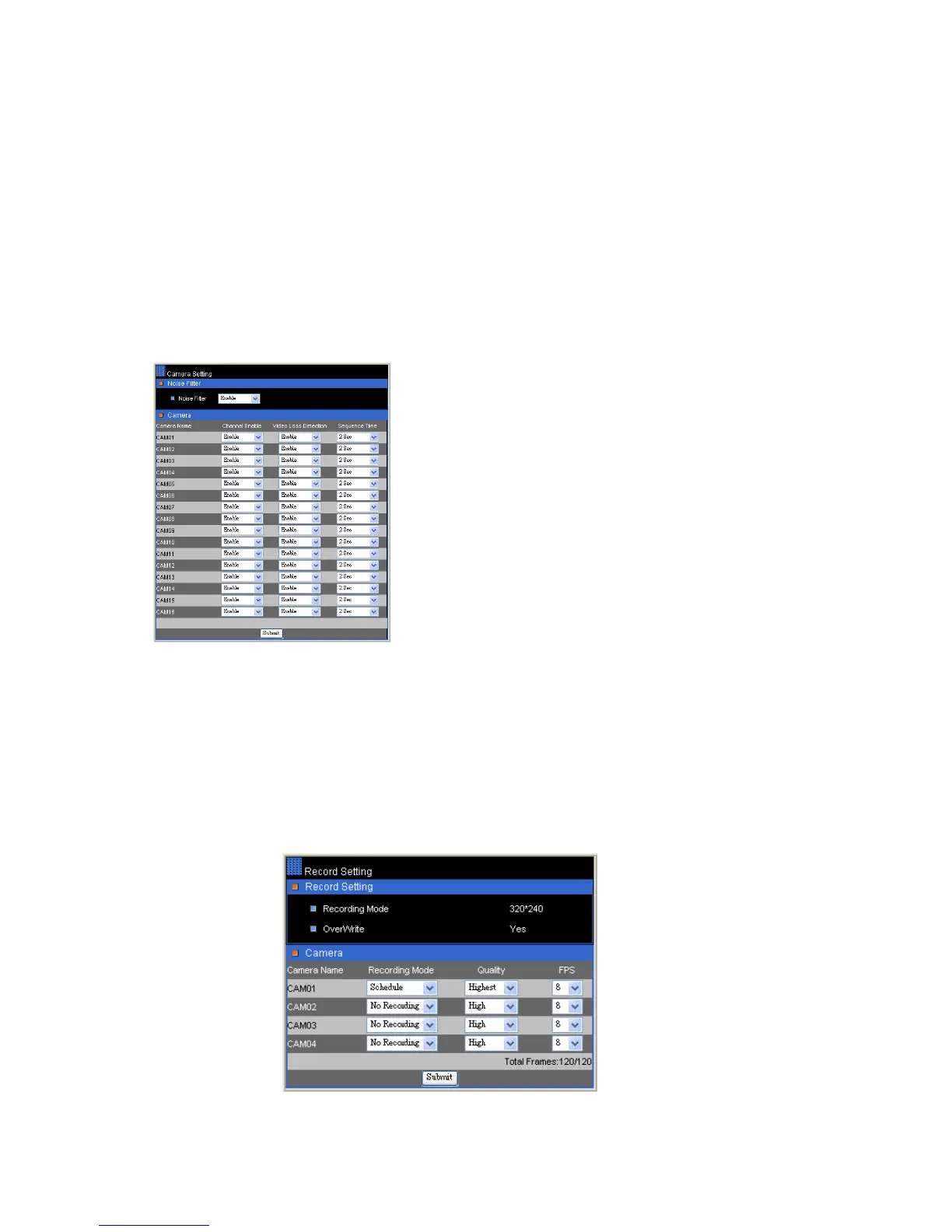
Chapter 8-3-1. Camera Setting
Channel Enable—Enable or disable live video on
main monitor
Sequence Time—Camera sequence time for main
monitor
Chapter 8-3-2. Recording Setting
Current Rec Mode—Current DVR recording mode
HDD Overwritten—Option for circular recording
Camera Recording Mode--Assign schedule recording or no recording for a camera.
Camera Quality—Setup the recording quality for a camera
Camera FPS—recording frame rate for a camera



 To Next Page