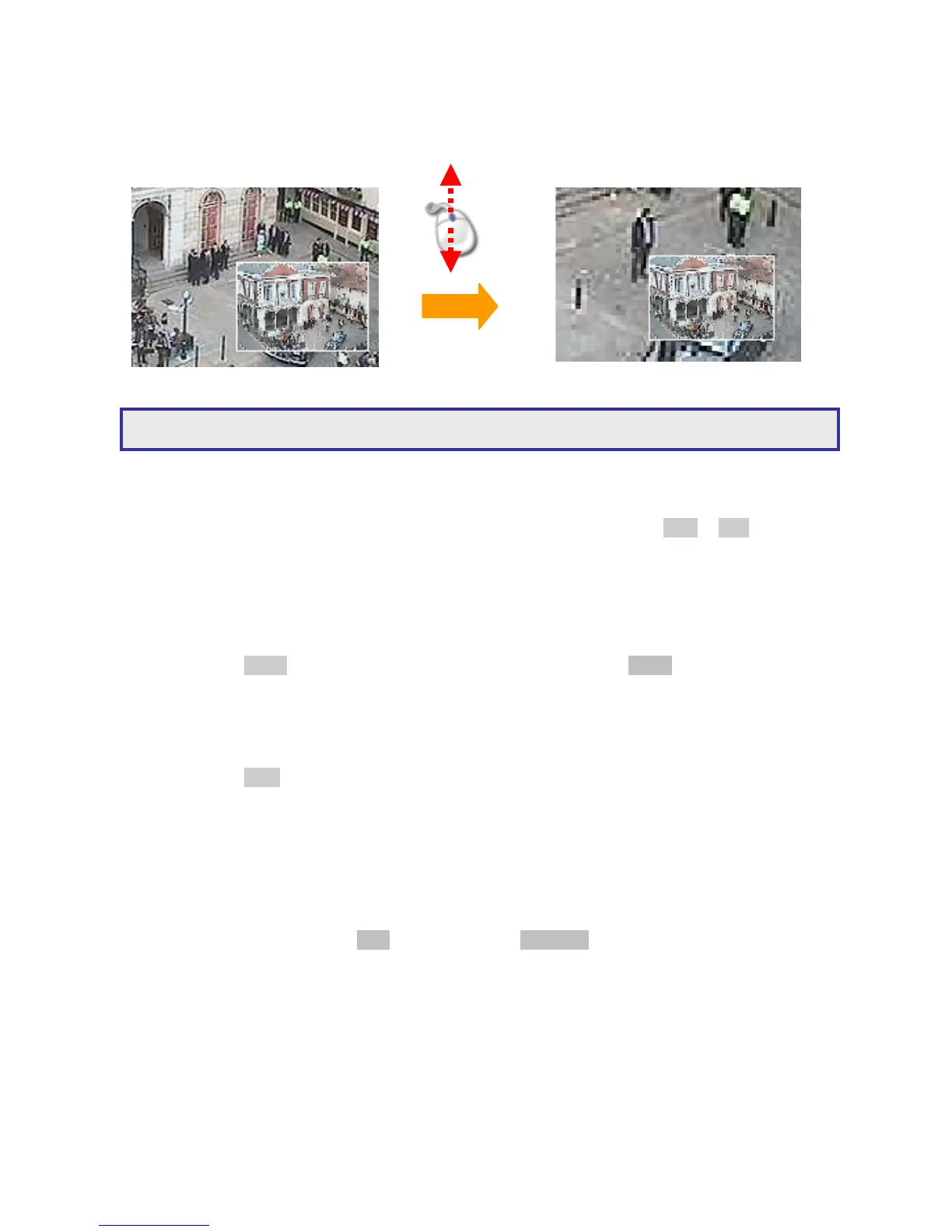
To perform ROI feature using a mouse, please first perform mouse drag for zoom mode. Once
the video is in zoom mode, scroll mouse can perform 5X digital zoom, 9X digital zoom, and
normal view screen.
5X digital zoom
9X digital zoom
Chapter 2-4. CH+ & CH-
In case of scanning through cameras in full screen, channel buttons, CH+ & CH- can be
used to monitor all cameras.
Chapter 2-5. Audio & Mute
Once the audio channel is properly setup, the DVR can output the live audio. To enable live
audio, press Audio button. To disable live audio, one can press Audio button.
Chapter 2-6. Addressable DVR Control Button
To control one of the DVRs using only one remote controller, please press on the
addressable DVR control button followed by the DVR ID. The rest of the DVRs are in
sleeping mode until one of the DVRs gets called.
Chapter 2-7. OK/Cancel Button
The DVR has OK/Cancel operation in menu/submenu system. To perform this operation,
the user can press Menu for OK or ESC for cancel on the keypad or the remote controller.
For keyboard, please press SET button for OK or CANCEL button for cancel.



 To Next Page