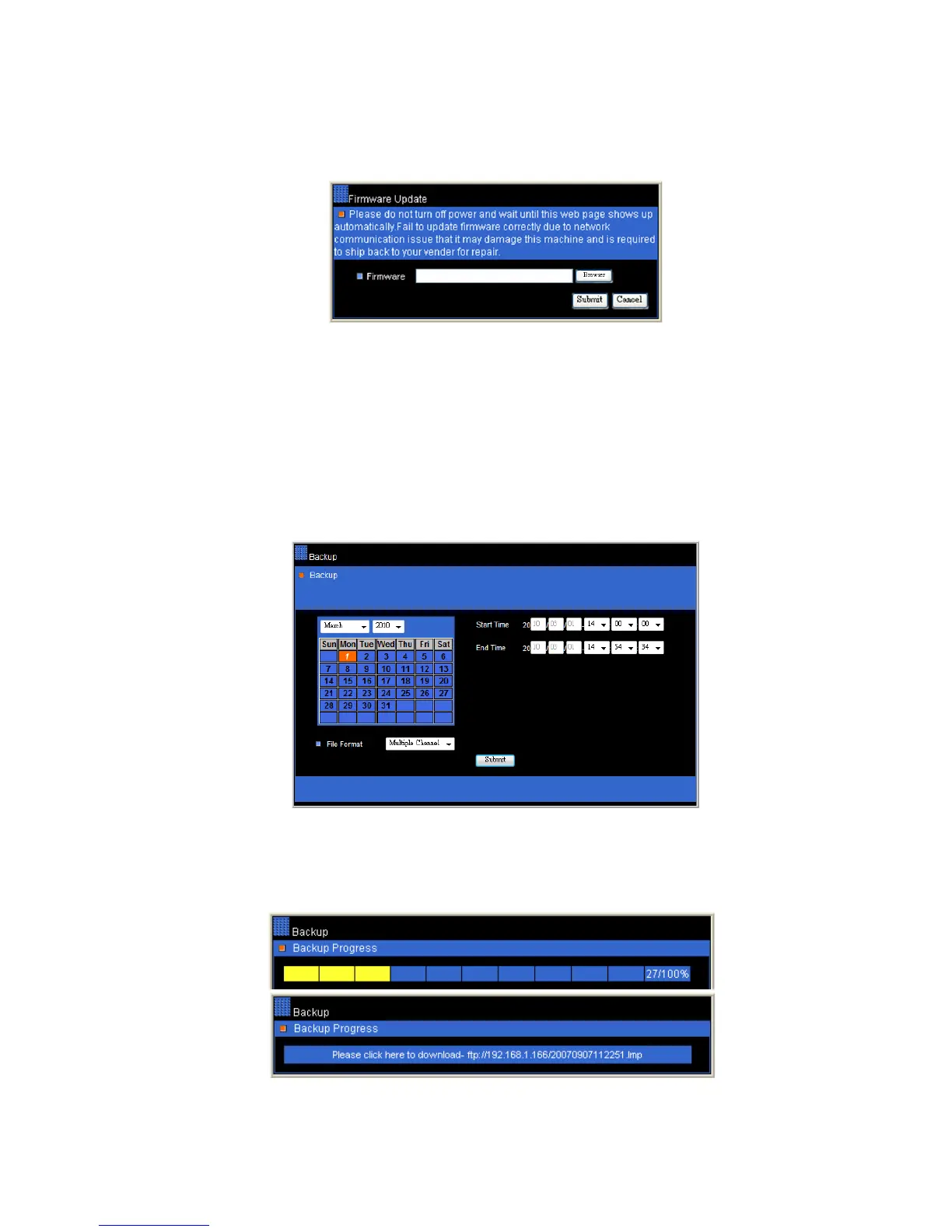
Chapter 8-3-7-4. Firmware update
This DVR is allowed to perform firmware upgrade via network. After DVR receives the
firmware, it starts to perform firmware upgrade automatically. After finishing the firmware
update, HTML page gets reload. The user can then start to operator the DVR.
To perform network firmware update, please click on Browse button and locate the firmware.
For 4-channel, 8-channel, and 16-channel, the firmware file are flash304.bin, flash308.bin,
and flash316.bin
Chapter 8-3-8. Backup
To perform remote video file backup, click Backup hyperlink. Please specify starting time
and ending time. Click on Submit button to perform file backup task.
A backup progress bar shows up on the web page. After backup task ends, please click on
the file hyperlink with LMP file extension. It can download the file from the DVR’s internal
HTTP server to your local PC.
To download the backup file(s) again, please click on “Backup File Download” hyperlink to
download.



 To Next Page