LinMot
Configuration Software
User Manual V1.01 5-3
5.3 Introduction
This and the following chapters describe the LinMot
®
Talk software and all its modules
in detail. For a quick commissioning of a single motor refer to the step-by-step guide in
Tutorial A.
5.4 Login
After starting LinMot
®
Talk, a blank window with a menu bar appears on the screen. As
a first step the entitled user must log in the electronic unit. This is done with the
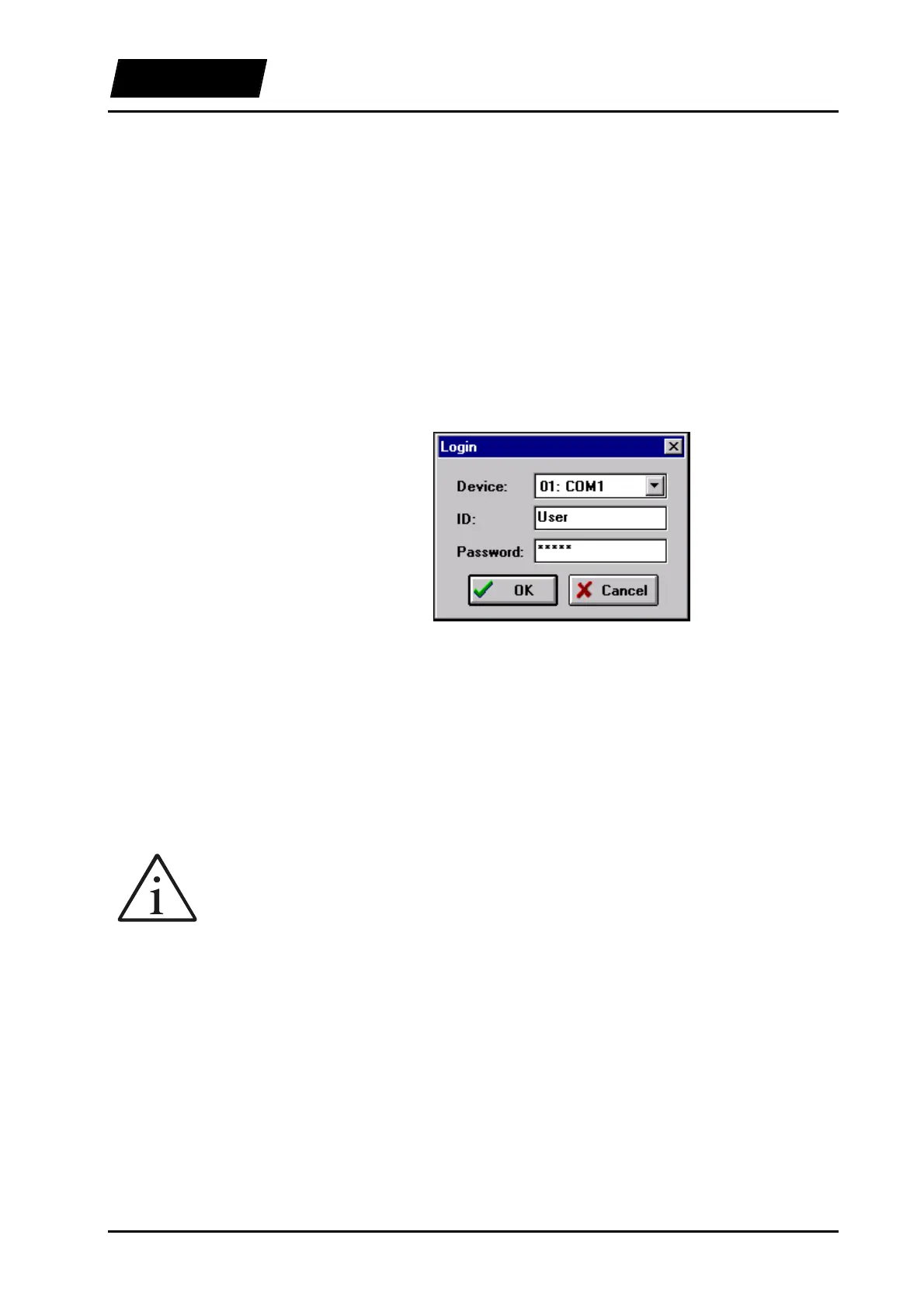
“Login...” command under the “File” menu. After selecting the command a dialog box
appears, as shown in figure Figure 5-2.
Figure 5-2: Login window
The interface to which the LinMot
®
electronic unit is connected can be selected here.
Note that only the interfaces that were activated in the “Lintalk.ini” file will be
displayed! The “ID” field should contain the name “User”. The correct password must
be entered at this point (see also the relative notes at the end of this section), after which
it is possible to log in by clicking on the “OK” button. If the password was entered
correctly the Commander window will appear after a few seconds. The Commander
gives access to all the functions of the LinMot
®
Talk software.
All LinMot
®
electronic units are delivered with no password set.
The password protects your electronic unit from illegitimate changes to the
configuration. If you set a password, you should make a notice of it! A forgotten
password can cause a good deal of annoyance at the wrong moment!
Passwords



 To Next Page