LinMot
Configuration Software
User Manual V1.01 5-7
5.7.2 Saving and loading parameter sets
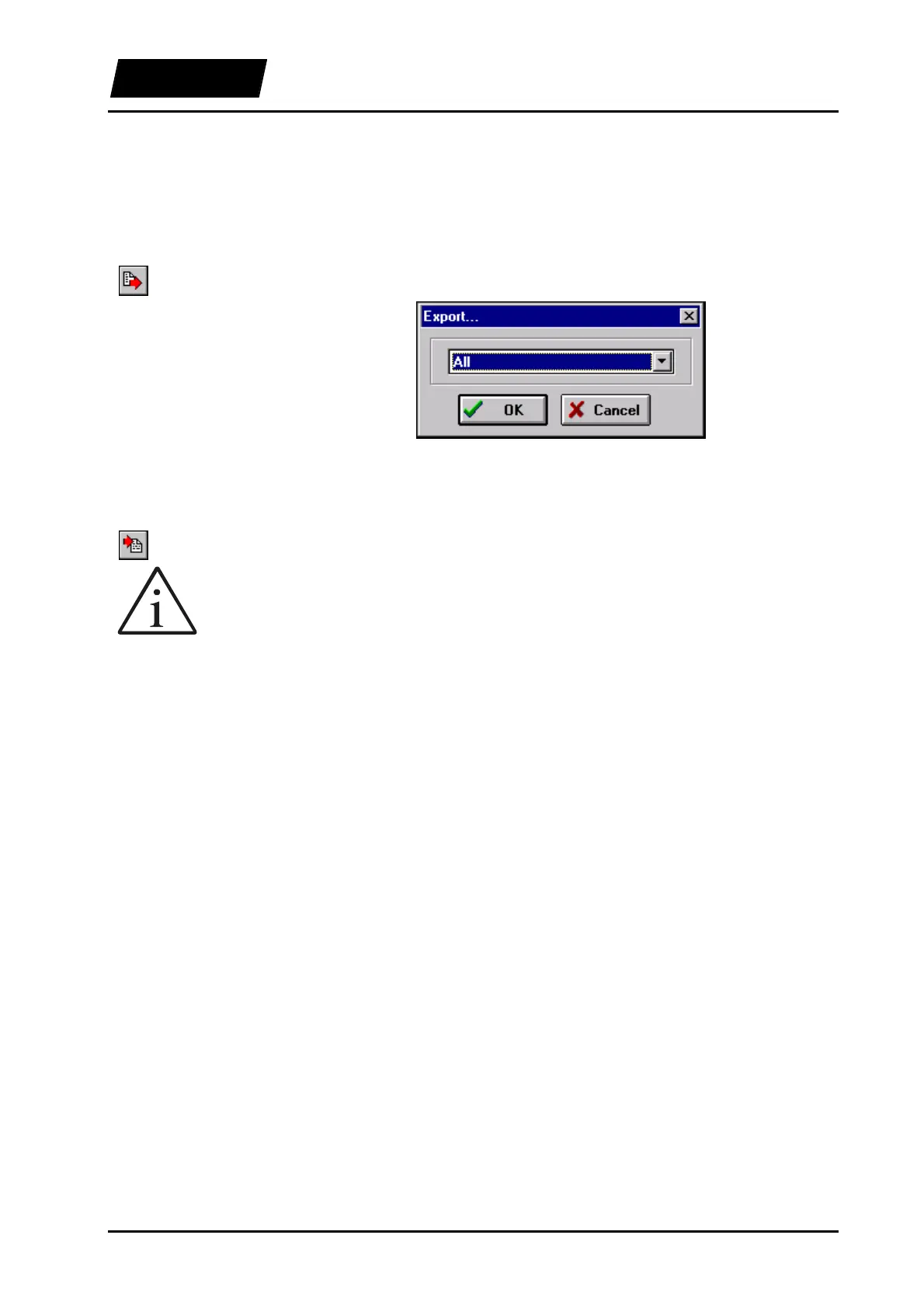
The “import” and “Export” buttons allow loading and saving whole parameter sets.
When exporting, it can be chosen whether all the parameters stored in the electronic unit
or only the ones for a single motor should be saved to the PC.
Figure 5-6: Export dialog box
When importing, a dialog box for the selection of a parameters file is displayed. In case
of a motor parameter set it is further possible to choose which motor the parameters
should be downloaded to.
File names for motor parameter sets end with the extension “*.dri”, while those for
parameter sets for the electronic unit end with the extension “*.cfg”. The corresponding
file extension must be selected when importing parameter sets. When exporting a set, the
selection is done automatically.
5.7.3 Copy and Paste
In order to simplify the configuration of several motors, the software supports the Copy
(Ctrl-C) and Paste (Ctrl-V) commands. The copy command copies the parameter
actually selected. If this is a directory, then the entire directory is copied. When pasting,
the destination parameter must be compatible with the copied parameter. If, for example,
the directory “Drive A” was to be copied and pasted to the directory “Drive B”, the copy
button (or Ctrl-C) would have to be clicked after selecting the directory “Drive A”. At
this point “Drive B” can be selected and the key combination Ctrl-V would paste the
copied parameter set from motor A to motor B.
Export
Import



 To Next Page