ISO 9001 CERTIFIED
CX-5 [EUM-B] 30
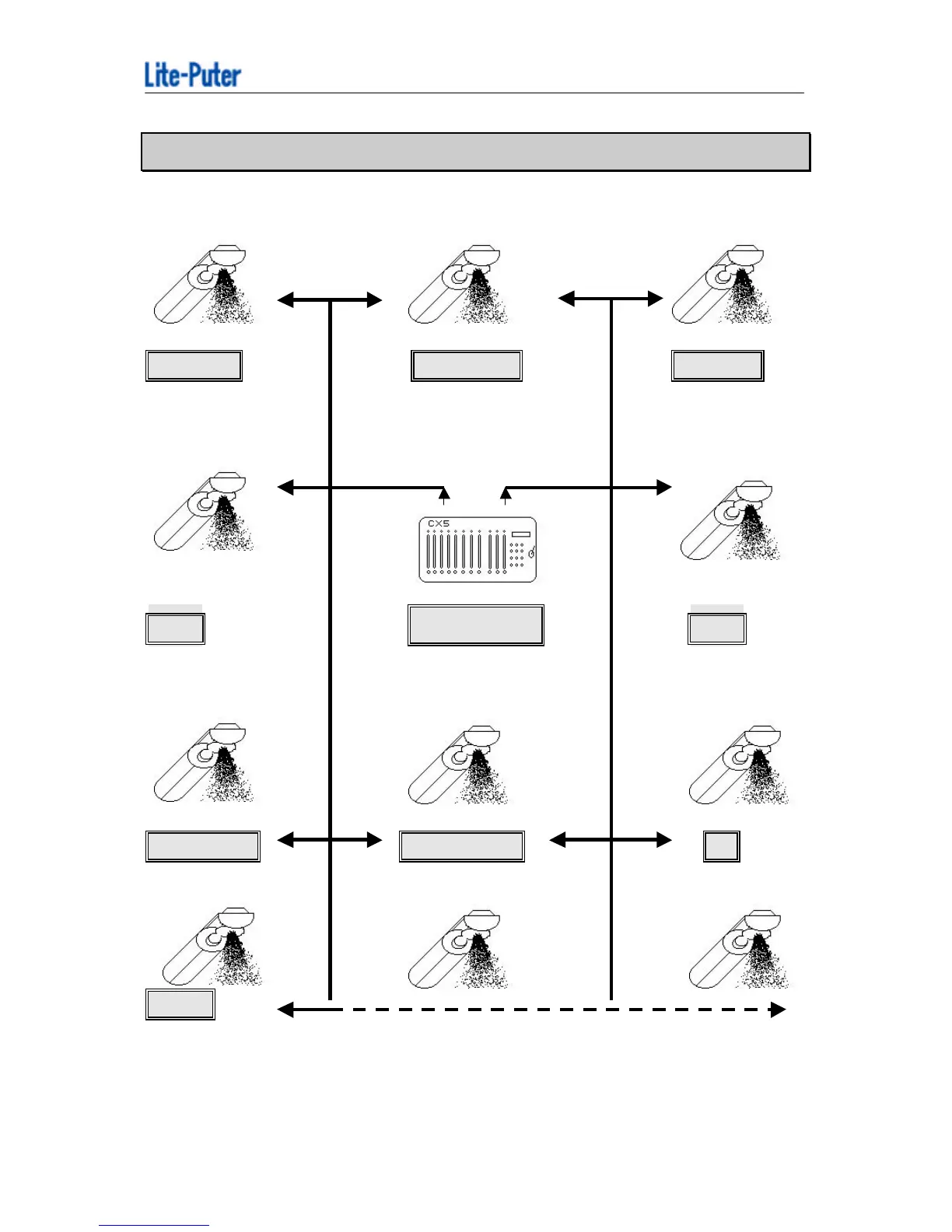
Chapter 8. How to select the start address
(START ADDRESS = 1) (START ADDRESS = 15) (START ADDRESS = 29)
Lite-Puter HIGH END MARTIN
LITE PUTER SCAN TRACKSPOT ROBOSCAN 1020
(START ADDRESS = 43) DMX SIGNAL DMX SIGNAL (START ADDRESS = 57)
GENI Lite Puter B + K
NIMBUS-2 CX-5 VARYTEC
(START ADDRESS = 71) (START ADDRESS = 85) (START ADDRESS = 9)
SHOE PRO CLAY PAKY J B
CYBERSCAN SUPERSCAN VARYSCAN1
ACME
INFLECTION
CX-5 can control different scanner at the same time, please set the
correct start address for every scanner.



 To Next Page