ISO 9001 CERTIFIED
CX-5 [EUM-B] 35
10-2 Preview the pattern built in the program, and save it
to any one of SCENE 301~306
The six data buffer, SCENE 301~306, are designed specially for the pattern built in the program.
Users can set up the “pattern”、”radius” and “speed” wanted under the function “Preview The
Pattern Built In The Program”, then press the button ”PROG” to save the data into any one of
“SCENE 301~306”.
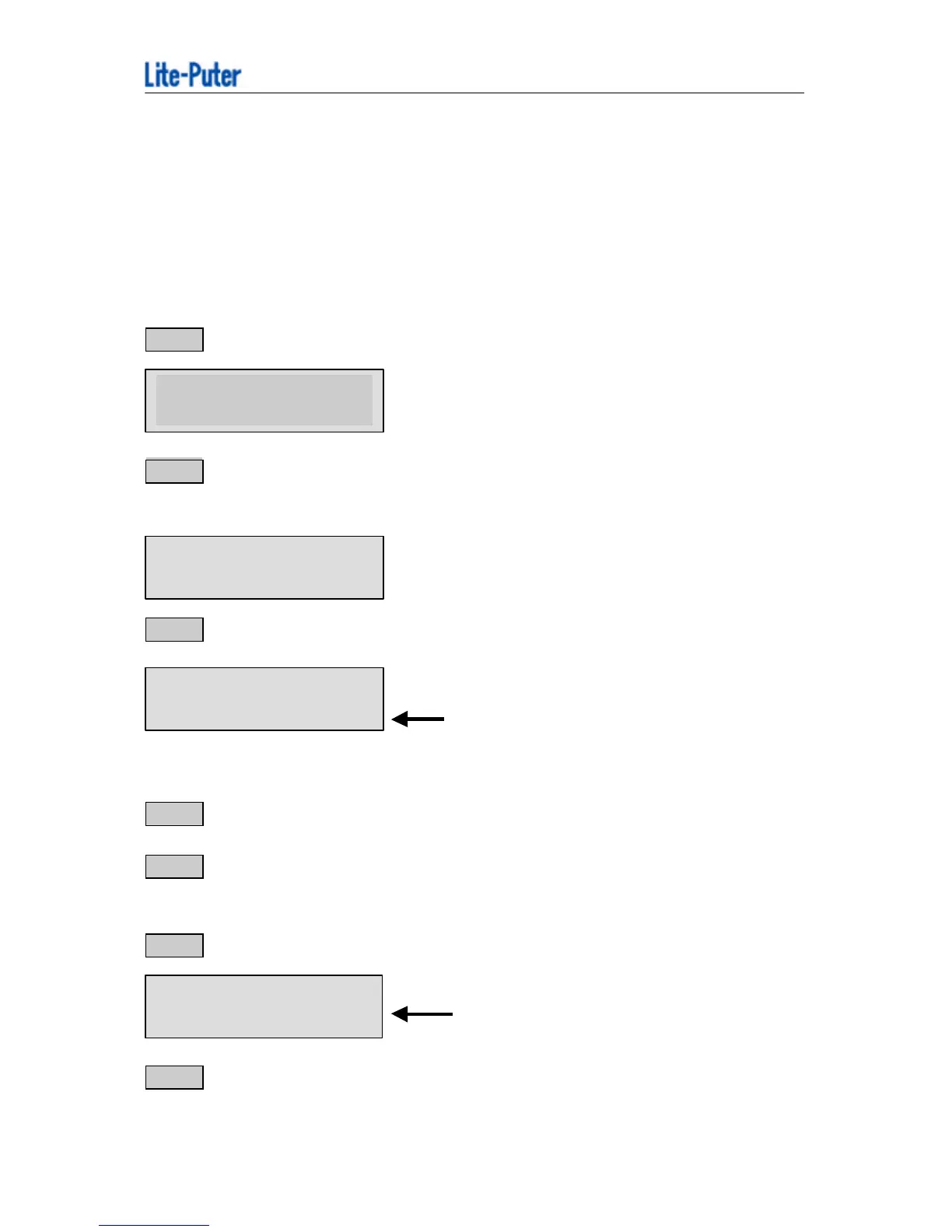
STEP-1 Press the button “FNC” and key in “984”.
STEP-2 Press the buttons “w -“ & “ +4 ” and make the second line on LCD show
“GRAPHIC ENABLE”
STEP-3 Then press “ENTER” and enter the function “Preview the pattern built in the program”
← “GR GRAPHIC MODE =1”
means that you have selected a pattern
combination (LAMP1~12 are circles)
STEP-4 Use “C H1 ~CH12” VR change the pattern of intelligent light.
STEP-5 Move “MASTER” VR & “CHASE SPEED” VR to the proper state by moving the
joystick.
STEP-6 Press the button “PROG”, then the LCD will show as below.
“SC 301” means “SCENE 301”.
STEP-7 Users can select 6 different SCENE memories “SCENE 301~SCENE 306” by pressing
“w -” & “+ 4“.
GRAPHIC FUNCTION



 To Next Page