ISO 9001 CERTIFIED
CX-5 [EUM-B] 21
Keyin Number
(‘FNC’ + ‘981 … 9‘ Please see Chapter 12.)
STEP-3 : Key in ”982”
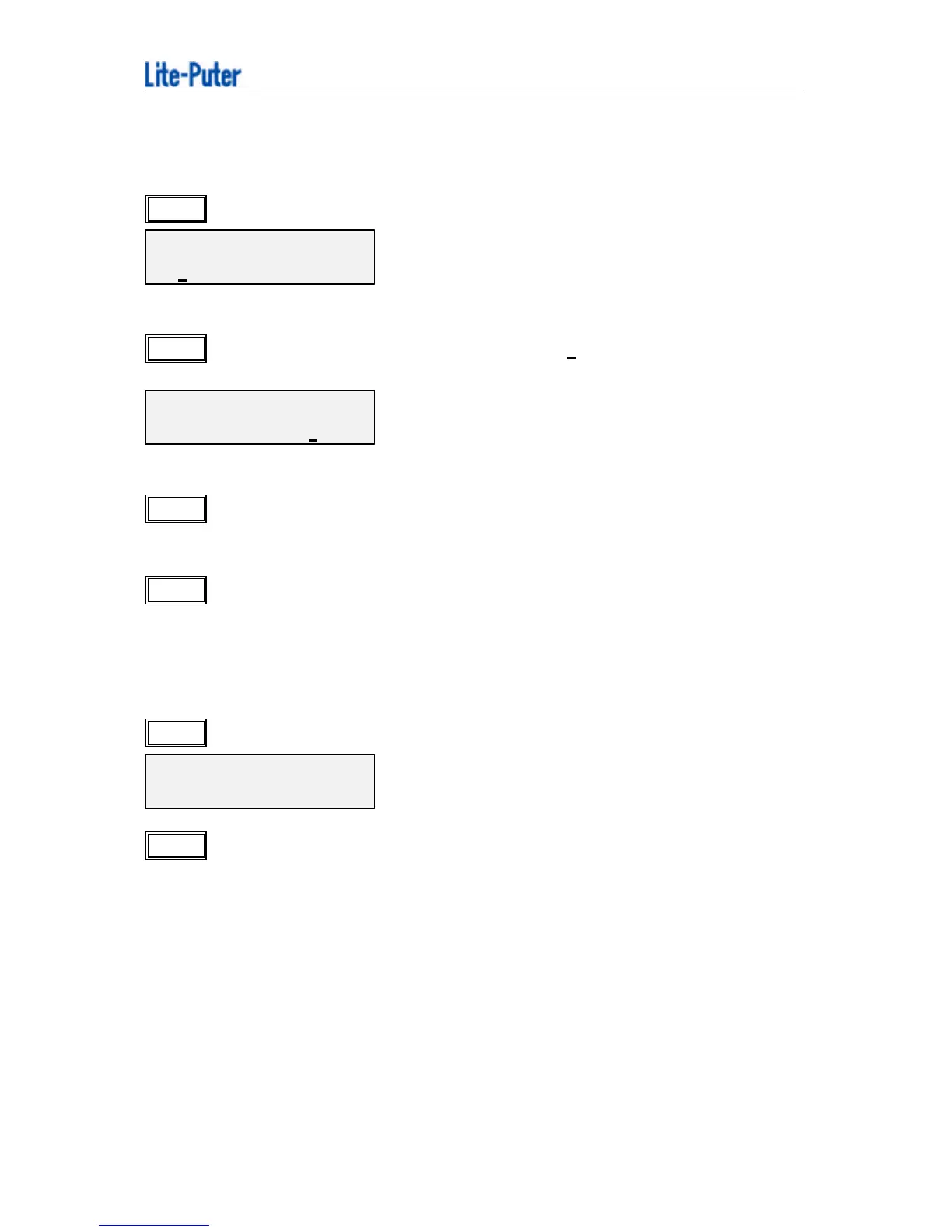
FAVORITE MACRO
P 1 = MACRO 1
(now the LCD is flashing at “P 1” )
STEP-4 : Use “+ 4 ” to move the vernier to “MACRO ?” ,and key in the MACRO number
that “P 1” is going to corresponded (from 1…50).
FAVORITE MACRO
P 1 = MACRO 12
(for example, key in “1” , “2” , means “P1 = MACRO 12”)
STEP-5 : Use “w - “ or “ +4 ” to move the vernier , and key in the corresponding
“MACRO” number (from 1…50).
STEP-6 : Finally move the vernier to “MACRO” , and press “ENTER”.
5-5 How to delete a STEP in a MACRO
STEP-1 :Press ”MACRO” , then ”PROG”
MA
---。----
Keyin Number .
STEP-2 :Use number key ‘0…9’ to select the ”MACRO” number (from 1…50), then
press ”ENTER”
(for example, MACRO 1 has the following date:
STEP 1
→
SCENE 1
STEP 2
→
CHASE 1
STEP 3
→
SCENE 2
STEP 4
→
CHASE 2
STEP 5
→
SCENE 3
STEP 6
→
CHASE 3



 To Next Page