2-2 To define the format of lighting fixtures by user
STEP-1 : User can define the format by himself if the fixtures are not in the data bank.
EX. We take the Leo scanner as an example,
CH1=PAN, CH2=TILT, CH3=COLOR / GOBO, CH4=SHUTTER, CH5-CH14=OFF.
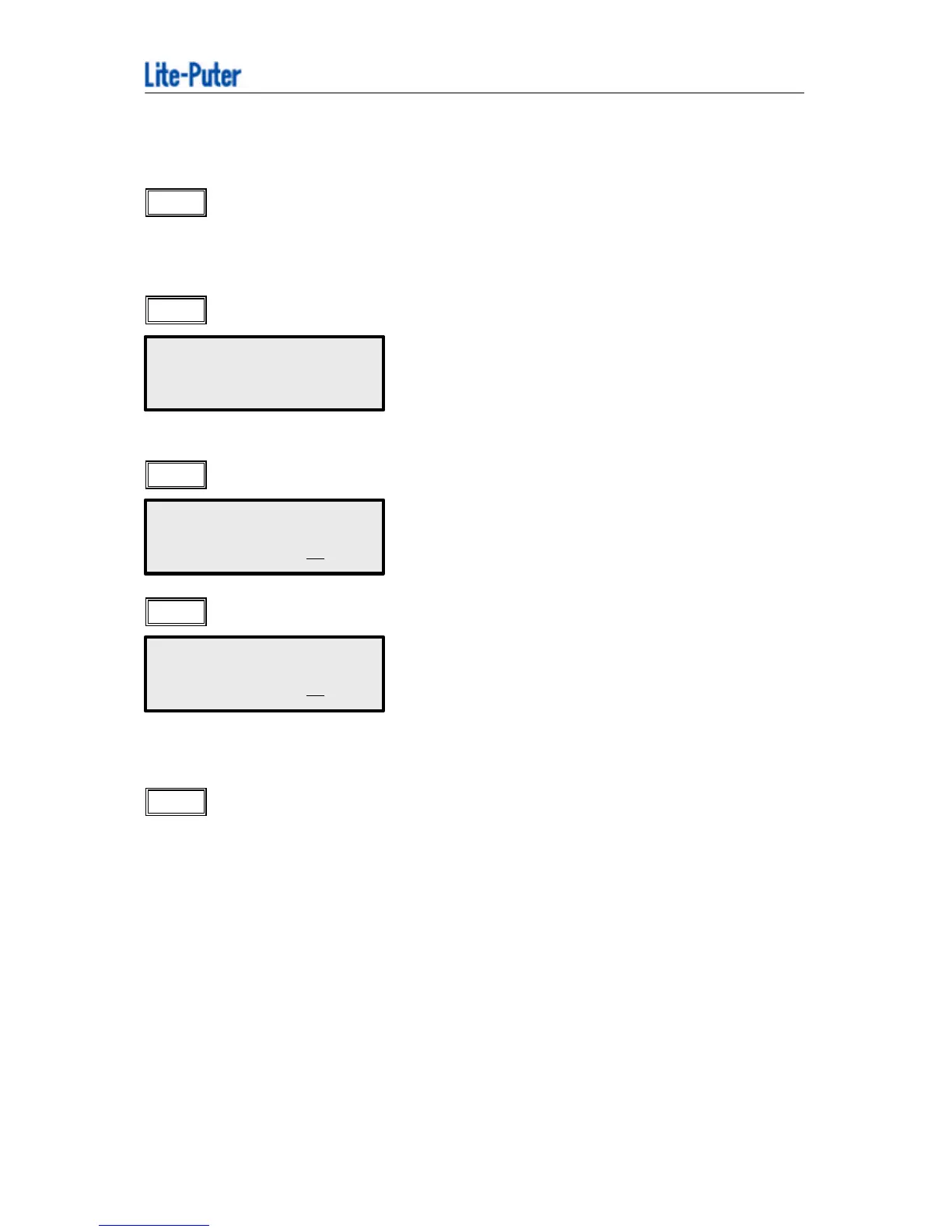
STEP-2 : Press “FNC”, then press “988”,
( Please key in the channel number for Pan.)
STEP-3 : Press “+ 4” key to define Tile.
STEP-4 : Press “ENTER” to confirm.
This function simply defines the pan and tile to the joystick.
STEP-5 : Press “FNC 981” and select “1: ANY COMPANY” after the fixture was set.
USER DEFINE LAMP
PAN =CHANNEL ?
USER DEFINE LAMP
TILT =CHANNEL 4
USER DEFINE LAMP
TILT =CHANNEL 4



 To Next Page