Operating manual and inspection booklet
Camping
3435216 135
Back key
Fig. 124: Back key
If the back key is pressed, the display jumps back out of a menu
and discards the settings. I.e., the existing values remain saved.
More information about configuration can be found in the
operating manual provided by the manufacturer.
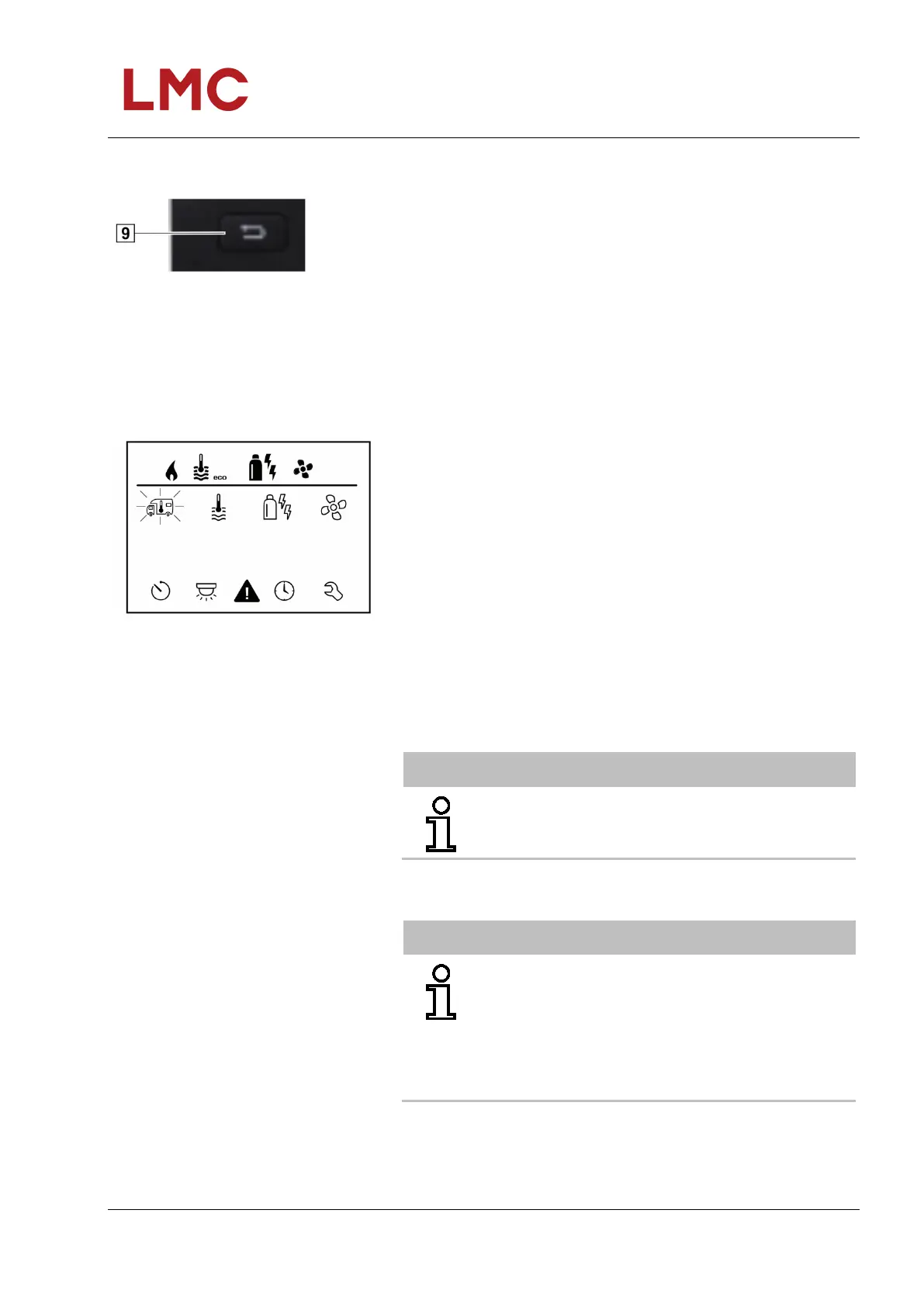
Functions
Fig. 125: Setting level display
The functions in the menu lines (Fig. 122, Pos. 3, 4) of the
control unit Truma CP plus can be selected in any sequence.
The operating parameters are displayed in the status line (Fig.
122, Pos. 2) or in the displays (Fig. 122, Pos. 5, 6).
Select setting level:
Tap rotary/push-button.
The display shows the setting level. The first symbol flashes.
Switching on/off
Tap rotary/push-button.
Previously set values / operating parameters are
once again active after switching on.
Switching off Press the rotary/push-button for longer than 4 seconds.
After 2 seconds “APP”1 is output to the display.
“OFF” is output after a further 2 seconds.
The switching off process of the Truma CP plus
control panel can be delayed by a few minutes due to
internal overruns of heating or air conditioning
system.
1) Only in conjunction with an iNet Box.



 To Next Page