Start-up
Connecting to the Mains Supply
Make the required cable connections as described in section “Connecting“
(page 13). First insert the smaller three-pin plug of the network cable into the
socket for the network cable (page 7) at the rear of the player, then insert the
large network plug into a 220-240V/50-60 Hz network socket.
Switching On/Off
➠ Please switch your Mediacenter after the first boot process
(it can take a few minutes) IN FUTURE ONLY switch on and
off by pressing briefly of the on/off button on the remote
control. Your Mediacenter remains ready for use more
quickly in this way.
Switch on the Mediacenter with the Mains switch
(page 7).
Adjust the remote control for Mediacenter operation by
briefly pressing the AUDIO button.
Your Mediacenter switches on. If you have connected a Loewe
TV set (from L271x) via HDMI, then this will switch on as well.
Otherwise, switch your TV set on and set the respective AV
programme slot.
To switch off the device, press the On/Off switch on your
Mediacenter (page 6) or Assist (page 3) remote control.
➠ To prevent loss of data, do not switch off until all write
operations (e.g. reading from USB memory or iPod, CD import)
on the harddisks
have ended.
While the Mediacenter starts up, the red LED indicator flashes
(page 6).
The moment the Mediacenter becomes operational, the green
LED indicator begins to glows constantly.
➠ If available, a software update for the Mediacenter is auto-
matically started after Product registration (on this page)
and setting up of Internet access (from page 19) after con-
firmation (page 31).
➠ Switch your Mediacenter off if you are to be away for an
extended period, first with the On/Off Button and then with
the mains switch or pull out the mains plug. This will save
energy and protect the environment.
Digital Link HD (HDMI CEC)
With the Digital Link HD, the Loewe TV sets (above chassis L271x) pass on the
remote control signals over the HDMI link from the Loewe TV set to the compat-
ible attachments, such as e.g. Mediacenter. Digital Link HD is useful if you want
a concealed setup for the Mediacenter and the device is completely controlled
via Loewe TV set.
First of all, adjust the HDMI CEC function for the Assist
remote control as described on page 16 to Code 22 on the
required device button (e.g. AUDIO).
Then carry out the allocation of the Digital Link HD function to
the HDMI interface of the TV set used by pressing the button
set above (e.g. AUDIO) for 5 sec.
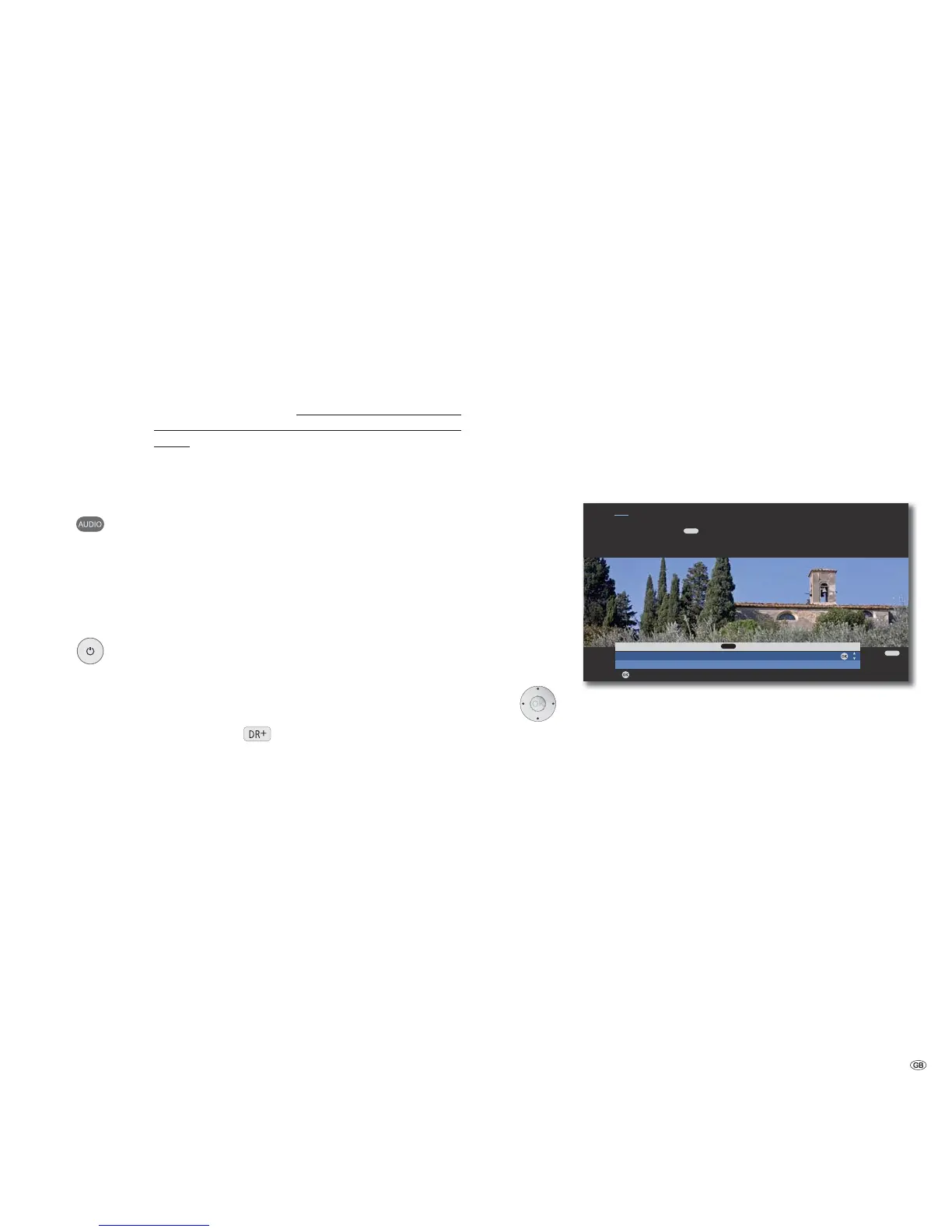
A selection menu will appear.
OK
END
OK
Select HDMI device for key
Mediacenter
No device
Adopt
Hint
Here you select the device which you want to switch over your remote
control to with the key. After confirming the selection with OK all
remote control commands are passed on to the selected device via the TV set
in future when you press this key.
AUDIO
AUDIO
Select the desired device (e.g. Mediacenter).
Confirm OK.
Now, the signals from the Assist remote control of the Loewe
TV set are transmitted to the Mediacenter if the relevant
device button (e.g. BD) is pressed beforehand.
➠ It is possible that your Loewe TV set may need a software
update. Please contact your specialist retailer.
Product Registration
The Mediacenter must be registered once during startup to be able to use all
integrated services.
In accordance with § 33 of the German Federal Data Protection Act (BDSG) we
would like to highlight that the device number and the respective software ver-
sion are processed and saved using electronic data processing equipment. The
data guarantee that we are always able to provide you with the best service in
the event of any repairs. All information is treated as confidential and not passed
on to the third parties.
17 -



 To Next Page