Start-up
Main Menu
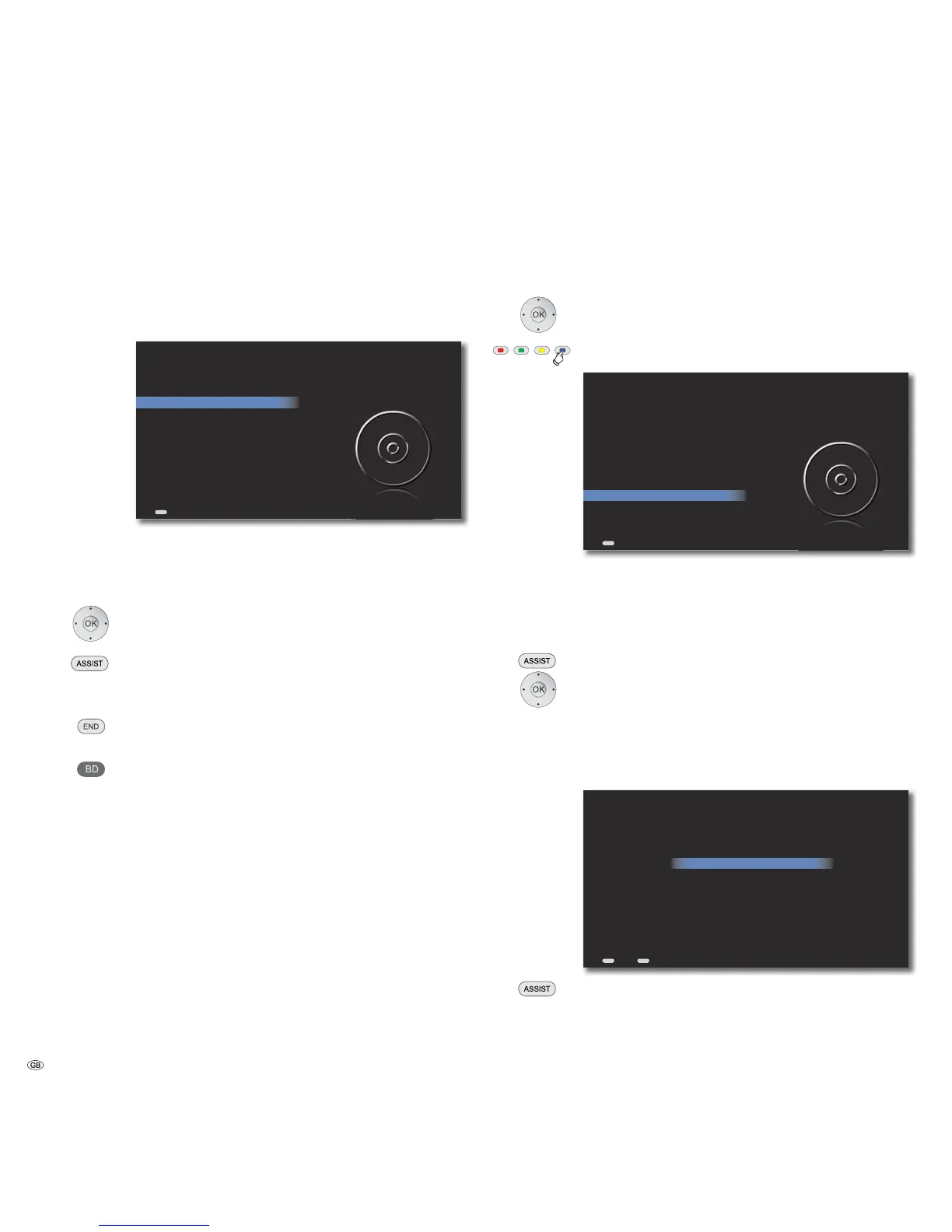
The menu of the Mediacenter is displayed on the screen of the connected TV
set. From here, you can execute different functions of the Mediacenter and also
make the necessary settings.
BD
BLU-RAY PALYER
DVD/CD Player
iPod
Music
Radio
Sources
Settings
Mediacenter
Navigation in the Menu
In these operating instructions, the arrow buttons on the Remote Control Assist
are shown as follows:
In the text, the arrows correspond to: ““.
The OK button on the remote control is shown as OK in the text.
Call up Main Menu.
Select required option.
Move Back in the menu.
Move Back in the menu.
Confirm OK.
Push the button BD to operate a BluTechVision
Interactive player connected to the Loewe TV set..
Settings Menu
Set the Mediacenter to meet your individual requirements and configuration.
Select Settings option.
Confirm OK.
Calling up menu settings directly from other menus.
BD
BLU-RAY PLAYER
DVD/CD Player
iPod
Music
Radio
Sources
Settings
Mediacenter
➠ If necessary, set the TV resolution as described on page 28 to have a better
TV screen display.
Menu Language
Select a language for menus and dialogues displayed by the player.
Call up Main Menu.
Select Settings option.
Confirm OK.
Select Language option. Confirm OK.
Select On Screen User Interface option. Confirm OK.
Select required language. Confirm OK.
ASSIST
END
Deutsch
English
Español
Français
Italiano
Nederlands
Please select a language for the on screen user interface...
Back Home
Call up Main Menu.
- 18



 To Next Page