Start-up
Mediacenter Network Name
The Mediacenter registers itself as a server in your home network with the name
Mediacenter. Alternately, you can enter the name of your choice. This name must
not exceed 15 characters (no special characters or spaces).
Call up Main Menu.
Select Settings option.
Confirm OK.
Select option Network.
Confirm OK.
Select Mediacenter Network Name option.
Confirm OK.
END
ASSIST
ABCDE
F
G
HIJKL
M
N
OPQRS
T
U
VWX YZ
<1>
Mediacenter
Space
Lower
Delete
Clear Cancel Save
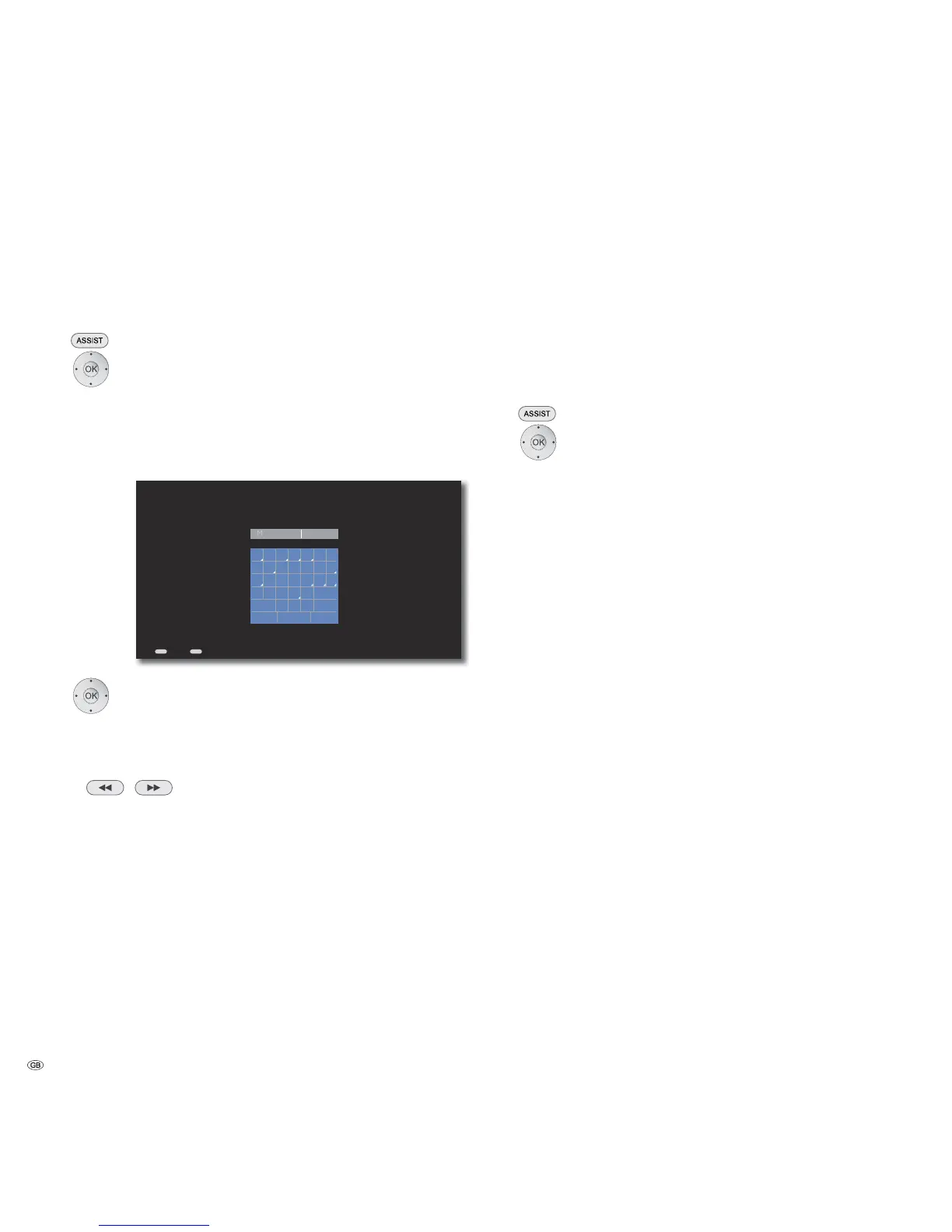
Enter the Mediacenter's Network Name...
Back Home
Select alphabets / digits / function.
Confirm OK.
Capital Letters in uppercase
Small Letters in lowercase / special characters
Other Special characters
/ Country-specific special characters
Space Spaces
</> Select a digit between 0-9
Delete Delete a character to the left of the cursor
Clear Completely delete the input field
Cancel Close menu without saving
Save Save entry and close menu
Network Share
With the Mediacenter, you can access up to two CIFS/SMB Network Shares in
your home network. Media stored in these directories (e.g. NAS harddisks) can be
played back locally on the Mediacenter or streamed to the Multiroom Receivers
or streaming clients in your home network.
➠ To enter the network path, either the “Name“ of the drive with at least one
enabled folder. If the Network Share cannot be addressed with this name,
please use the IP Address of the Network Share.
Call up Main Menu.
Select Settings option.
Confirm OK.
Select option Network.
Confirm OK.
Select option Connect with network drive 1/2.
Confirm OK.
Enter the complete network path in the text input menu (as
described on this page under “Mediacenter Network Name“).
Example: //Diskstation/music
➠ After a successful connection, the medium is automatically “indexed“ for
subsequent convenient and quick search of music. This process can take
longer depending upon the size of the music collection.
- 22



 To Next Page