Sources
With your Mediacenter you can play back music from external sources. These
sources can be e.g. analogue or digital audio signals, USB memory or external
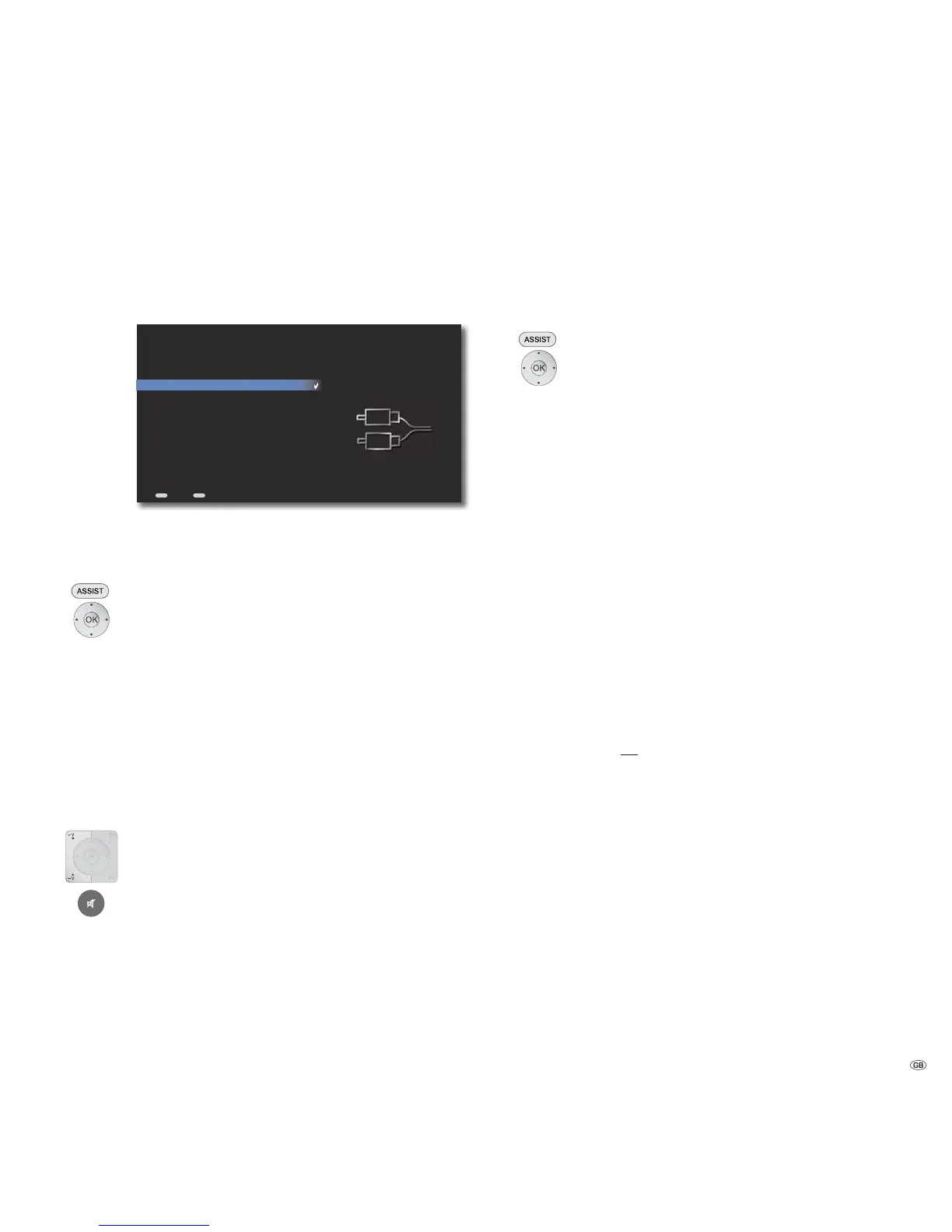
harddisks in the home network. The menu Other Sources gives you an overview of
possible Wired sources of sound as well as available External storage media.
END
ASSIST
Home
Line IN
Digital IN
HDMI IN
Side USB - 16GB
Front USB - 1GB
Network - NAS1
Network - MyPC
Sources
Back
Wired Audio Sources
You can connect analogue or digital audio sources to your Mediacenter.
Call up Main Menu.
Select option Sources.
Confirm OK.
Select desired Source.
Line IN Analog stereo sound signal at the input AUDIO IN
L/R
Digital IN Digital sound signal at the input DIGITAL IN
HDMI IN Digital sound signal at the input HDMI IN
Confirm OK.
➠ The currently selected audio source is marked with a tick.
V+ / V- Volume up / down.
Sound on / Mute.
External memories
With your Mediacenter you can play music stored on USB media and Network
Shares (page 22). You can access these music files from the menu Music (page 39).
Call up Main Menu.
Select option Sources.
Confirm OK.
Select desired Source.
USB 1/2 Audio files of a USB 1/2 connected storage medium
are played back.
Network 1/2 Audio files of a storage medium connected via
network are played back (see “Network Share“ on
page 22).
Confirm OK.
➠ The operation is same as the functions described in the chapter “play“
(from page 32).
➠ After the connection is successfully done, the medium is automatically
“indexed“ so that the available titles can be easily and quickly found in the
menu Music. This process can take longer depending upon the size of the
music collection.
USB Operation
• You can connect a USB storage medium directly to the USB port.
• The standard USB 1.1 and 2.0 is supported.
• The USB device may not be disconnected during a file transfer.
• Only the file systems FAT16, FAT32 and NTFS are supported.
• Devices that require an additional software installation to be connected to a
computer are not supported.
• Connection options other than the USB connections mentioned above are
not supported.
49 -



 To Next Page