Start-up
TV Resolution
In this menu you can set the TV Resolution. Higher resolution provides a sharper
screen display.
➠ Please refer to the documentation of your TV set to learn
about the resolutions supported by your TV set at the used
video socket.
Depending upon which interfaces do you use for the Video link
to the TV set, specific resolutions are required:
HDMI 576i/p, 720p 50/60 Hz, 1080p 50/60 Hz
Component 576i/p
Composite 576p
Call up Main Menu.
Select Settings option.
Confirm OK.
Select option Video.
Confirm OK.
Select option TV Resolution.
Confirm OK.
ASSIST
END
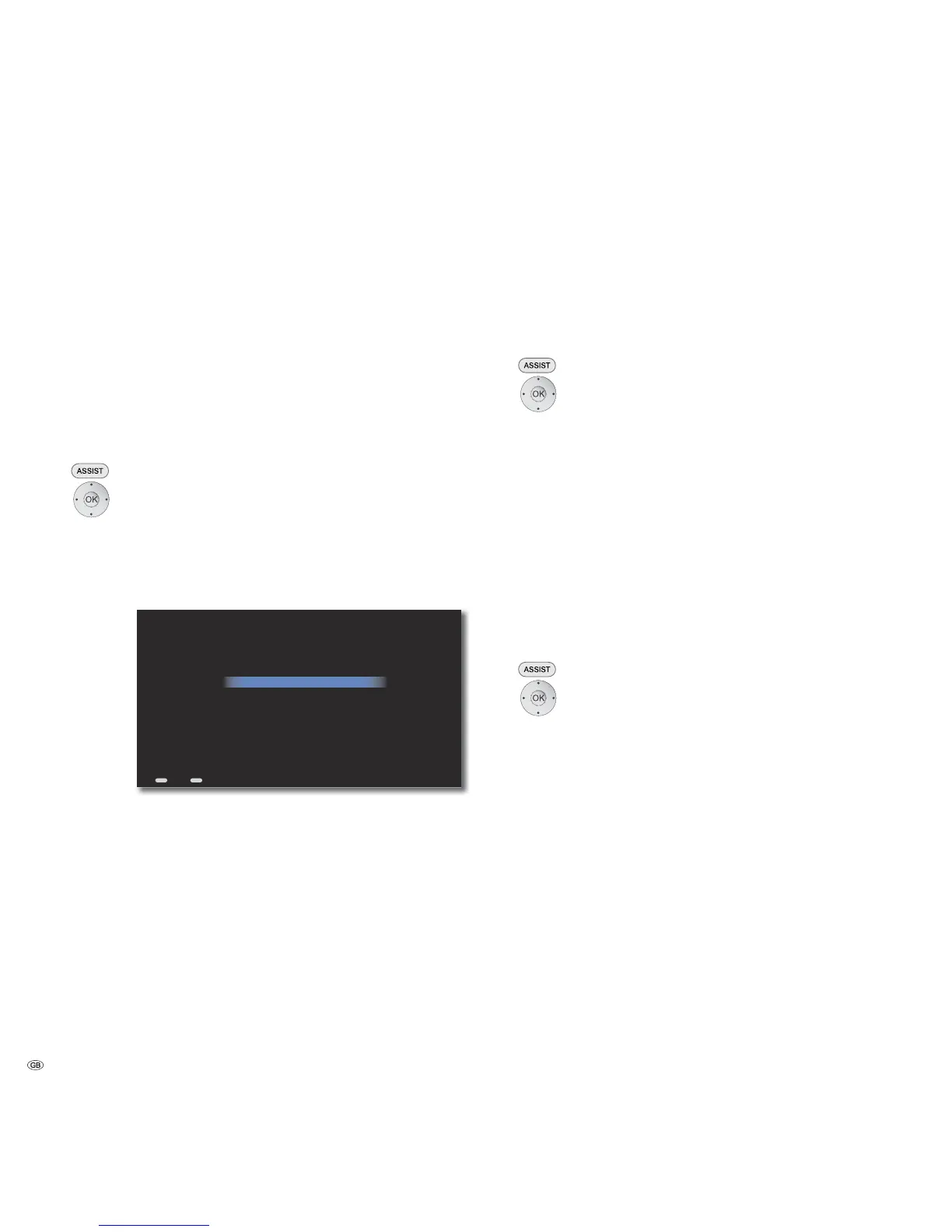
1080p - 60 Hz HDMI
1080p - 50 Hz HDMI
720p - 60 Hz HDMI
720p - 50 Hz HDMI
576p Component / HDMI
576i Component / 576p HDMI
576p Composite / 576p HDMI
Select the resolution that best matches your TV...
Back Home
HDMI - 1080p; Component and Composite - Disabled
Select desired resolution.
Confirm OK.
The screen resolution is set to the selected option.
At the same time, it is inquired whether the selected resolution
should be retained.
Select Yes if the display is flawless.
Confirm OK.
If the display is unsatisfactory or there is no image to be seen,
press OK to switch back to the previously selected resolution.
TV Type
You can set here the colour-encoding system to be used for the video output on
your TV set.
➠ Please refer to the documentation of your TV set to learn
about the colour-encoding system supported by your TV set.
Call up Main Menu.
Select Settings option.
Confirm OK.
Select option Video.
Confirm OK.
Select option TV type.
Confirm OK.
NTSC American colour-encoding system
PAL European colour-encoding system (recommended)
Select desired option.
Confirm OK.
DVD Playback Frequency
This option defines whether the Mediacenter should (automatically) scale the
DVD signal or whether this will be done by the TV set.
Call up Main Menu.
Select Settings option.
Confirm OK.
Select option Video.
Confirm OK.
Select option DVD Playback Frequency.
Confirm OK.
Automatic The TV screen refresh rate is adjusted to the DVD
specified value
TV Type The TV screen refresh rate depends on the TV set
Select desired option.
Confirm OK.
- 28



 To Next Page