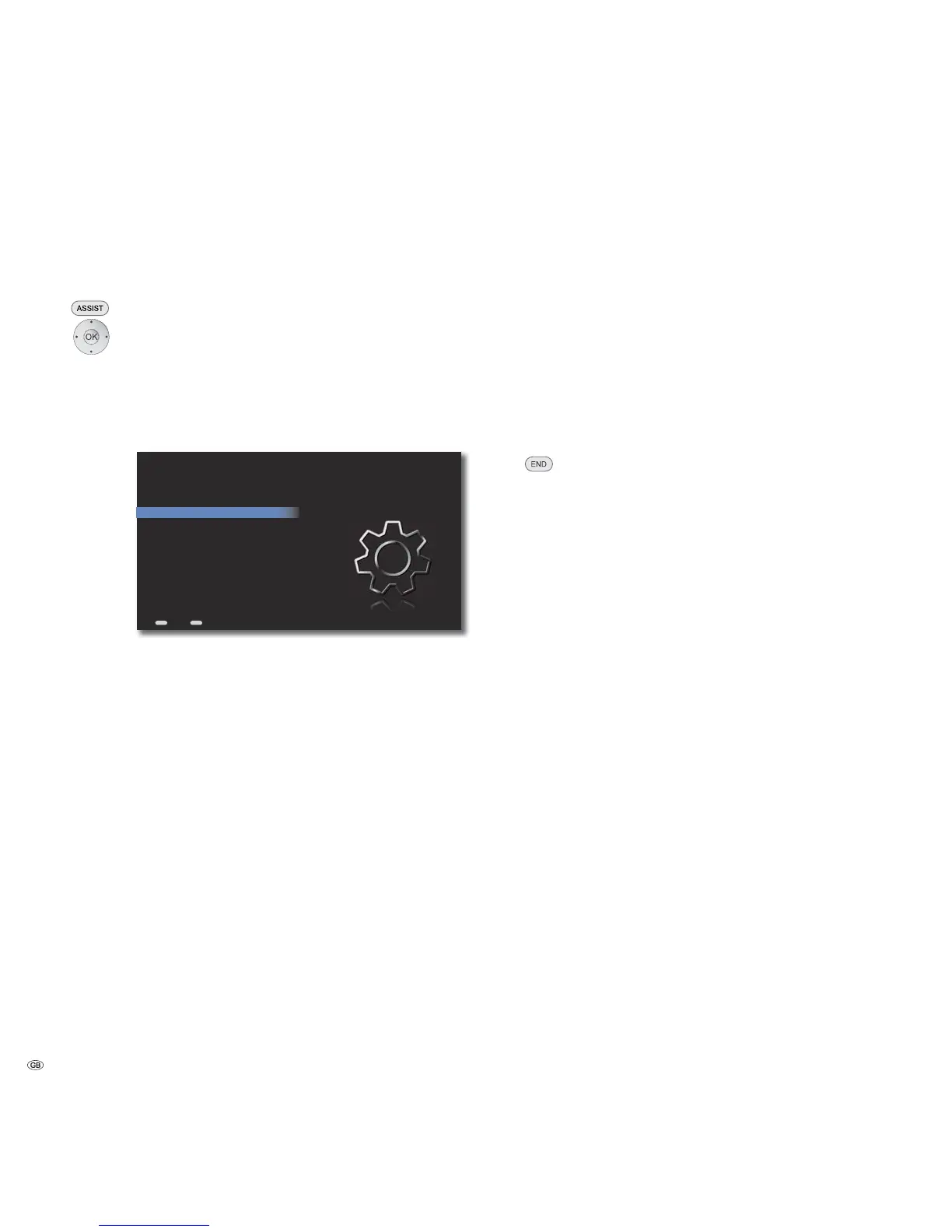
Start-up
Sound Components
In this menu you can configure your audio system.
Call up Main Menu.
Select Settings option.
Confirm OK.
Select option Audio.
Confirm OK.
Select option Sound components.
Confirm OK.
ASSIST
END
System Amplifier TV
TV Sound Input SPDIF
Connections
Distance
Level
Restore defaults
Audio - Sound Components
Back Home
System amplifier
Depending upon whether you operate the Mediacenter as a compound system
with a Loewe TV set (page 13 and page 14) or as standalone solution (page 15),
with this option you can set which system is to be used to process the audio signals.
➠ Call up menu as under “ Sound components“.
Select option System amplifier.
Select desired option.
TV The audio signals are processed by the Loewe TV set.
Make the sound settings in the TV set.
Mediacenter The audio signals are processed by the Mediacenter.
The sound settings in the menu Settings - Audio are
applicable.
➠ Loewe recommends using the Loewe TV set (from chassis L271x onwards)
as the system amplifier.If you connect the Mediacenter via an HDMI interface,
operation will be simpler since the compatible units can be automatically
switched on/off.
TV Sound Input
If you operate the Mediacenter as a standalone solution (page 15), use this op-
tion to set whether the audio signal (e.g. of a connected TV set) is outputted as
an analogue or a digital signal.
➠ Call up menu as under “ Sound components“.
Select option TV sound input.
Select desired option.
SPDIF The digital audio signal at the socket DIGITAL IN of
the Mediacenter is processed.
Line In The analogue stereo audio signal at the sockets
AUDIO IN L/R of the Mediacenter is processed.
Move Back in the menu.
- 26



 To Next Page