Play CD
Edit Music Info
If no corresponding information is found in the Internet, you can enter the media
information manually.
Call up Main Menu
Select option DVD/CD Player.
Confirm OK.
Select option Edit Music.
END
ASSIST
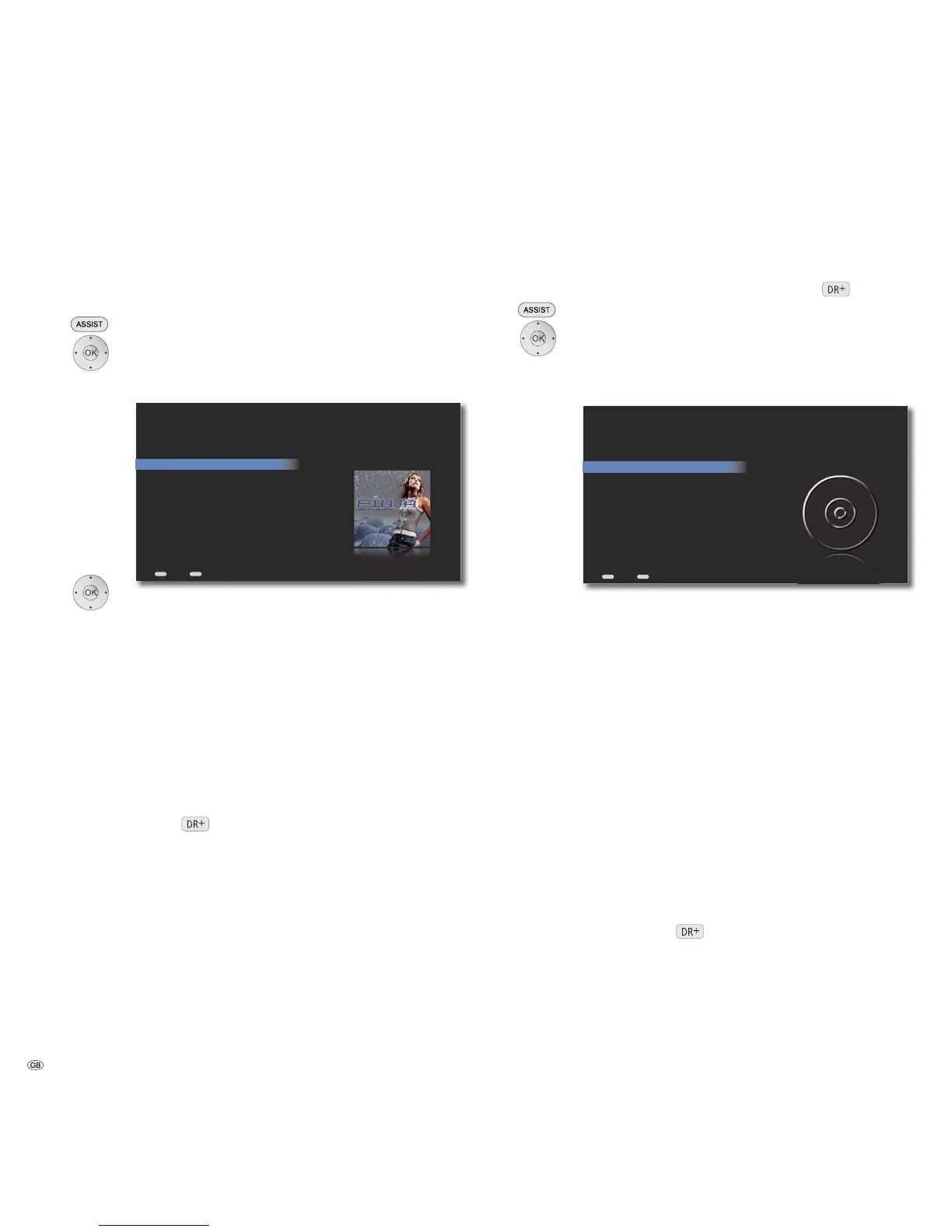
Edit Music - Finja
Back Home
Artist: Finja
Album: Avenue
Year: 2010
Genre: Pop
Tracks...
Search for Cover...
Lookup...
Select Local Cover...
Select option.
Artist Enter the name of the artist or band
Album Enter the name of the album
Year Enter the year of release
Genres Select the genre from the list
Tracks... From the list select the title, whose name you wish
to edit
Search for Cover Search for the matching Covers in the Internet
Lookup... Unknown music will be identified by the Gracenote ®
media recognition service
Select Local Cover... Correlate the title/album with the Covers from the
directory Covers on <Mediacenter> in the harddisk
(page 52)
Confirm OK.
CD Settings
You can make the settings for importing and playing audio CDs .
Call up Main Menu.
Select option DVD/CD player.
Confirm OK.
Select Settings option.
Confirm OK.
ASSIST
END
DVD/CD Player Preferences
Back Home
Select what you want to do when a DVD disc
is inserted into the front panel drive...
CD Insert
CD Import
Select option CD Insert.
Confirm OK.
Import and The inserted audio CD is automatically imported.
Eject The individual titles are stored as digital audio files
on the harddisk. After this, the CD is automatically
ejected
Display and The Mediacenter tries to identify the inserted audio CD.
play If successful, Covers and media information are
displayed. After this, the CD is automatically played
back
Confirm OK.
Select option CD Import.
Confirm OK.
Encoder The format of the digital audio files used to import
the inserted audio CD can be set: MP3, FLAC, WAV
Bitrate The bitrate can be set for MP3 files:128, 160, 192,
320 kBit/s. Higher bitrates offer a better sound
quality, but it requires more storage space on the
harddisk
Confirm OK.
- 34



 To Next Page